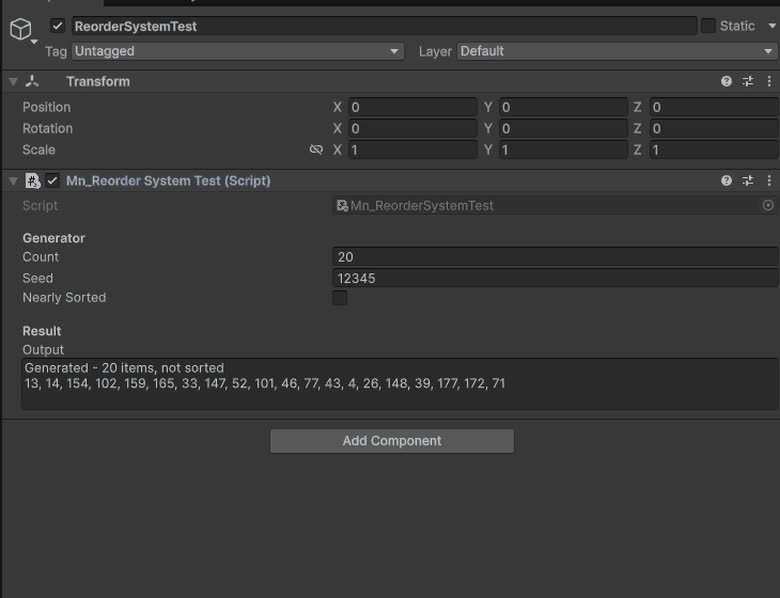
Gameplay Systems are comprehensive, code-free solutions designed to cover any gameplay mechanics a game developer wishes to implement in their game.
Comprehensive audio management for playback control and volume adjustment.
read docs →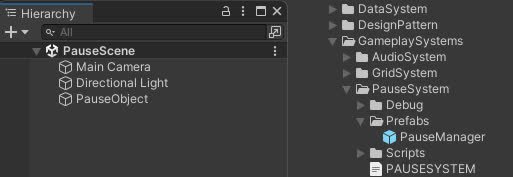
Manages the pause and resume of the game, allowing to pause the game and resume it at any time.
read docs →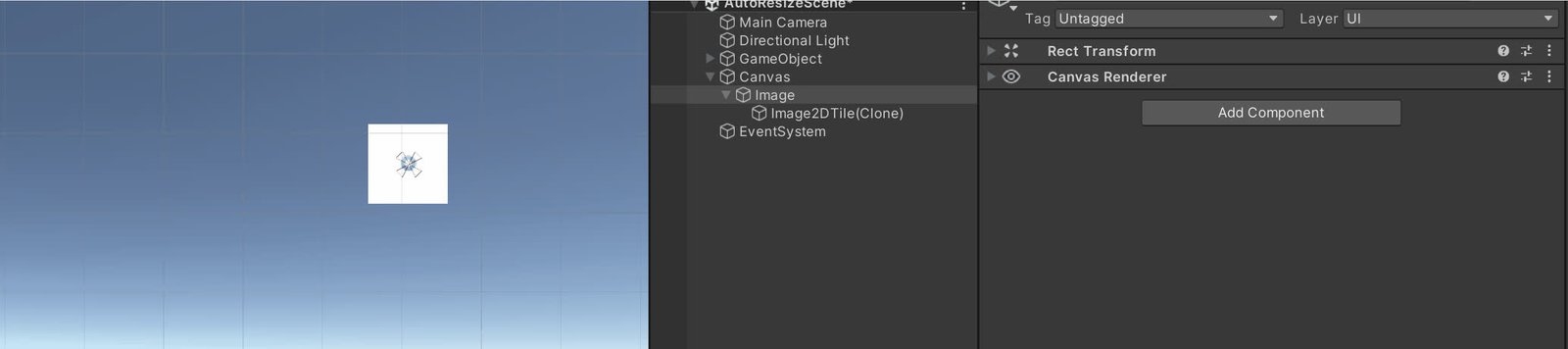
Manage gameobject placed in a 2D or 3D grid layout
read docs →
Manages loading screens and scene transitions, with hooks for progress feedback and events.
read docs →In progressVisual novel framework with chapters, dialogues, choices, variables and conditional flows.
read docs →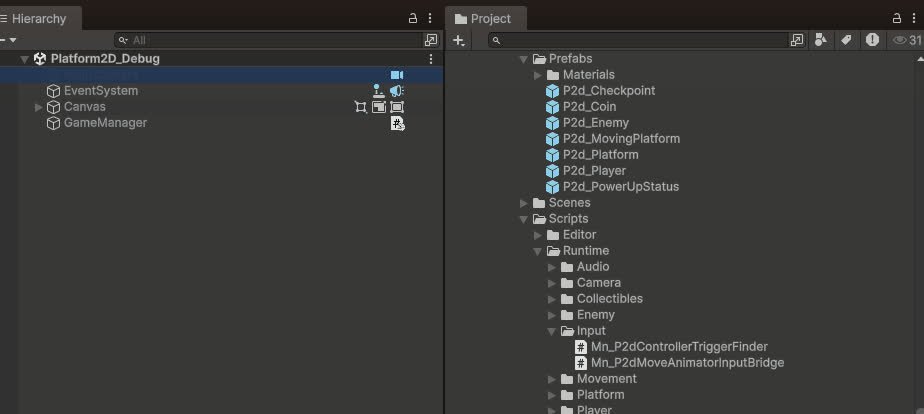
Ready-to-use 2D platformer framework: player with stats and events, moving platforms, coins, checkpoints, enemies with vision cones, and status power-ups.
read docs →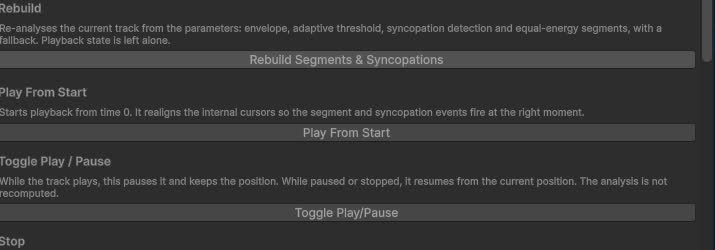
Multi-track music system that blends and switches layers based on gameplay states.
read docs →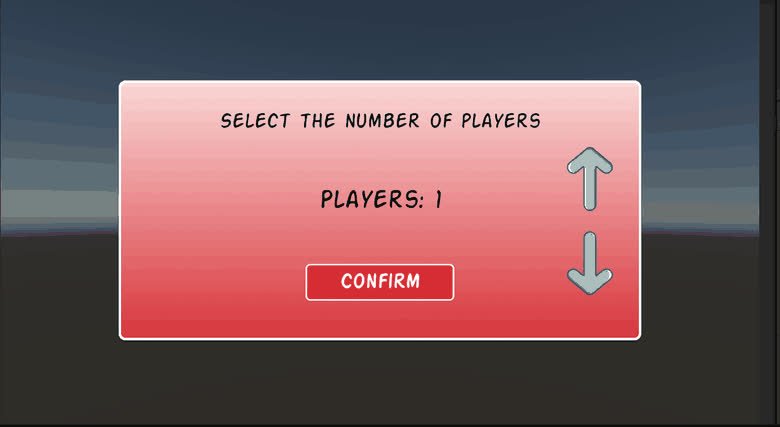
Local multiplayer helper that generates and reads QR codes to connect player devices.
read docs →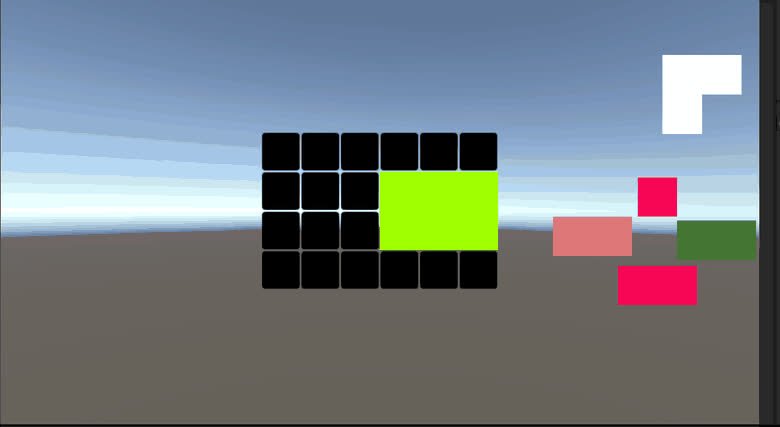
Puzzle system for building Tangram-style boards, checking tile combinations and firing events when shapes are correctly assembled.
read docs →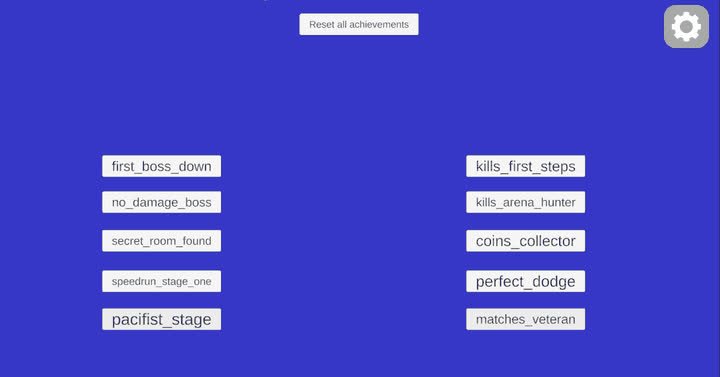
System for defining, tracking and rewarding player achievements and progression goals.
read docs →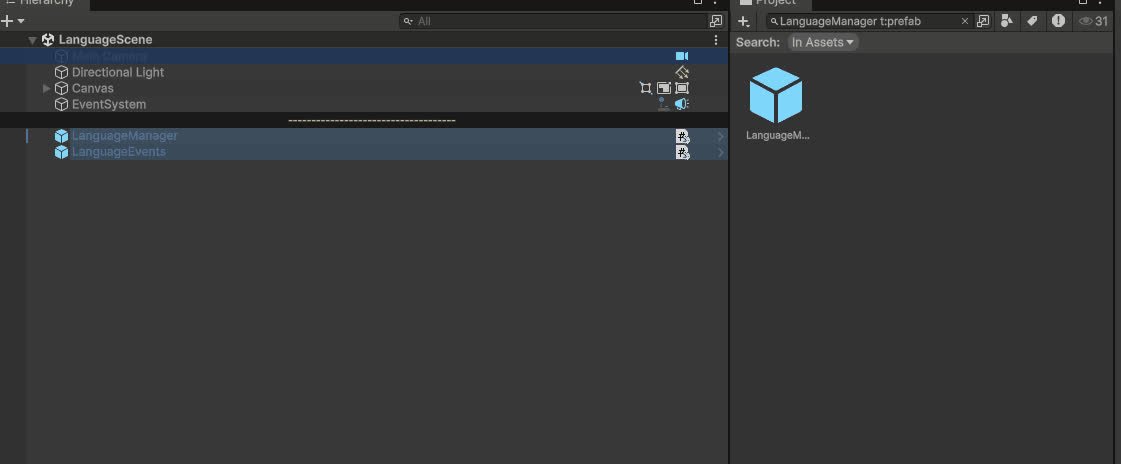
Global language manager that stores available languages, syncs UI dropdowns and notifies listeners to update localized texts at runtime and in editor.
read docs →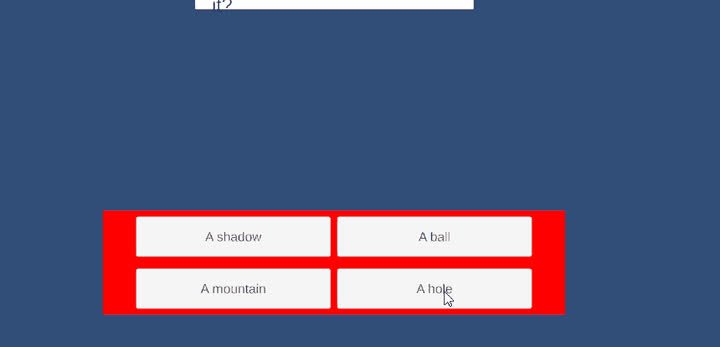
Flexible quiz framework with ScriptableObject quiz databases, controllers and UI managers to run linear or random quizzes and evaluate win/lose conditions.
read docs →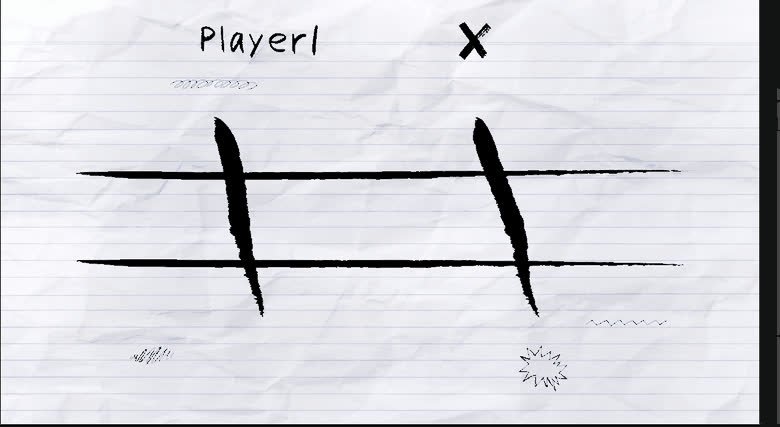
Tic-tac-toe in four variants — classic, matriosca, sliding and inception — with an AI opponent whose difficulty is selectable.
read docs →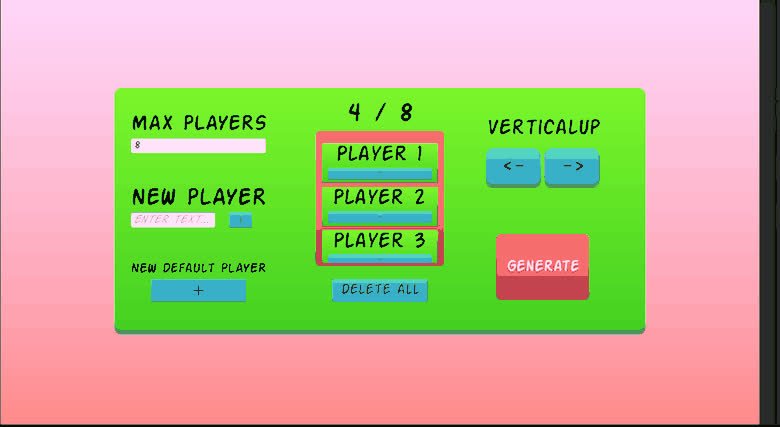
Tournament framework for managing brackets, users and match progression.
read docs →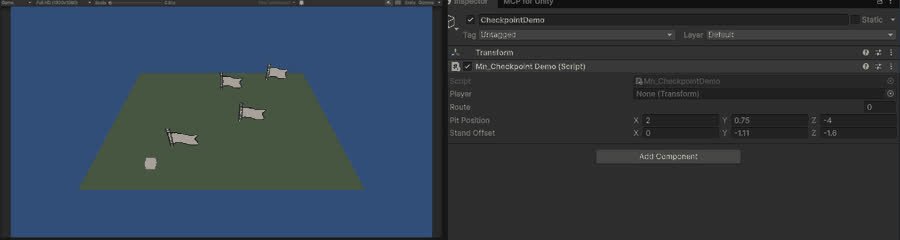
Save points that remember where the player was, and restore them after a death.
read docs →
First-person character controller: movement, look, jump and ground handling, driven from UI or keys.
read docs →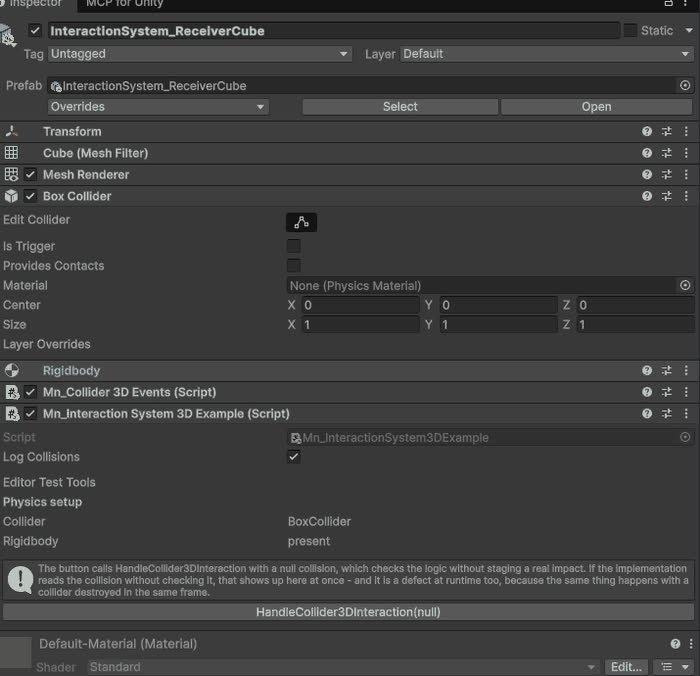
Base for objects that react to a 3D collision, with the physics setup checked in the inspector.
read docs →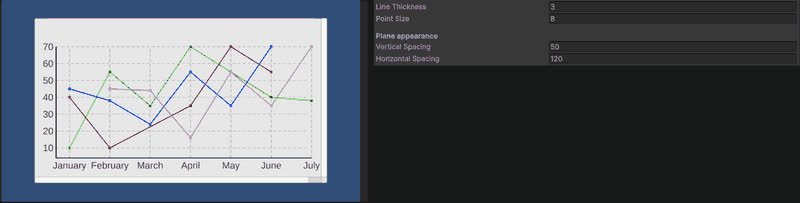
Line chart rendered in the world rather than on a canvas.
read docs →
Utility Systems are versatile solutions designed to streamline production in various scenarios, simplifying the development process for both programmers and designers. There are also a lot of primitive systems useful for build more complex systems
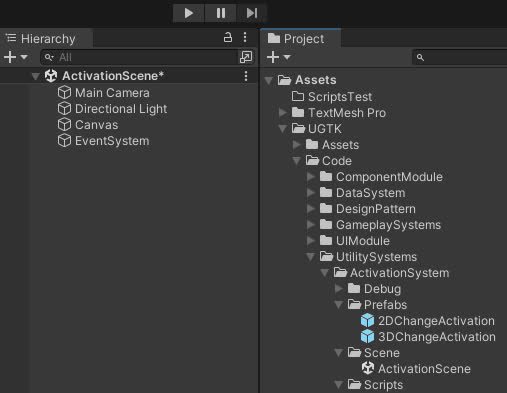
The Activation System controls GameObject states, enabling activation, deactivation, and toggling for dynamic gameplay scenarios.
read docs →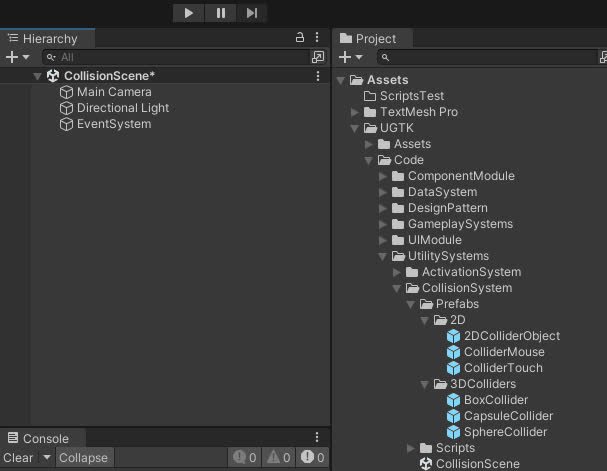
Manages 2D/3D collisions and detects mouse and touch interactions with customizable behavior.
read docs →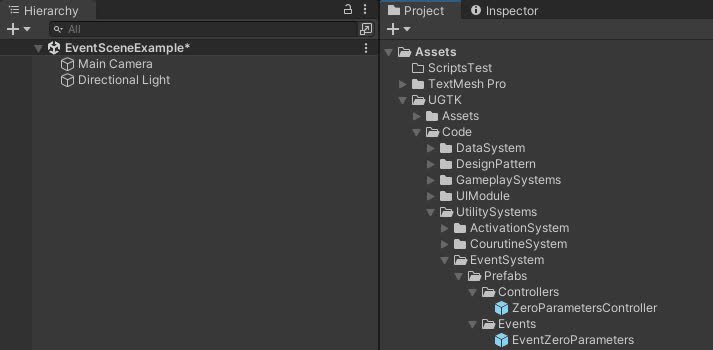
Flexible system for managing game events, including listener management, event invocation
read docs →
The LinkOpenerSystem opens URLs in Unity, supporting both web links and deep links to compatible apps.
read docs →
The Pooling System efficiently manages and reuses GameObject instances.
read docs →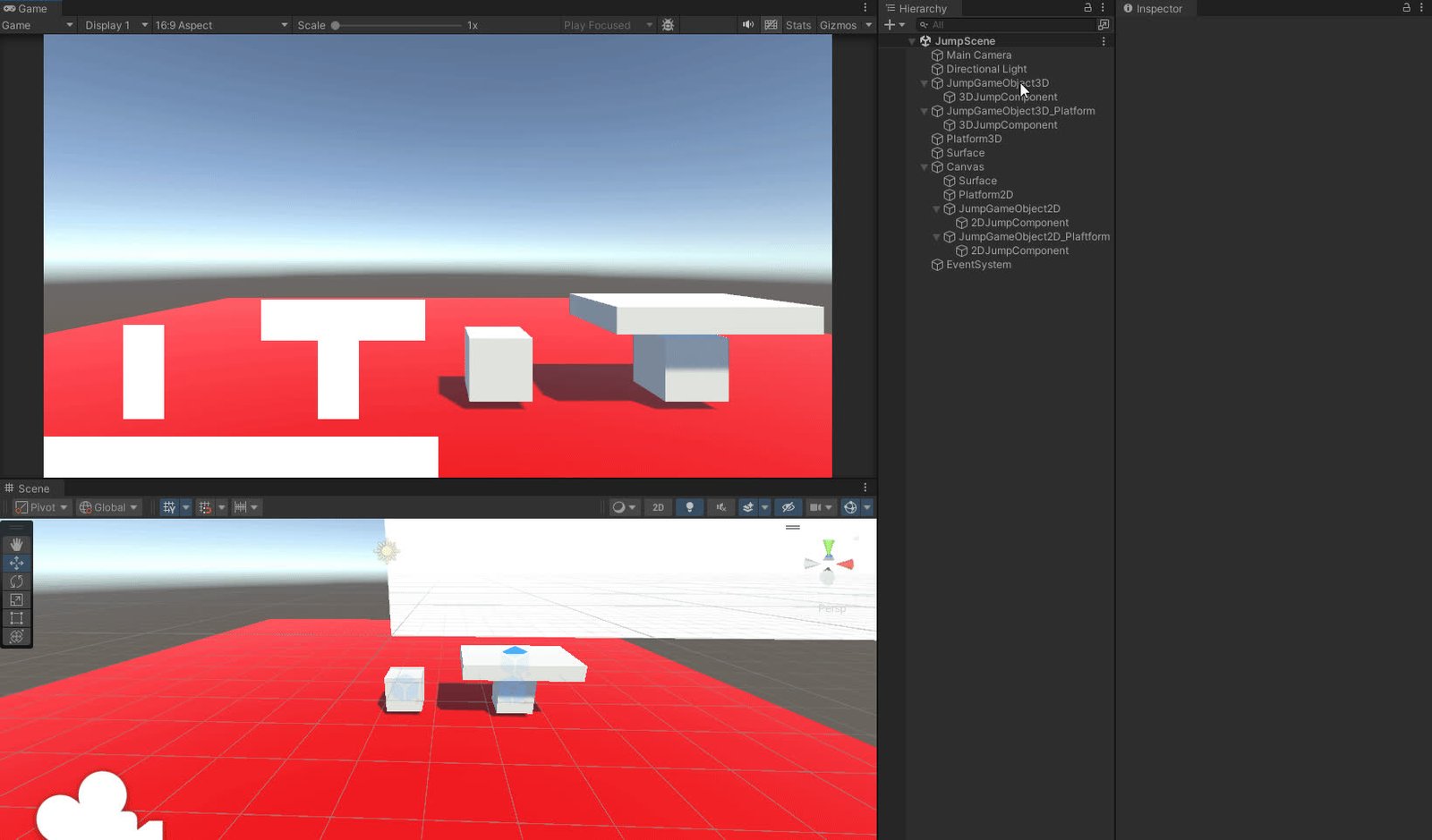
The Randomic List Element System manages lists where each element has a unique percentage, ensuring totals equal 100%, with support for locking, syncing, and random selection.
read docs →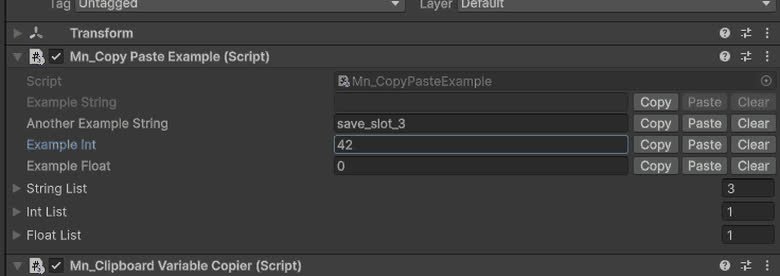
The Copy Paste System enhances Unity's Inspector with Copy, Paste, and Clear buttons for efficient string manipulation.
read docs →
Component that allow in a WebGL build to get an image from user computer
read docs →
TimeOnlineSystem is a system that allows you to get the time from a server.
read docs →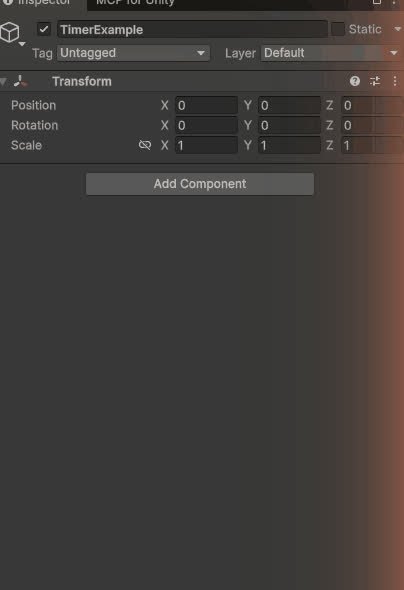
Configurable timer counting up, down or unlimited, with time components, threshold and interval events and ready-made UI prefabs.
read docs →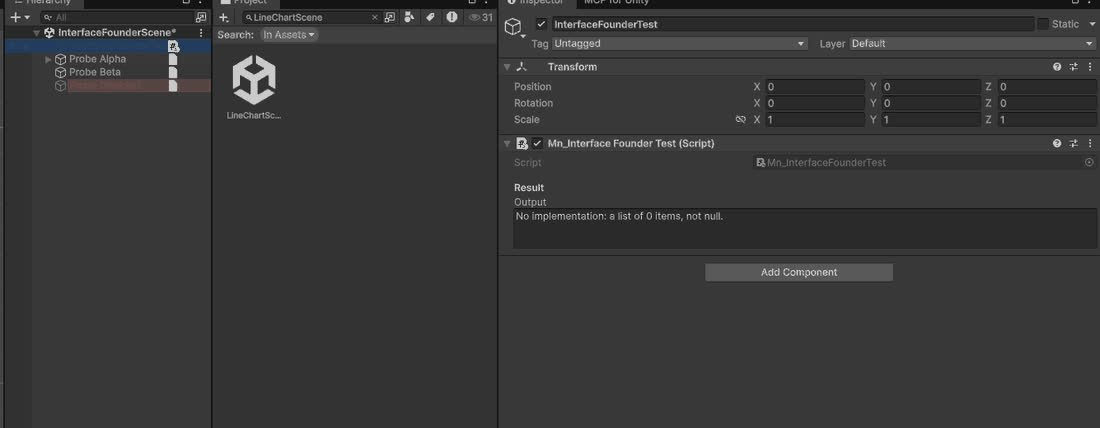
Utility class to find all objects that implement a specific interface in the scene, inactive ones included.
read docs →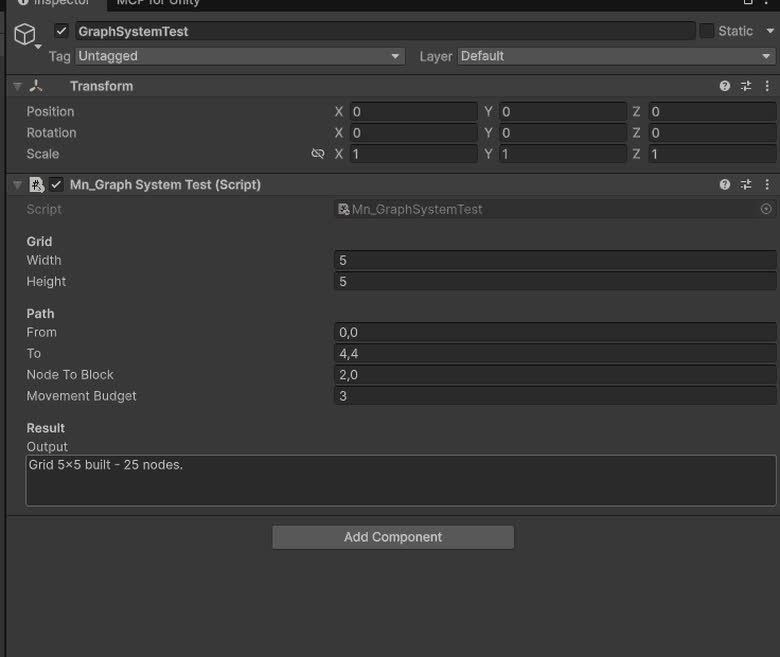
Generic graph data-structure with nodes, edges, traversal (BFS/DFS) and pathfinding algorithms like Dijkstra and A*.
read docs →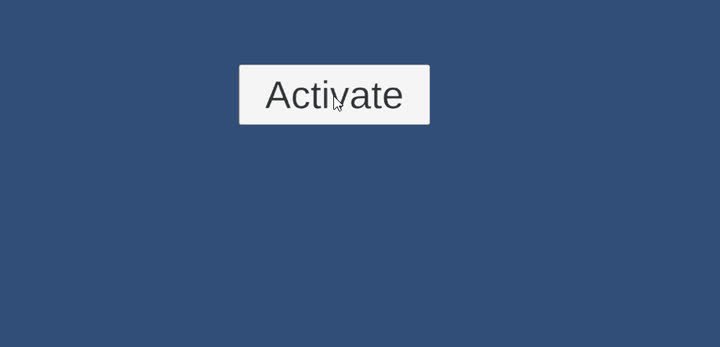
Pooling-based VFX spawner that plays particle and VFX Graph effects once, looping or at intervals, with auto-return and editor-friendly events.
read docs →
Editor utility that adds ready-to-use UGTK prefabs to the scene via the `GameObject/UGTK` menu for fast system and component setup.
read docs →
Generic counting utility for timers, scores or any incremental values with events on thresholds.
read docs →
Counter subclass that classifies the current value into non-overlapping bands and fires the matching event.
read docs →
Maps keyboard or gamepad input to high-level actions, simplifying input handling and remapping.
read docs →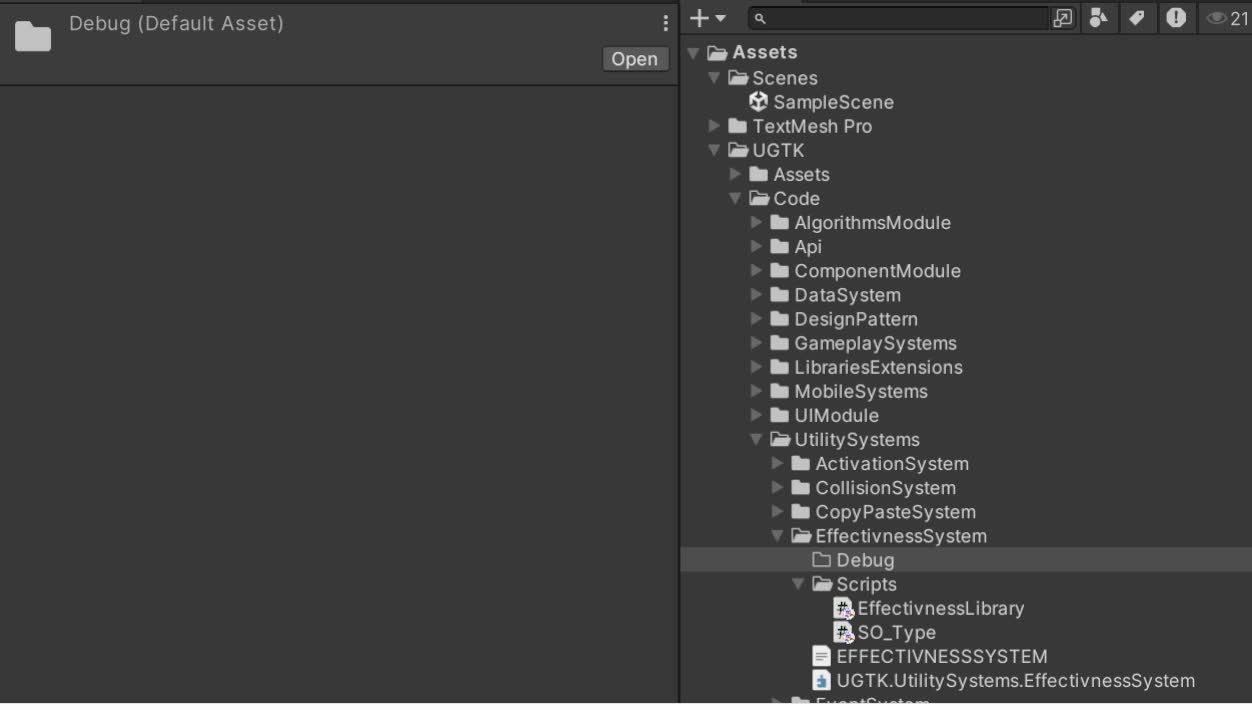
Utility to track effectiveness metrics (e.g. success rates) over time, useful for analytics and balancing.
read docs →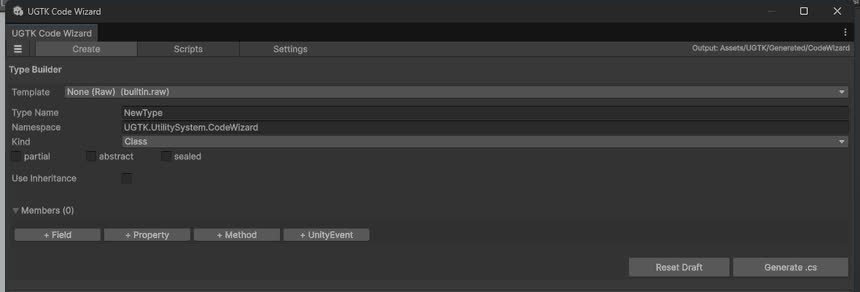
Editor wizard that automates generation of boilerplate UGTK code and ScriptableObjects.
read docs →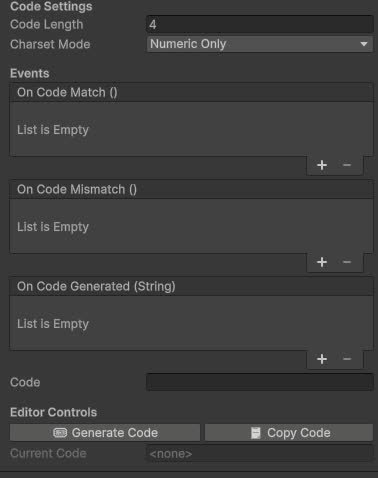
Utility for generating unique codes/keys (for coupons, invites, etc.) with customizable formats.
read docs →
Reads and exposes query-string parameters (e.g. from WebGL builds) to drive in-game behaviour.
read docs →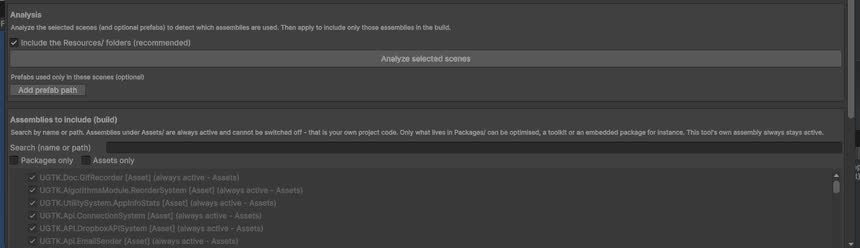
Centralizes references to UGTK assemblies and modules, easing setup and dependency tracking.
read docs →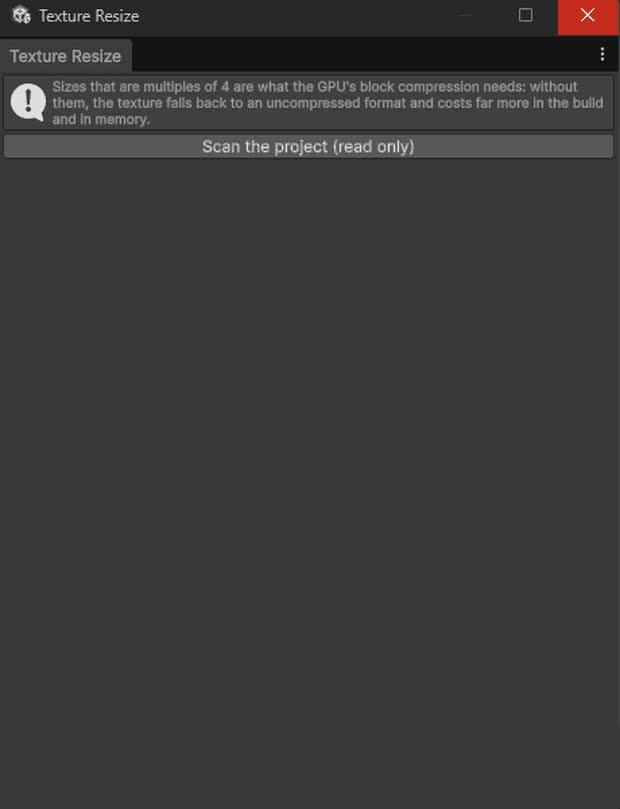
Resizes textures at runtime or in editor, useful for optimization and dynamic thumbnails.
read docs →
Quit, full-screen toggle and minimize for desktop builds.
read docs →
Plays local or remote video on a UI RawImage, with a WebGL prefetcher that caches the file in the browser's Cache Storage.
read docs →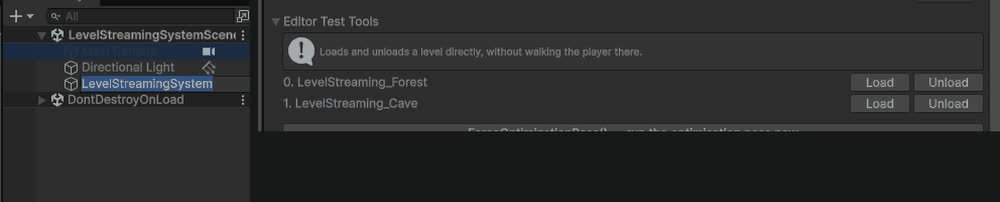
Additive async scene load/unload with events on every stage, plus a distance/visibility optimization pass on a list of target objects.
read docs →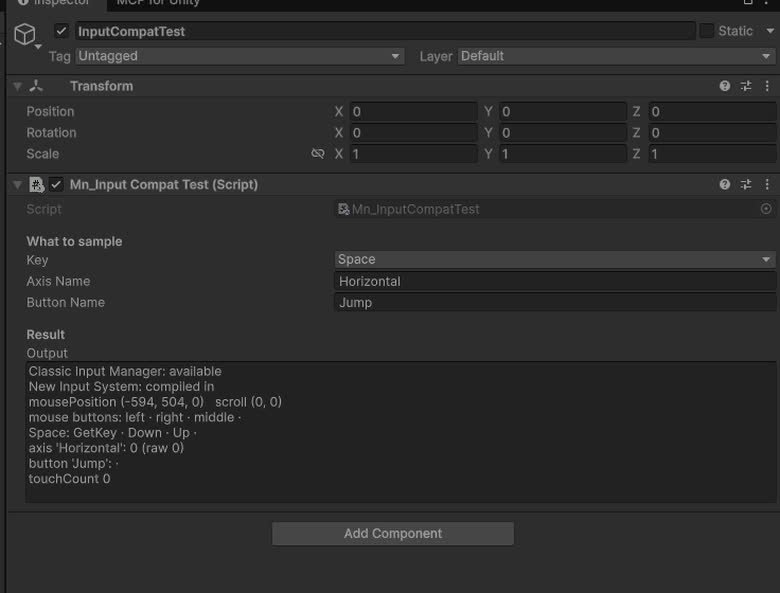
`UGTKInput`: drop-in replacement for `UnityEngine.Input` that works with the legacy Input Manager and the new Input System alike.
read docs →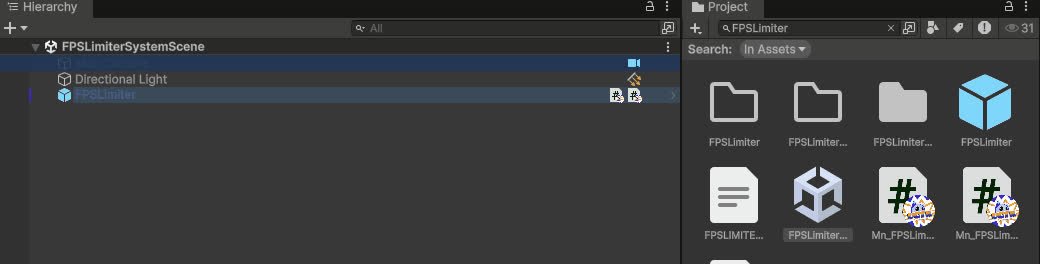
Caps the frame rate from a component: target FPS, VSync and physics tick rate handled together.
read docs →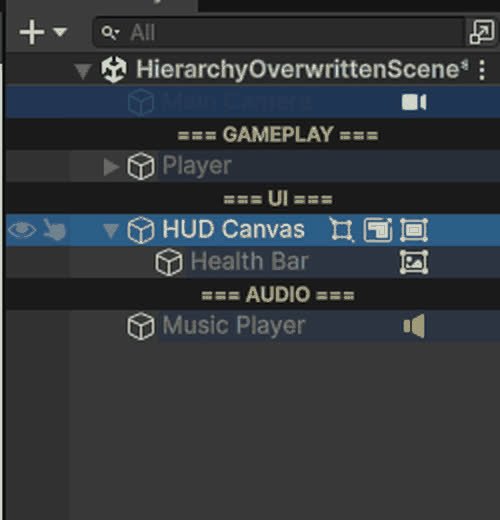
Editor-only Hierarchy overlays: row colours, name rules, Tag/Layer and component badges, separators, visibility and lock toggles.
read docs →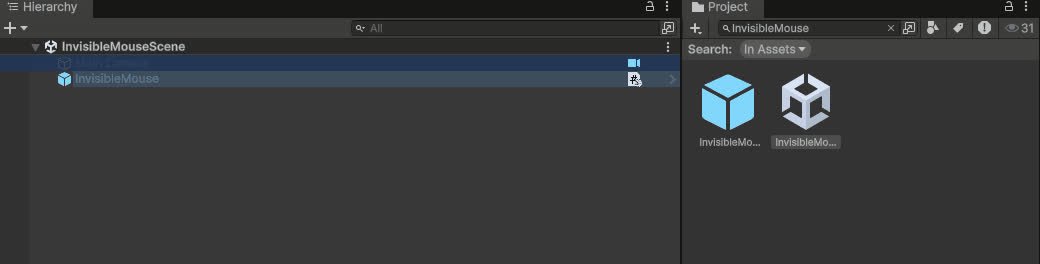
Keeps the cursor permanently hidden on Editor, Standalone and WebGL (with its own `.jslib` for the browser canvas).
read docs →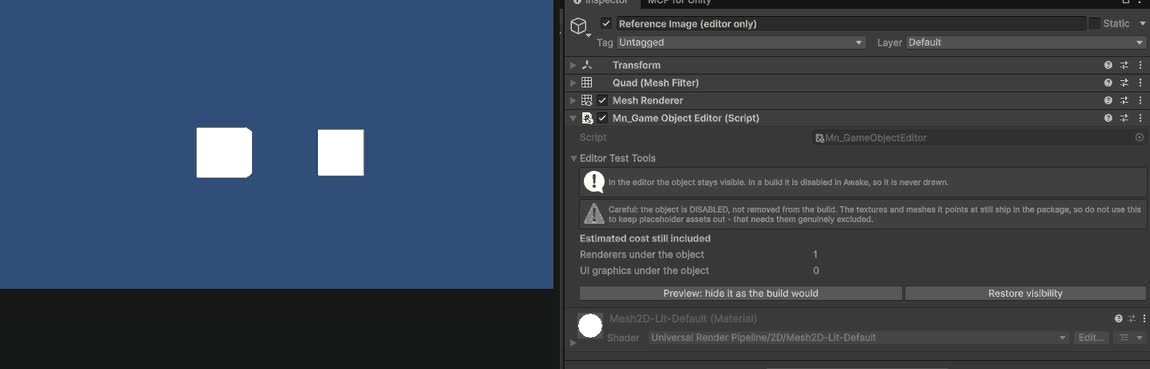
Editor tools for inspecting and batch-editing GameObjects in complex scenes.
read docs →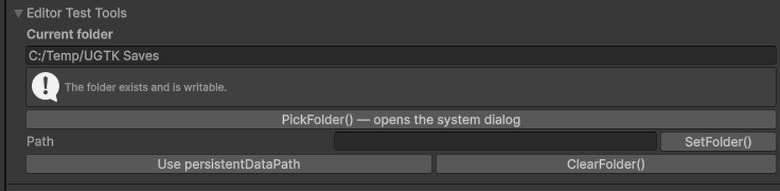
Centralized management of folder paths used by other systems (saves, logs, exports, etc.).
read docs →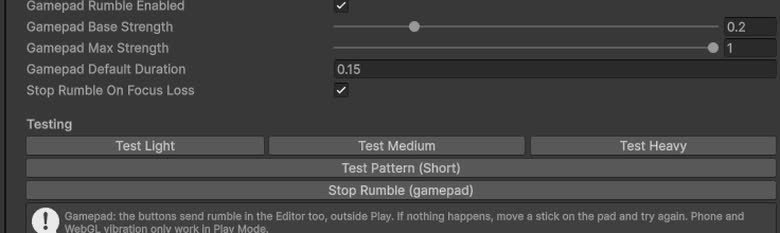
Utility wrapper to trigger vibration/haptic feedback from non-mobile-specific contexts.
read docs →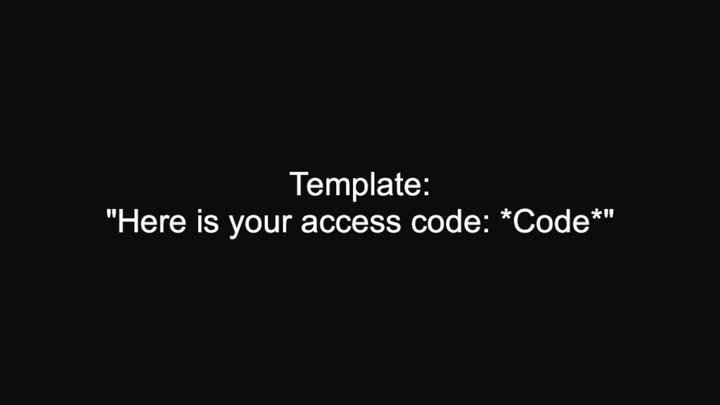
Substitutes *tokens* inside a text template with values supplied at runtime.
read docs →
The library extensions part provides the use of modules with static function libraries that extend classic objects such as game objects or lists.
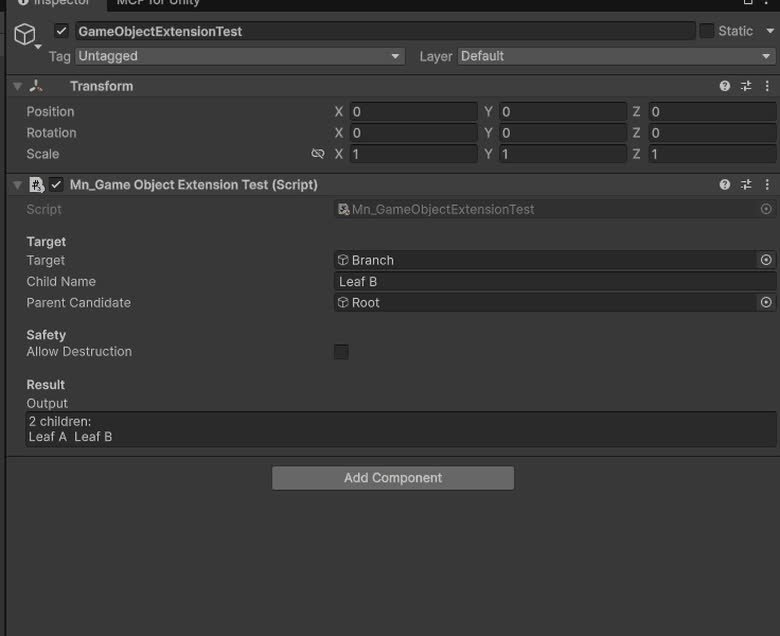
Extension class for GameObject providing additional functionality.
read docs →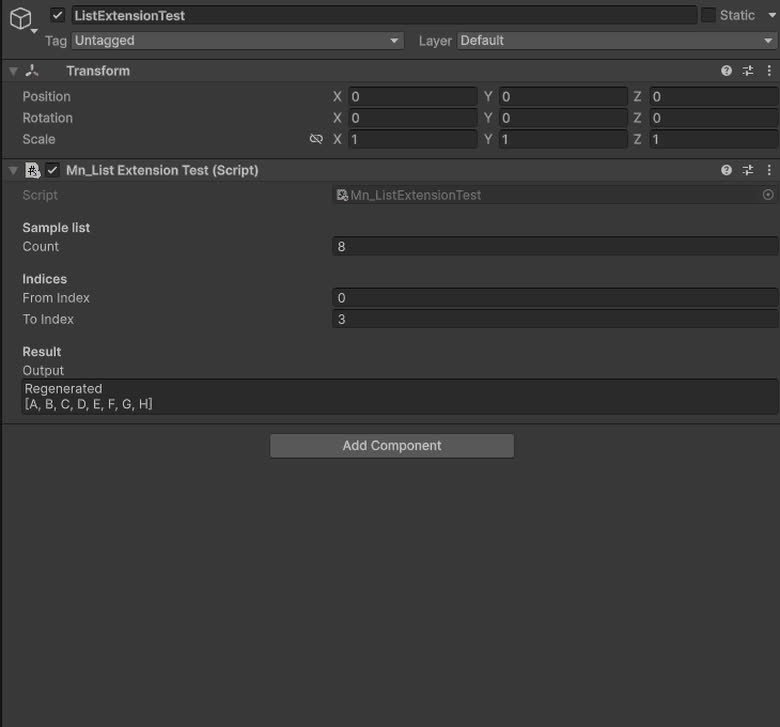
Provides extension methods for List objects.
read docs →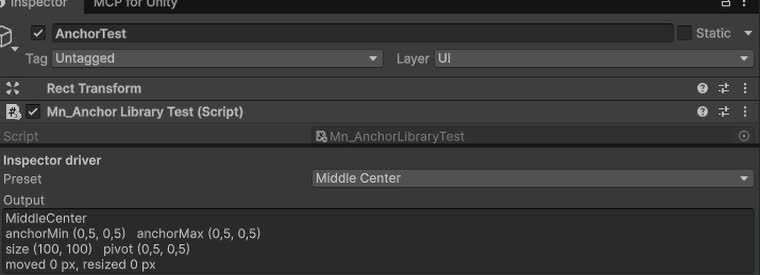
Tool for setting the anchor of a UI using predefined presets.
read docs →
Helper methods to convert sprites and textures to and from Base64 strings.
read docs →
The Algorithms Module provides a set of core algorithms that enable efficient operations on data structures such as lists or graphs, including sorting, searching, and optimization techniques.

The Ui Module group offers ready-made solutions for any user interface needs.

Modular dashboard UI for displaying tables, KPIs and widgets bound to data sources.
read docs →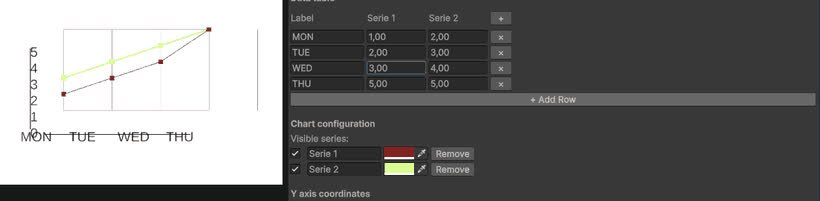
Configurable line chart component for plotting values over time or categories.
read docs →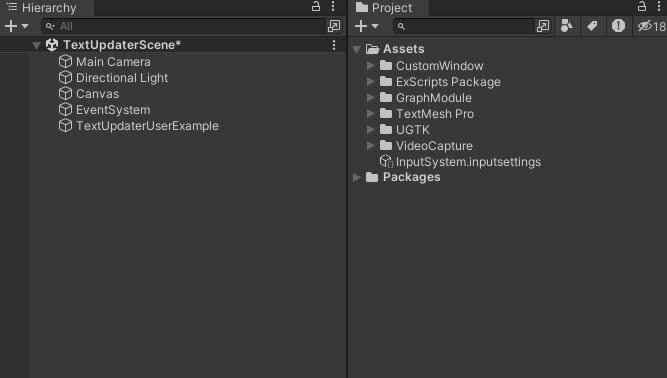
TextUpdaterSystem dynamically updates Unity UI text with TextMeshPro, reflecting real-time variable values from MonoBehaviour components.
read docs →
Utility for enforcing hard line breaks and balanced lines in TextMeshPro text.
read docs →
Components to force uppercase, lowercase or capitalized text in TextMeshPro fields.
read docs →
Applies bold formatting to selected parts of a TextMeshPro label via markers or segments.
read docs →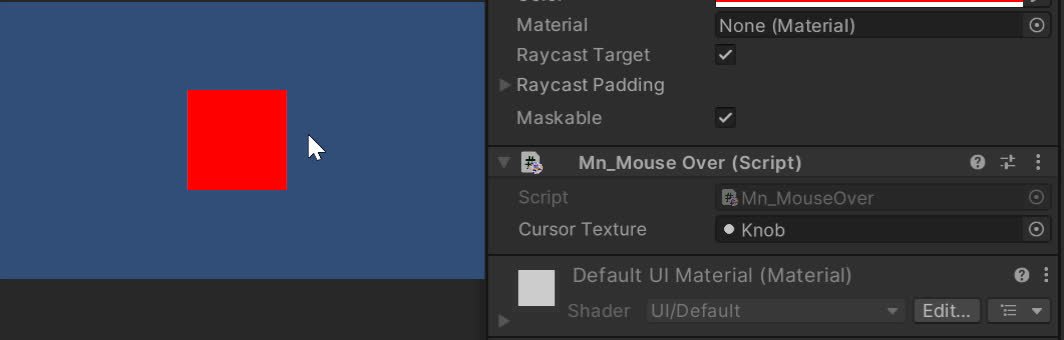
Change mouse icon when over an UI with this system.
read docs →
UI button press feedback: hides shadow/outline and shifts RectTransform by a fixed offset on press.
read docs →
Continuous idle squash/stretch (jelly) animation for UI or world transforms.
read docs →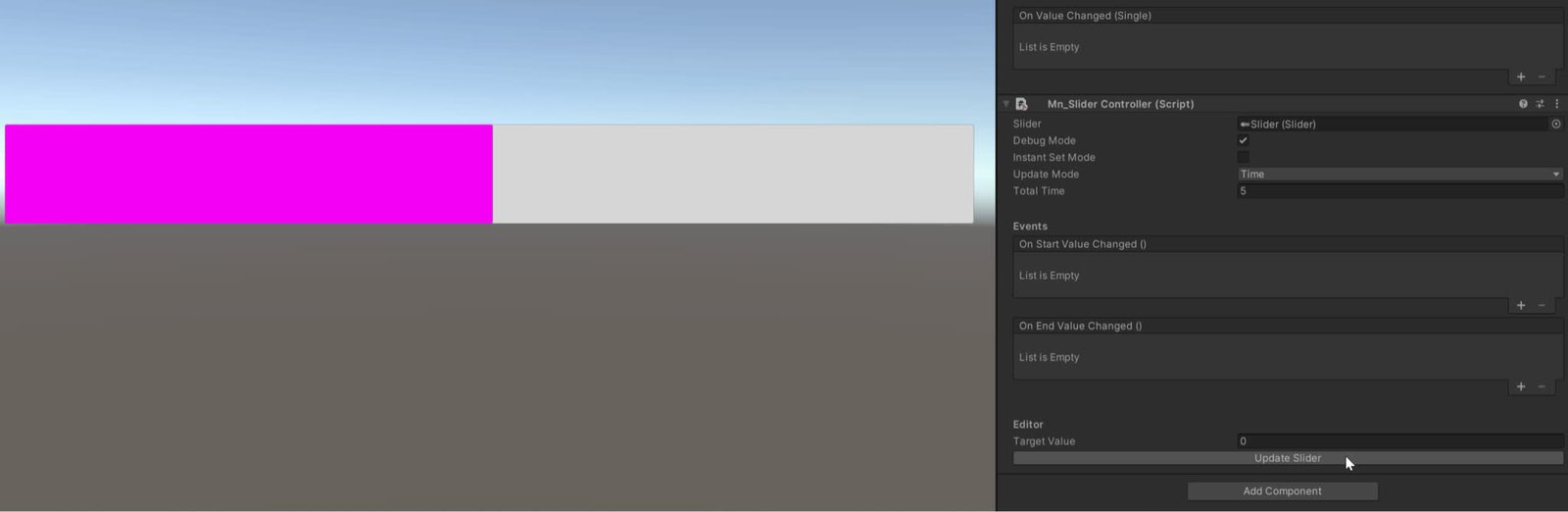
Manages to change the value of the slider with animation
read docs →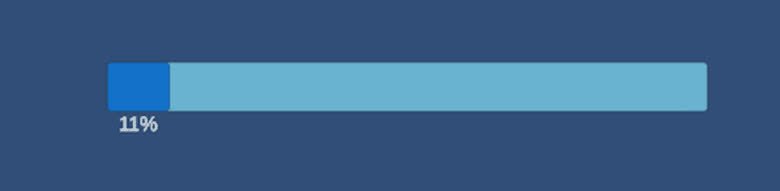
Timer slider components (linear and circular) driven by coroutines with events on completion.
read docs →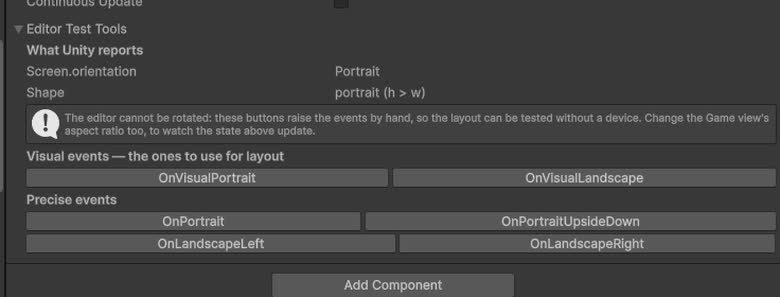
Manages switching between multiple UI screens or panels with simple API.
read docs →
UI blur effects controller for backgrounds and panels.
read docs →
Component to shake the camera or UI canvas for feedback effects.
read docs →
Multi-stop gradients on any UI `Graphic` (linear, radial, corner) plus a gradient overlay for images, with gamma compensation.
read docs →
Controls fade-in/out of UI elements or full-screen overlays.
read docs →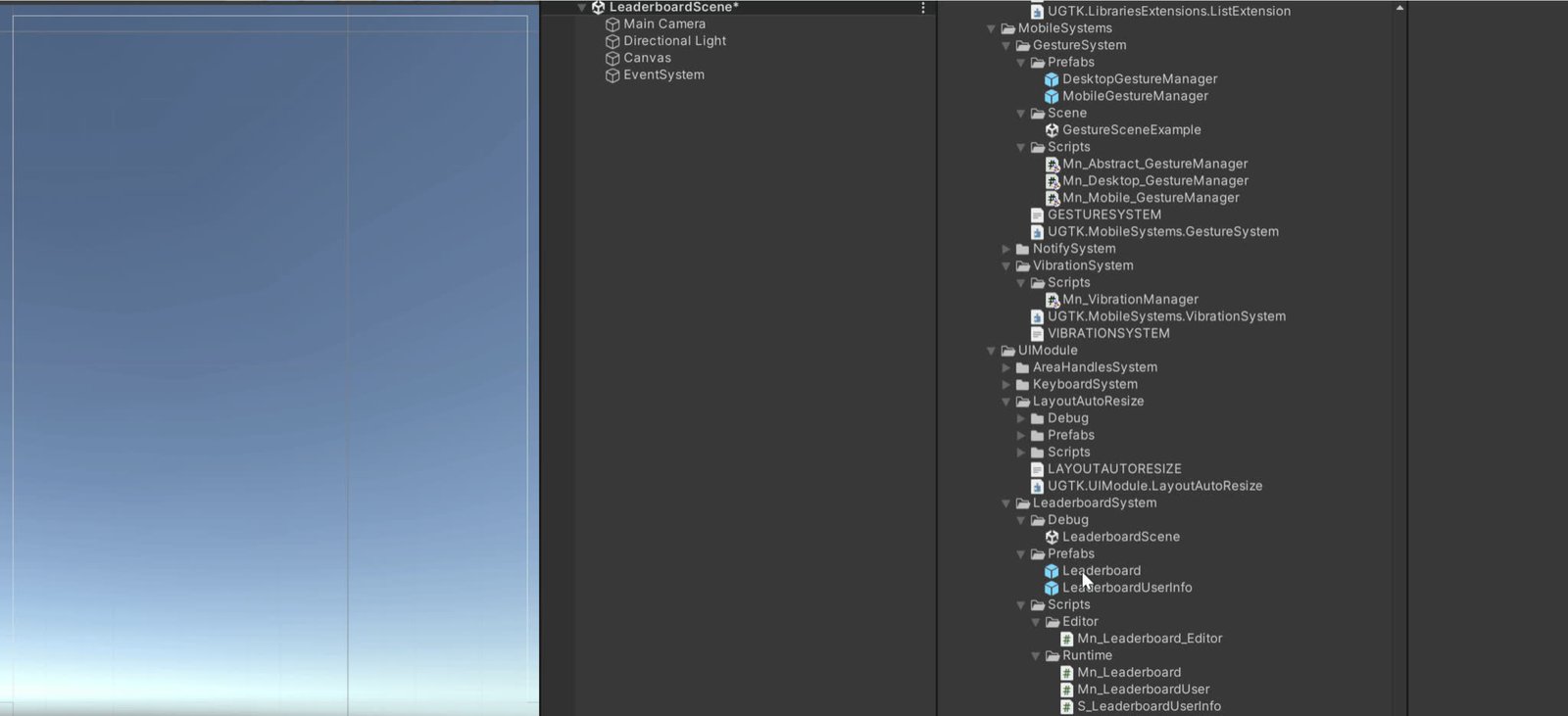
Displays a list of users and their scores, sorted in order.
read docs →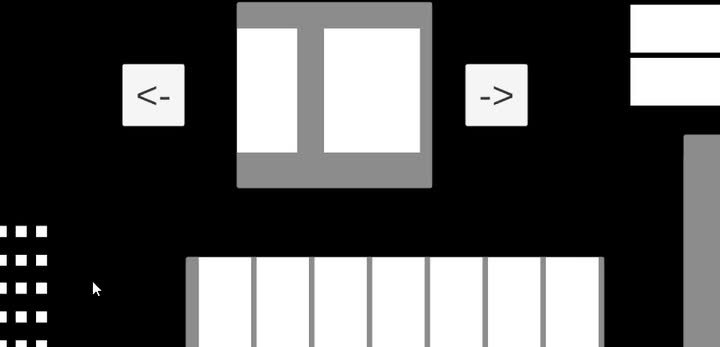
Auto-resizing UI layout components that manage grid/horizontal/vertical children and resize their parent while firing events on add, remove and clear operations.
read docs →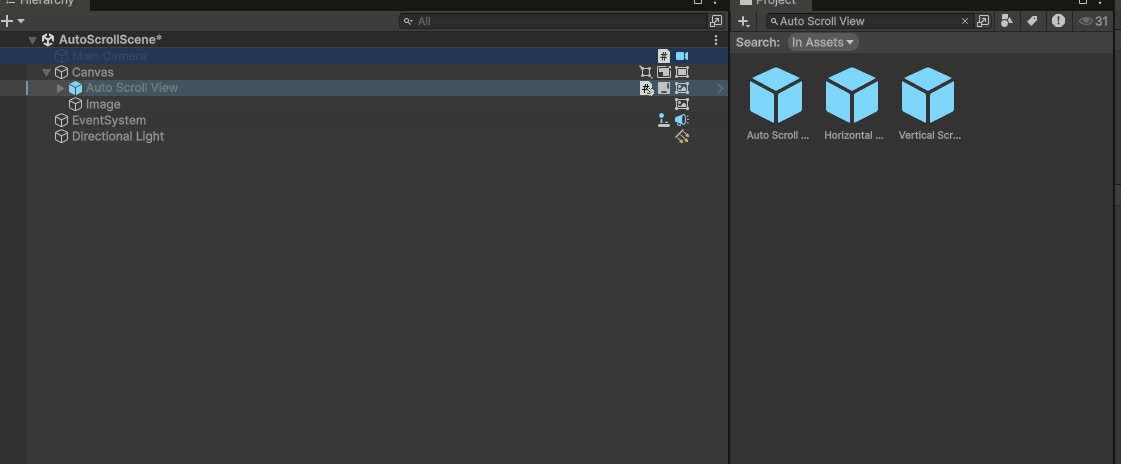
Automatically scrolls a ScrollRect at a constant speed with pauses at each edge (ping-pong / loop / once), on either axis, reacting to Layout AutoResize list changes. Used for leaderboards.
read docs →
Per-character TextMeshPro animation from one component: persistent/appearance/disappearance tags, 35+ built-in effects, modifiers (=,*,+,flags), per-effect stagger, typewriter with inline actions & events, accessibility. A Text Animator-class system, inspector-driven.
read docs →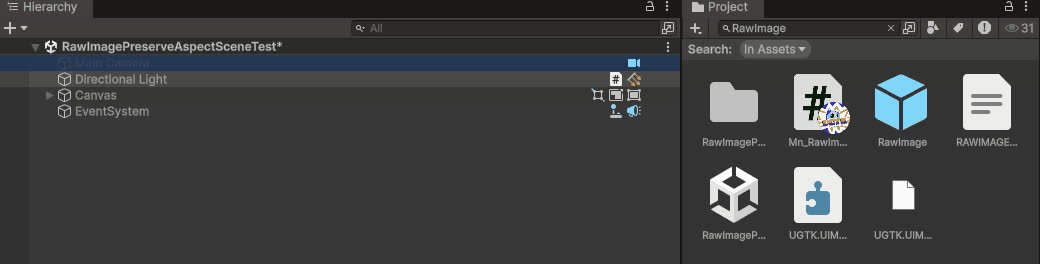
Ensures `RawImage` content keeps its aspect ratio when resized.
read docs →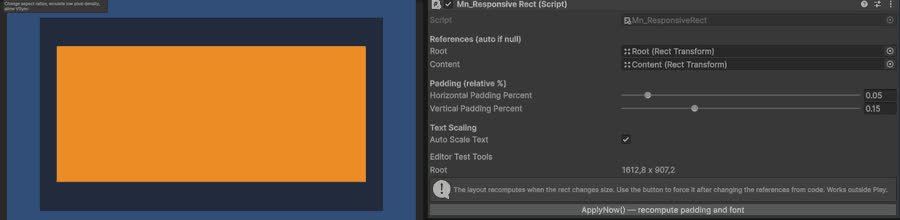
Responsive layout helpers to adapt UI to different aspect ratios and resolutions.
read docs →
Extra behaviours and events for standard dropdowns.
read docs →
Cycles through a list of UI elements or sprites with next/previous controls.
read docs →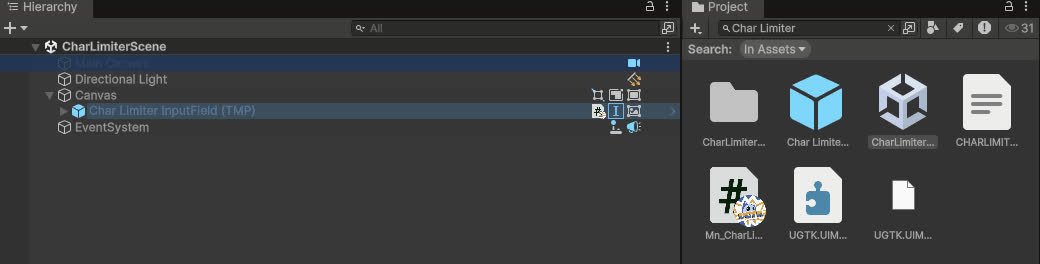
Limits and visualizes the remaining characters in input fields or text areas.
read docs →
2D drawing canvas system for pointer/touch drawing and saving strokes.
read docs →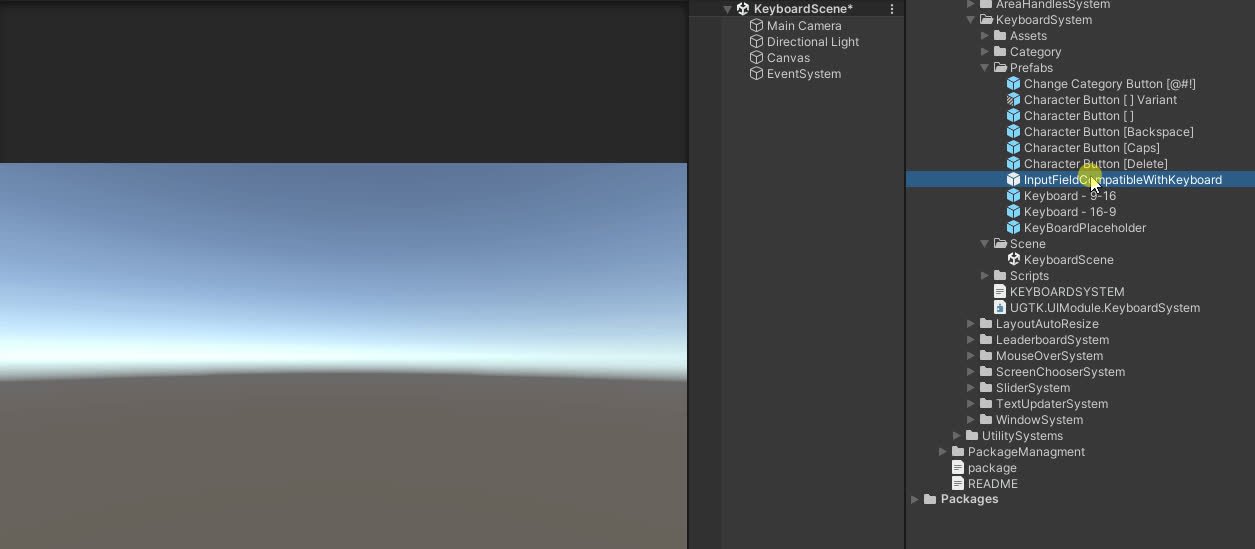
Keyboard on screen that allow the mouse/touch only to type on a inputfield
read docs →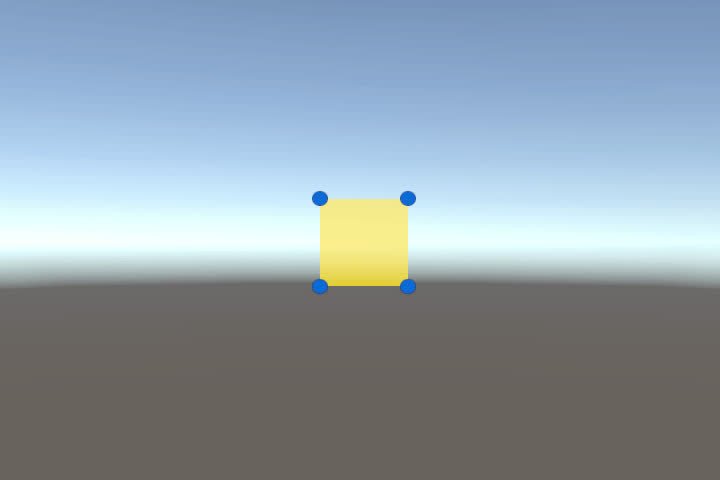
UI element that can be move and resized in Game
read docs →
Lightweight popup/message UI system with queues and callbacks.
read docs →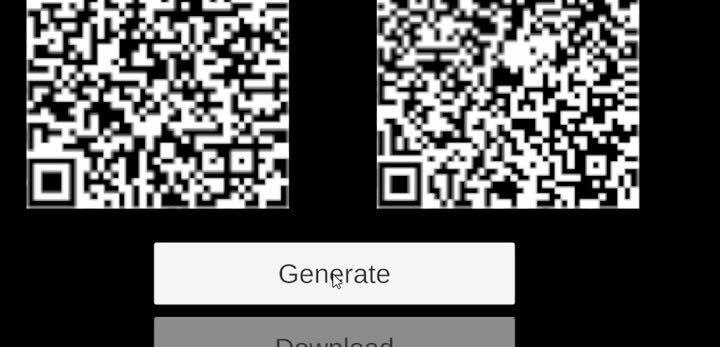
Generates QR codes into UI images for links, invites or session IDs.
read docs →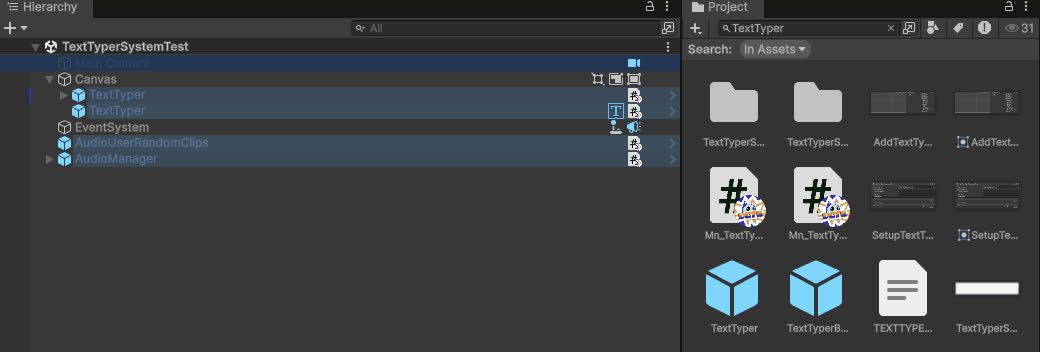
Component that display text on screen with typing—revealing effect
read docs →
Extra events and behaviours for toggle groups.
read docs →
Changes the player's resolution and reports what the platform actually applied.
read docs →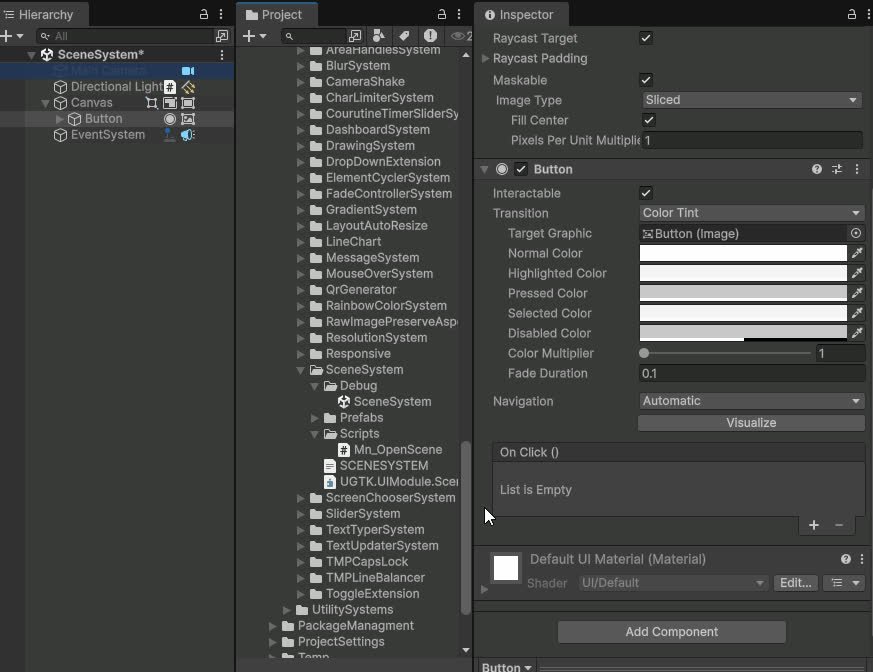
Loads a scene from a UnityEvent, with an edit-time check that it is in the Build Settings.
read docs →
Data Systems provide implementations that enable versatile data management solutions.
Flexible Unity DB management
read docs →
UGTK's Dictionary System enhances serializable dictionaries with key/value operations.
read docs →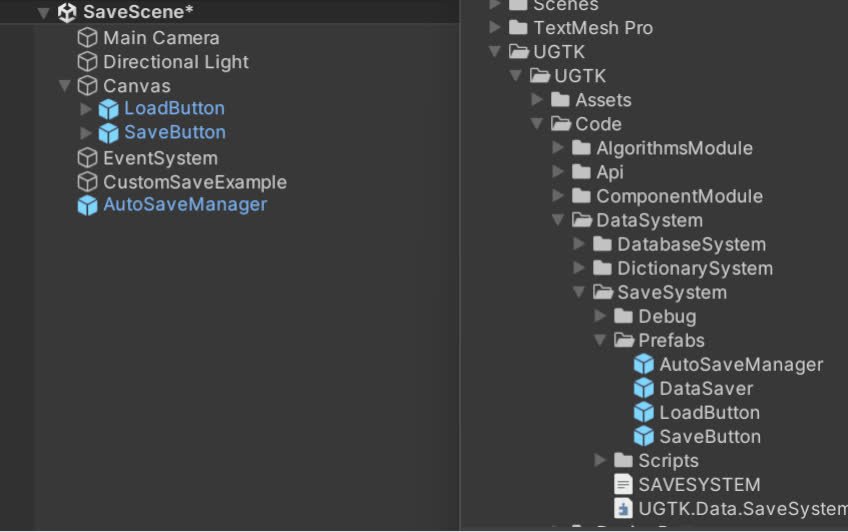
Designed to save data from the game by storing key-value to be later on saved in the main memory.
read docs →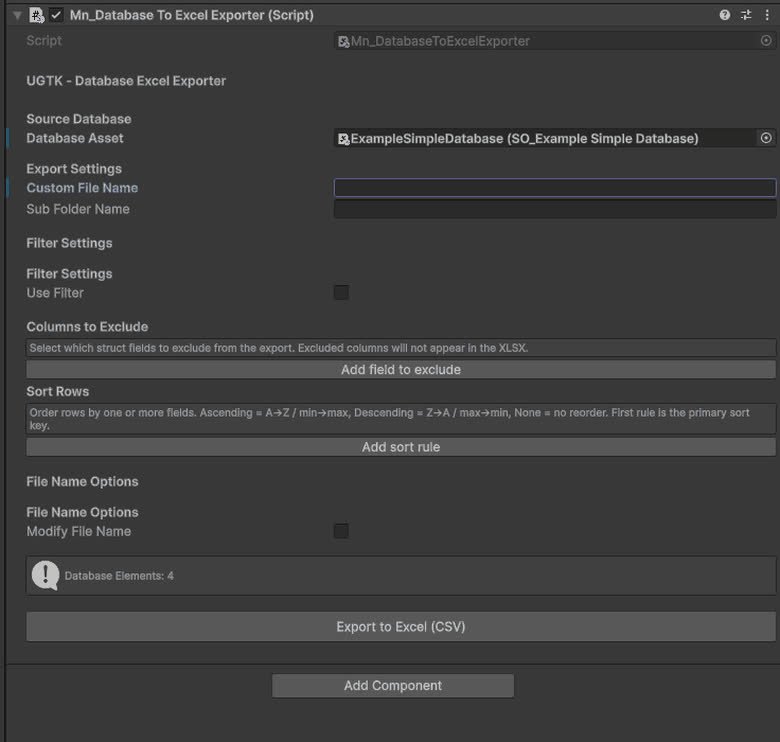
Tools for managing table-like data (e.g. CSV) and mapping it into UGTK data structures.
read docs →
The Component Module is a collection of various components essential for game development. A component is defined as a child GameObject of another GameObject, capable of adding additional functionality to the parent GameObject.
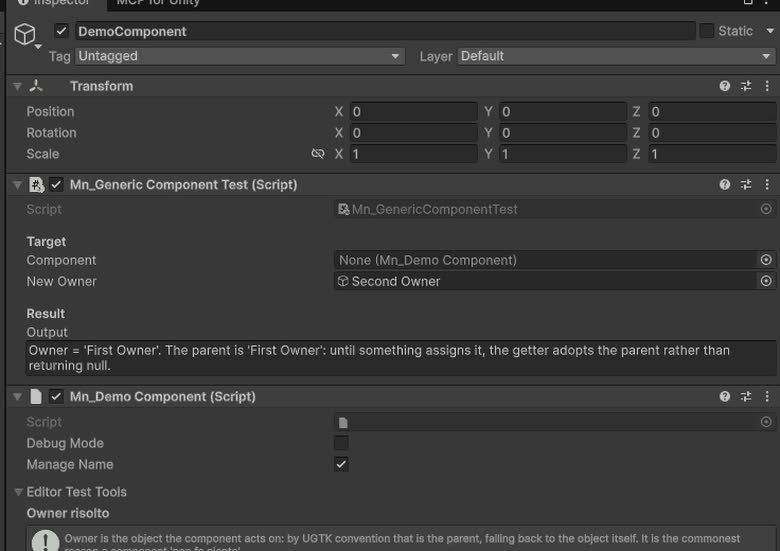
Provides the base classes and structure for all components.
read docs →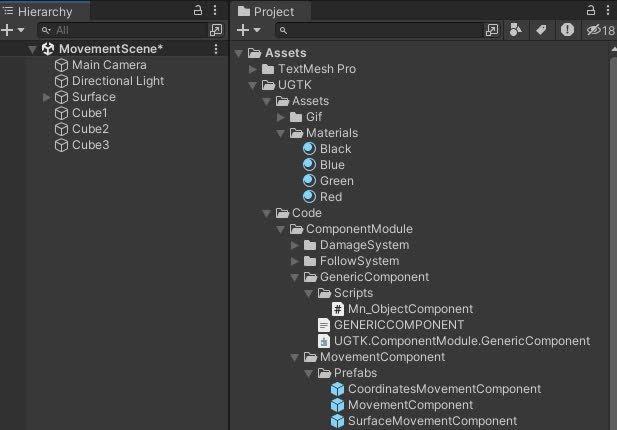
Components for controlling object movement: speed, direction, bounds, and coordinate limits.
read docs →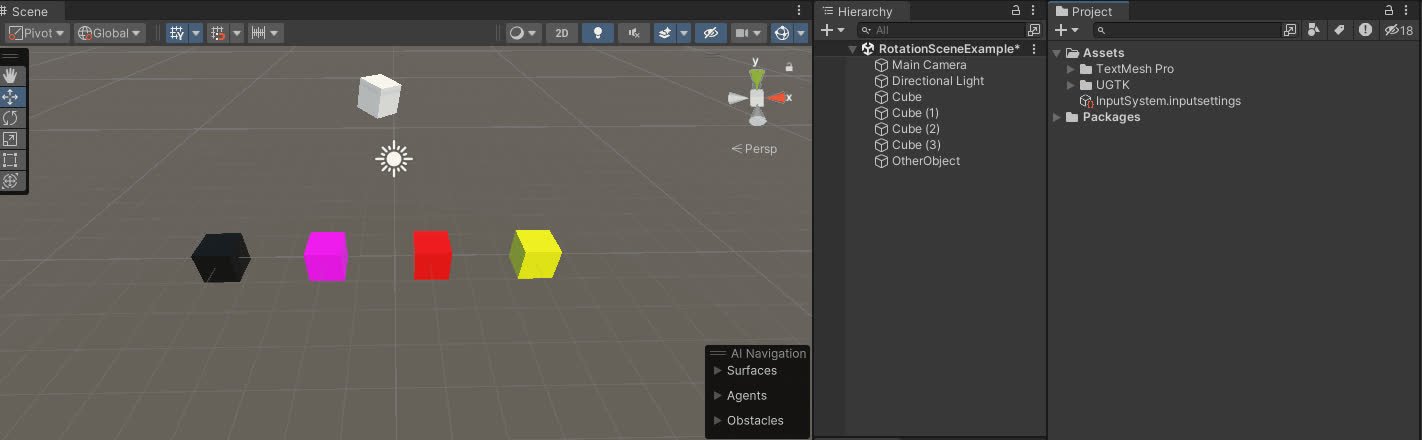
The Rotation Component allows customizable game object rotation with animation curves, supporting continuous or timed rotations and event triggers.
read docs →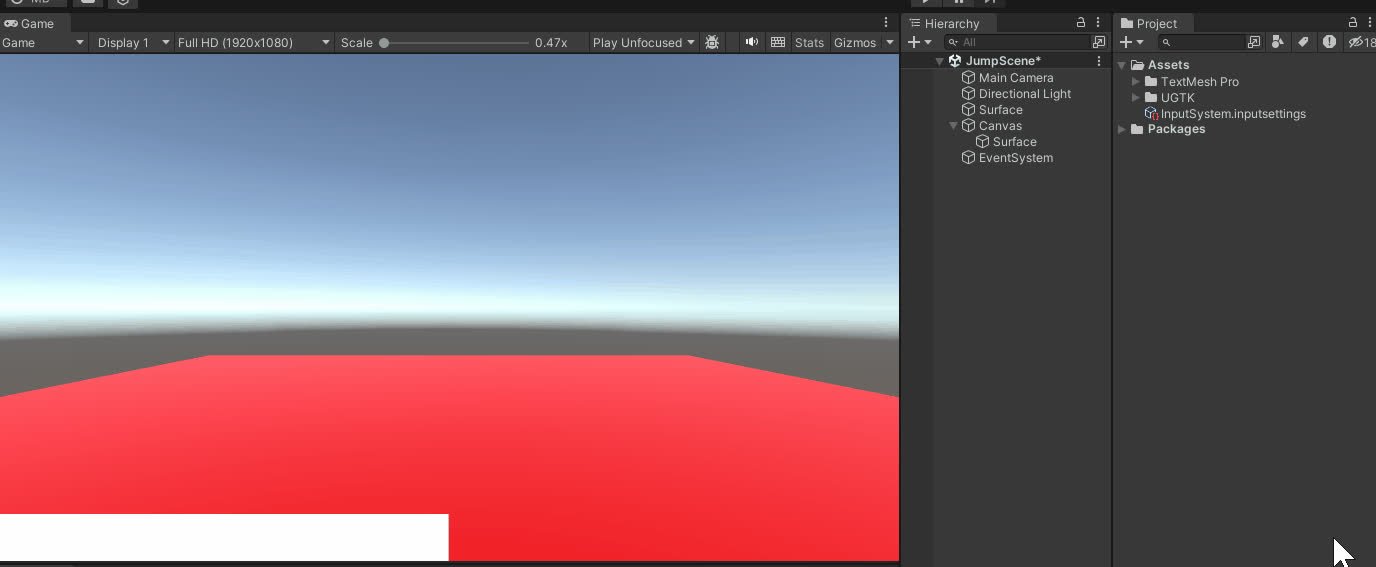
The Jump Component manages advanced jump mechanics, supporting multiple jumps, cooldowns, and dynamic interactions for 2D and 3D environments.
read docs →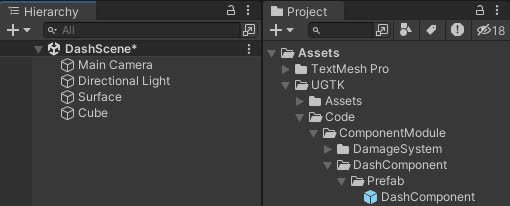
Enables a dash action for characters, temporarily boosting their movement speed.
read docs →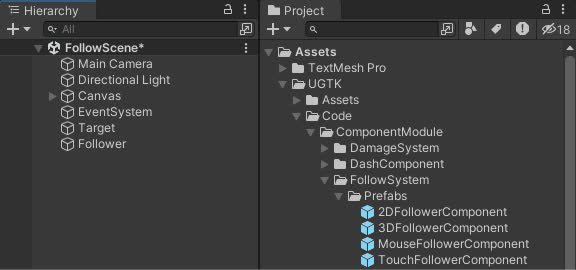
Implements follow behaviors for game objects, supporting 2D and 3D targets, as well as mouse and touch input
read docs →
Provides a flexible system for move between points
read docs →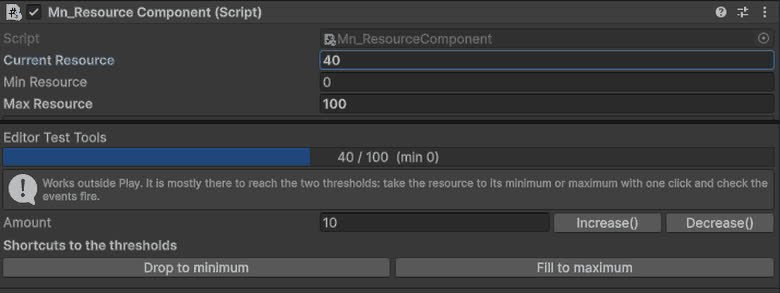
Component for managing object resources such as health, energy, mana or custom values, with support for runtime updates, limits and system integrations.
read docs →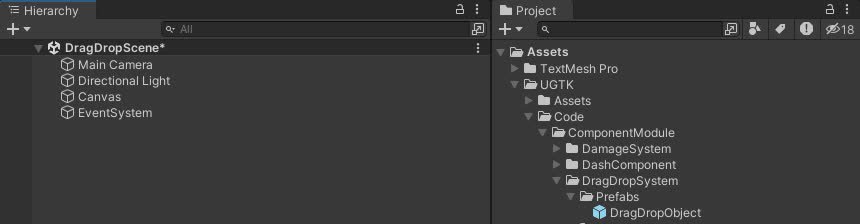
Drag and Drop System for UI uses a state machine for smooth interactions and includes drag events, state transitions, and pooling.
read docs →
The Snap Component System snaps the object to the last collided object upon TriggerSnap, using specific tag collisions.
read docs →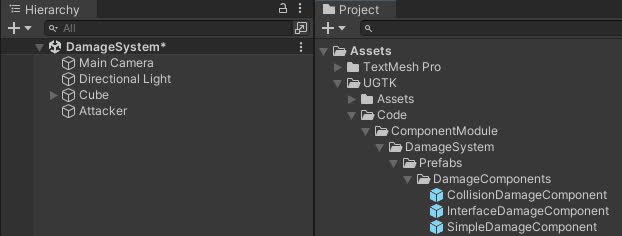
The Damage System manages game object damage, offering advanced functions for applying damage, healing, controlling vulnerability, and event management.
read docs →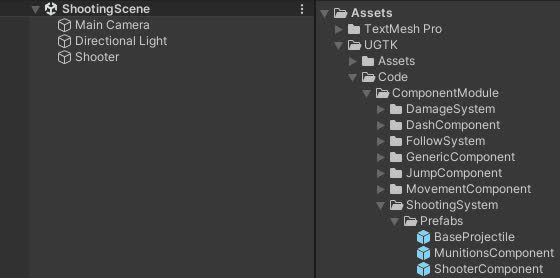
The Shooting System manages shooting mechanics, ammo handling, reloading, and projectile management using efficient pooling for performance.
read docs →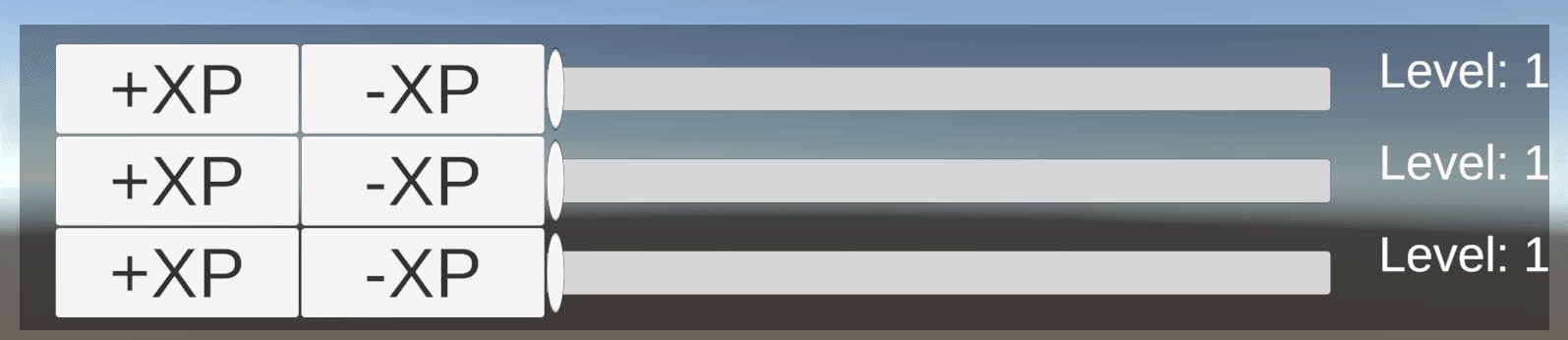
Level system for managing player levels and experience points, with differenct type of progression.
read docs →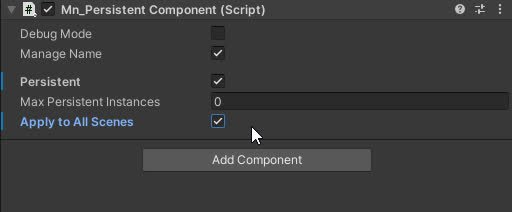
The Persistent component that allow a gameObject to have one or multiple component with same owner name
read docs →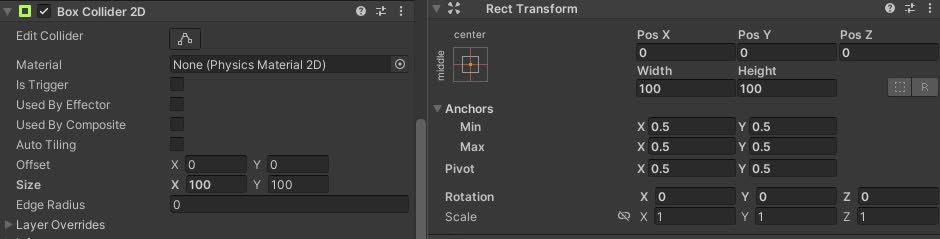
Automatically resizes 2D box or capsule colliders on the owner to match the RectTransform size of a referenced UI element, both in play mode and in editor.
read docs →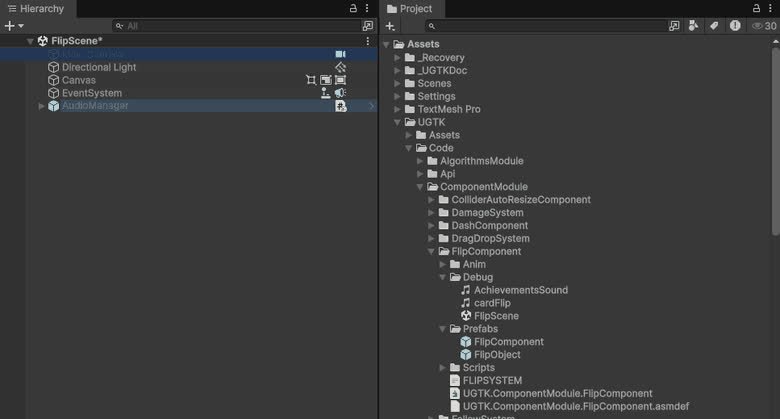
Component for flipping sprites or objects along axes, useful for 2D character facing or UI mirroring.
read docs →
Design Patterns are a set of pre-implemented and fully functional classes that embody the fundamental design patterns of object-oriented programming.
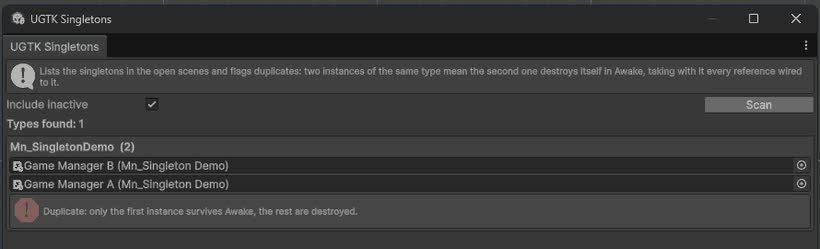
Singleton module ensures a single Unity class instance
read docs →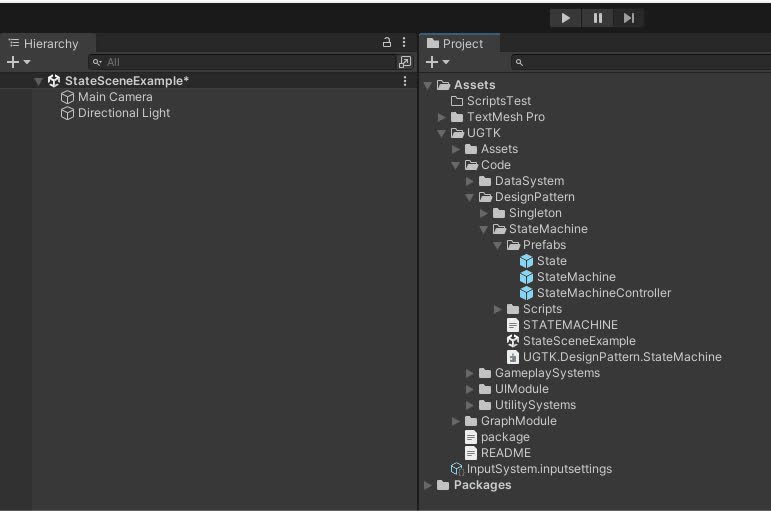
The State Machine manages state transitions, defining states and conditions for control over state changes
read docs →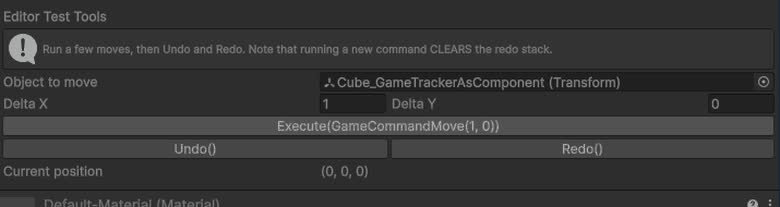
Command module encapsulates actions as objects, enabling parameterized actions, undo/redo functionality, and macro commands.
read docs →
Mobile Systems are exclusively designed for use within a mobile context, adding essential functionalities that are not natively available in Unity for mobile development.

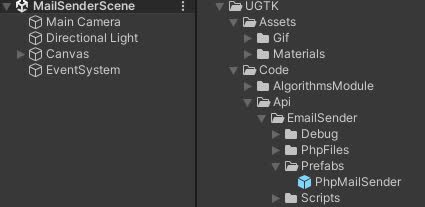
EmailSender is a system that allows you to send emails from your game.
read docs →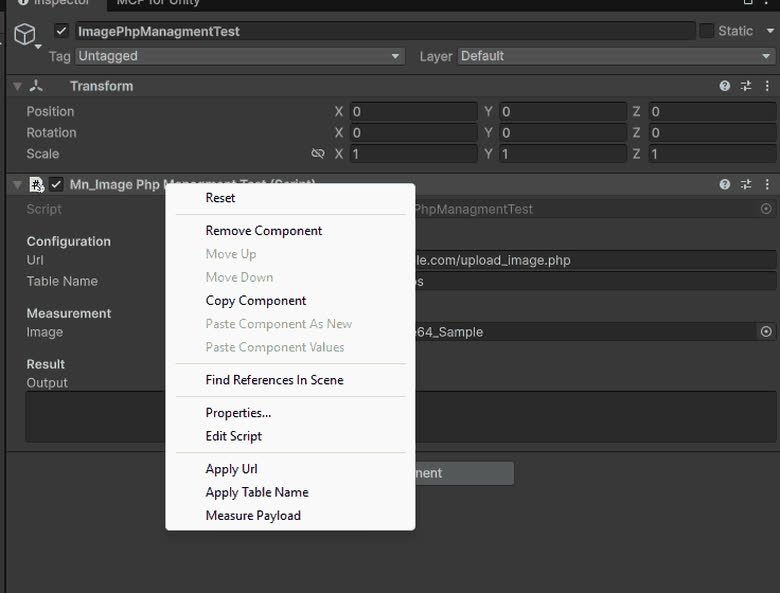
ImagePhpManagment is a system that allows you to upload images to a server.
read docs →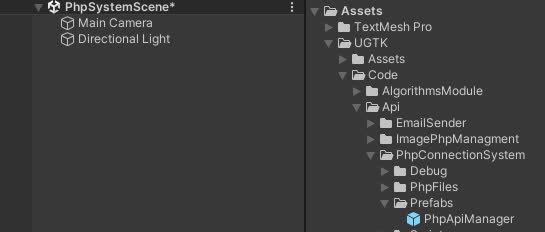
PhpConnectionSystem is a system that allows you to connect to a server and send data.
read docs →Server-side leaderboard management for submitting and fetching ranked scores.
read docs →
Email sending system using OAuth-based authentication flows.
read docs →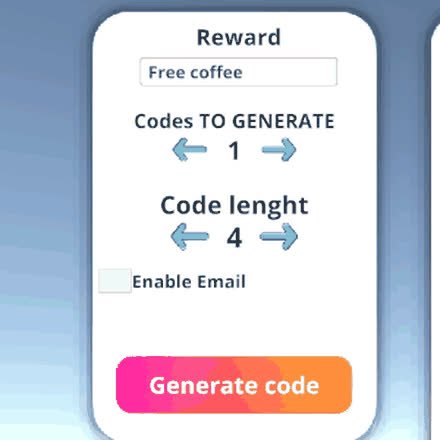
Generates and validates ticket codes, integrating with backend APIs.
read docs →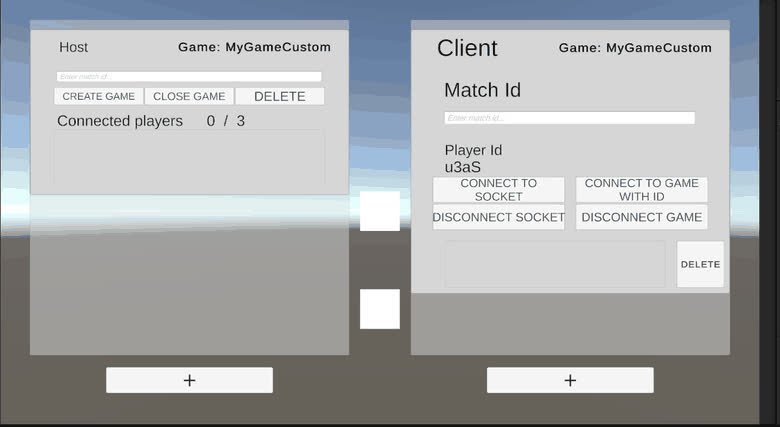
WebSocket client/host wrappers for real-time communication with servers.
read docs →
Detects whether the device is online and how strong the connection is (latency → 0..4 level), with bundled signal-bar icons and events.
read docs →Additional module docs found in the repository, exactly as on GitHub.
 UGTKengine within an engine