 UGTKengine within an engine
UGTK / Toolkit / Component Module / Damage System Completed

Damage System
Summary
The Damage System is a comprehensive solution for managing and manipulating the damage of game objects. It provides advanced functions for applying damage, healing, controlling vulnerability, and managing events related to the object's life.
Content
Modules Dependencies
The Damage System module requires the following dependencies:
- Generic Component: Module that manages a base class for components.
Ensure that these dependencies are correctly imported and configured in your project.
Carried inside the prefabs. These modules are not referenced by the assembly definition - the components are simply already attached to the prefabs this module ships. Remove one of them from the project and the prefab keeps its layout and loses that behaviour, with nothing in the console to say so.
| Module | Component, and the prefab carrying it |
|---|---|
ComponentModule/ColliderAutoResizeComponent |
Mn_ColliderAutoResizeComponent (in Damageable2D) |
UtilitySystems/CollisionSystem |
Mn_Collider3DEvents (in CollisionAttacker) |
Setup
To set up the Damage System, follow these steps:
Damage Component
Depending on the type of damage to do to a target, this system provides to damage three types of targets: Collision Target, Mn_HealthComponent Target or a class that inherit by IDamageable. Use the appropriate prefab depending on your requirement
- Add
InterfaceDamageComponentprefab,CollisionDamageComponentprefab orSimpleDamageComponentprefab to your scene:
- Add the corresponding
Receiverof the damage, depending on theMn_DamageUsed
- If you're using the
Mn_HealthComponent, remember about to set the max life and the life:
- If you have a slider for the life, attach it!
How To Use
To use the Damage System, use the following methods:
- Apply Damage:
     //T can be Collision, Mn_HealthComponent, or IDamageable class
     T target;

     //T1 is any class that inherit by Mn_DamageComponent. Substitute it with
     // 1. Mn_BaseDamageComponent
     // 2. Mn_CollisionDamageComponent
     // 3. Mn_InterfaceDamageComponent
     T1 damageComponent;

     damageComponent.DamageTarget(target);
- Healing Mn_HealthComponent:
     float amount;
     Mn_HealthComponent healthComponent;

     healthComponent.Heal(amount);
- Fully Heal:
     Mn_HealthComponent healthComponent;

     healthComponent.HealTotally();
- Make Invulnerable:
     Mn_HealthComponent healthComponent;

     healthComponent.BecomeInvulnerable();
- Make Vulnerable:
     Mn_HealthComponent healthComponent;

     healthComponent.BecomeVulnerable();
Testing Scene
Open DamageSystem in the module's Debug/ folder.
What to do, in order:
Select Damageable > HealthComponent and use the Health Component Controls block at the bottom of its inspector, with the editor stopped:
- Press Take Damage a few times and watch Current Life fall by the damage amount each time.
- Press Become Invulnerable, then Take Damage again. The life does not move and the
Vulnerabletick is off: that is the whole point of the flag. - Press Become Vulnerable and damage again. It falls once more.
- Press Heal Totally, then Kill. Life goes back to the maximum, then straight to zero.
- Apply damage twice in the same frame from your own code.
Step 5 is the one that catches real bugs: a death event that fires twice runs the game-over sequence twice, and the second run usually happens after the first has already torn the scene down.
Technical Info
The following are the main scripts and workflow of the Damage System. Refer to the UML section for the detailed structure.
Scripts:
- IDamageable: Interface for objects that can take damage.
- Mn_HealthComponent: Component that manages the health of an object, allowing for damage and healing.
- Mn_DamageComponent
: Abstract base class for components that apply damage to targets of type T. - Mn_InterfaceDamageComponent: Component that applies damage to IDamageable targets.
- Mn_CollisionDamageComponent: Component that applies damage to Mn_HealthComponent targets during a collision.
- Mn_BaseDamageComponent: Component that applies damage directly to Mn_HealthComponent targets.
- Mn_BlinkFeedbackComponent: Blinks one or more visuals by alternating their alpha — the classic "I've been hit" and "I'm temporarily invulnerable" feedback. Wire it to
Mn_HealthComponent.onDamagedby callingBlink(), or callBlink(float)to match a window computed at runtime (for example the invulnerability you just started). It drives both UI (Graphic: Image, RawImage, text) and worldSpriteRenderers, so the same component covers 2D and UI without keeping two versions around. With no target assigned it takes the ones on itself and its children. Two details worth knowing: the "visible" phase restores each target's original alpha rather than forcing 1, so intentional transparencies survive; andOnDisablerestores the alphas, because an object switched off mid-blink would otherwise stay invisible for good.
© 2026 Marcello De Bonis. All rights reserved
Used by 2
Measured from the repository: code references (asmdef) plus prefab and asset GUIDs. Importing this module alone brings in 3 modules in total.
More in Component Module.
all 16 →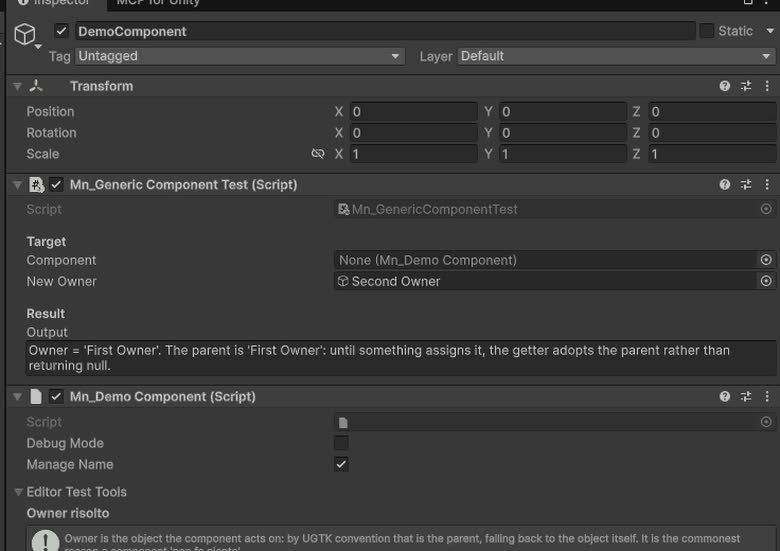
Generic Component
Provides the base classes and structure for all components.
Completed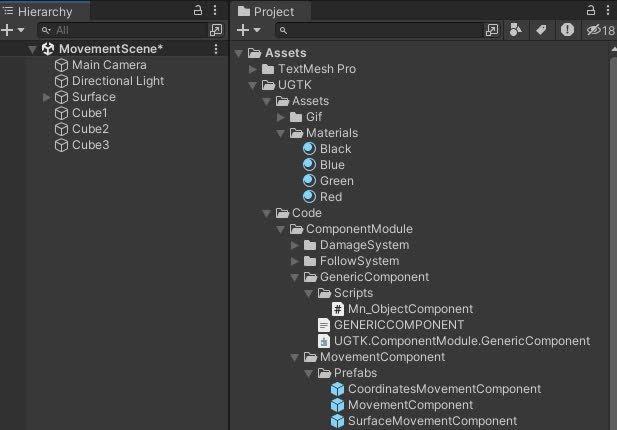
Movement Component
Components for controlling object movement: speed, direction, bounds, and coordinate limits.
Completed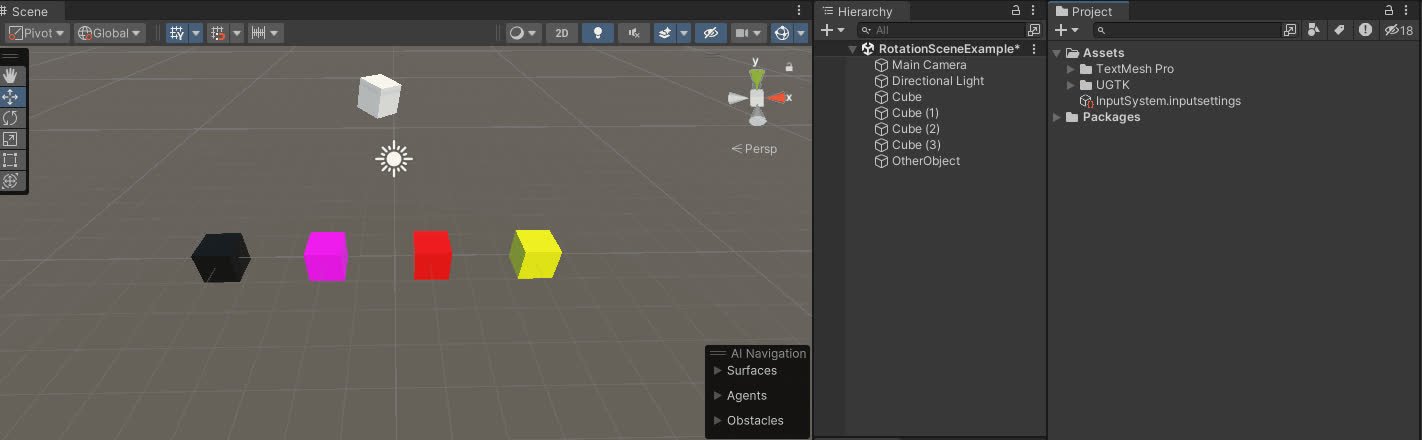
Rotation Component
The Rotation Component allows customizable game object rotation with animation curves, supporting continuous or timed rotations and event triggers.
Completed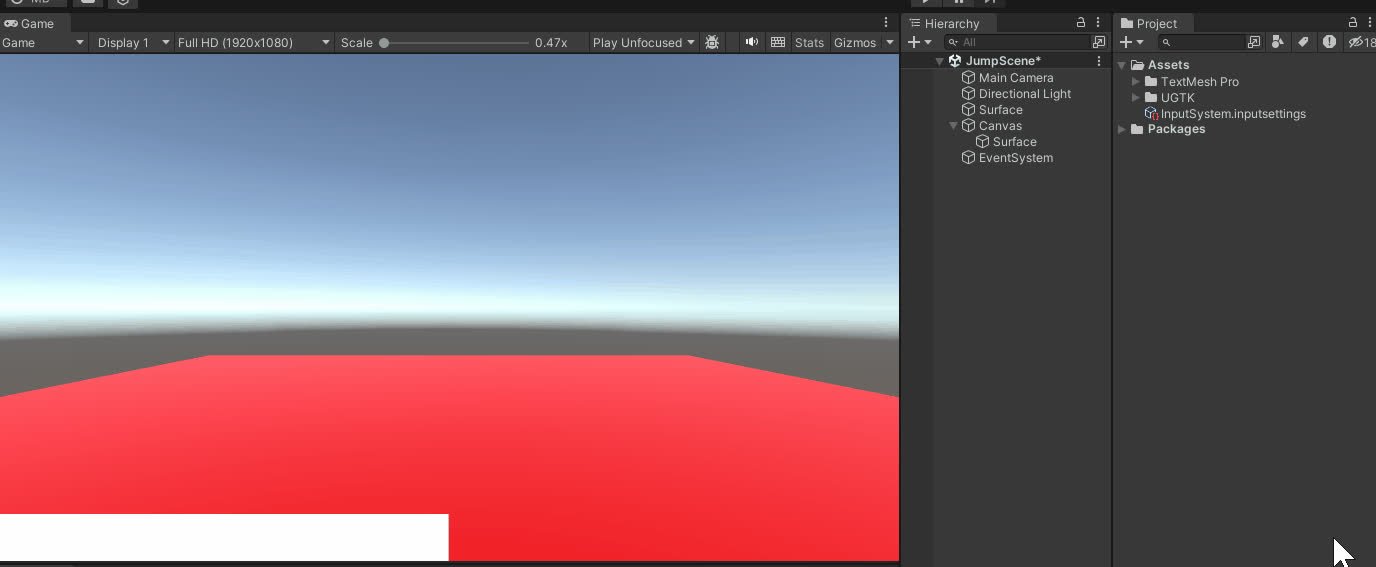
Jump Component
The Jump Component manages advanced jump mechanics, supporting multiple jumps, cooldowns, and dynamic interactions for 2D and 3D environments.
Completed