 UGTKengine within an engine
UGTK / Systems / Component Module / Collider AutoResize Component Completed

Collider Auto Resize Component
Summary
Automatically resizes a BoxCollider2D or CapsuleCollider2D so it matches the size of a RectTransform every frame, keeping the physics shape aligned with the UI/reference rect (also in Edit Mode).
Content
Modules Dependencies
- ComponentModule / GenericComponent (
UGTK.ComponentModule.GenericComponent): the component derives fromMn_UGTKComponentand reads itsOwnerreference.
Setup
How To Use
- Put a
BoxCollider2Dand/or aCapsuleCollider2Don the owner GameObject (the parent). The owner may also hold aRectTransform. - Add
Mn_ColliderAutoResizeComponentto a child (the reference image). It inheritsOwnerfromMn_UGTKComponent. - At runtime (and in Edit Mode, thanks to
[ExecuteInEditMode]) the collidersizeis recomputed each frame from the referenceRectTransform.rect.size: - The reference rect is the owner's
RectTransformif present, otherwise theRectTransformon this GameObject. - BoxCollider2D:
sizeis set directly to the rect size. - CapsuleCollider2D: the axis matching its
directionfollows the rect, the other axis is clamped so the capsule stays fully inside the rect (Mathf.Min). - Every axis is clamped to a minimum of
0.01, and the collider is only written when the value actually changes.
OnValidate re-fetches the components and re-adjusts, so inspector edits update the collider immediately.
Testing Scene
Open ColliderAutoreSizeScene in the module's Debug/ folder.
What to do, in order:
- Select the child carrying the component and look at the inspector: it names the collider and the RectTransform it resolved.
- Resize the parent's RectTransform in the Scene view and watch the collider gizmo follow.
- Remove the collider from the parent and press ForceResize().
Step 3 is the point. The collider is expected on the parent, not on the object carrying the component, and when it is missing the component simply has nothing to resize — no error, no movement. That is the most common report of "it does nothing", and the inspector now says so outright.
The recording is the whole point of the component in one panel: the parent's Right offset goes from 0 to -80 to -200 to -350, and the Box Collider 2D size underneath reads 100, 180, 300, 450 without anyone touching it. Put the offset back and the collider comes back with it.
Technical Info
- Mn_ColliderAutoResizeComponent:
Mn_UGTKComponentsubclass. Caches the owner'sBoxCollider2D/CapsuleCollider2Dand the referenceRectTransform, then inStart/Update/OnValidateresizes the collider(s) to match the rect, clamping toMinSize(0.01) and keeping capsules inscribed in the rect.
© 2026 Marcello De Bonis. All rights reserved
More in Component Module.
all 16 →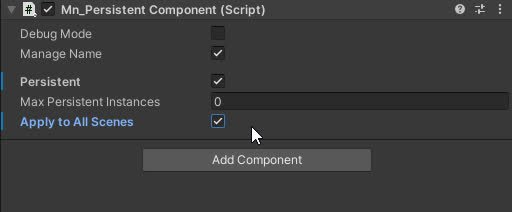
Persistent Component
The Persistent component that allow a gameObject to have one or multiple component with same owner name
Completed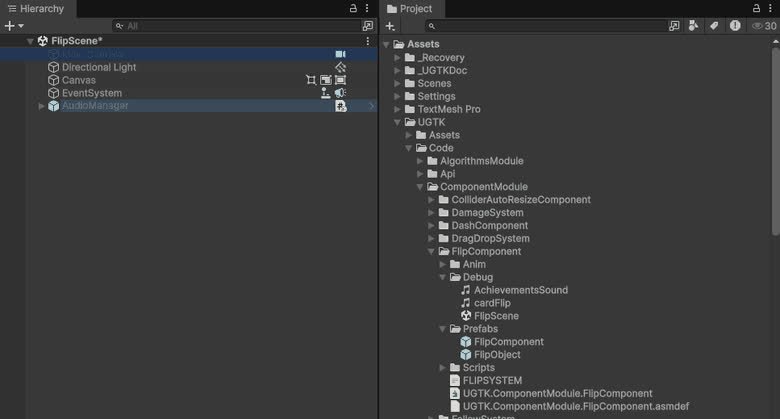
Flip Component
Component for flipping sprites or objects along axes, useful for 2D character facing or UI mirroring.
Completed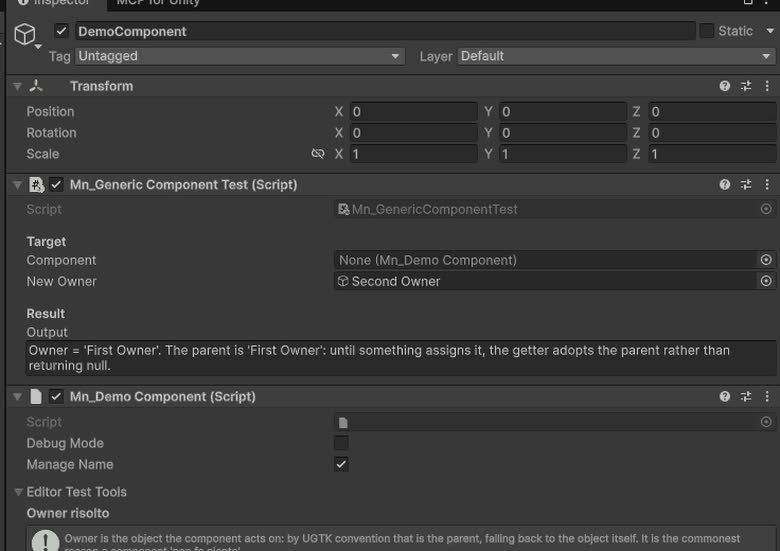
Generic Component
Provides the base classes and structure for all components.
Completed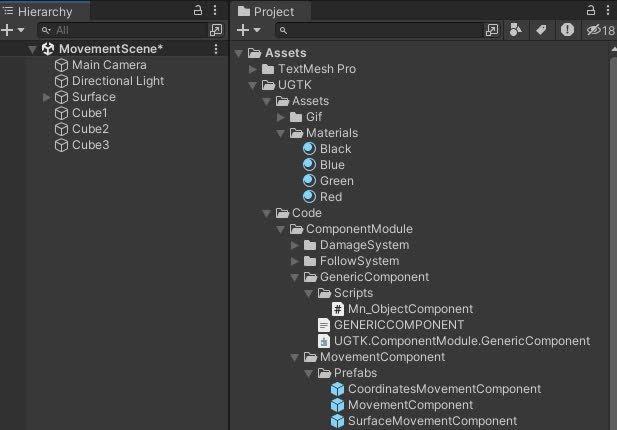
Movement Component
Components for controlling object movement: speed, direction, bounds, and coordinate limits.
Completed