 UGTKengine within an engine
UGTK / Systems / Component Module / Flip Component Completed

Flip Component
Summary
The Flip Component rotates a front/back UI card either by a vector rotation (configurable axis, number of loops and duration) or by playing an Animator animation, firing start/halfway/end events and auto-reordering the front and back images based on the active camera.
Content
Modules Dependencies
The Flip Component module requires the following dependencies:
- GenericComponent: Provides
Mn_UGTKComponent, the base class that resolves the component owner and exposes the debug mode.
Ensure that these dependencies are correctly imported and configured in your project.
Carried inside the prefabs. These modules are not referenced by the assembly definition - the components are simply already attached to the prefabs this module ships. Remove one of them from the project and the prefab keeps its layout and loses that behaviour, with nothing in the console to say so.
| Module | Component, and the prefab carrying it |
|---|---|
GameplaySystems/AudioSystem |
Mn_AudioUser (in FlipObject) |
Setup
To set up the Flip Component, follow these steps:
Add the FlipObject prefab to your Canvas:
How To Use
To use the Flip Component, configure the following settings:
- Choose the flip strategy with
Flip Mode:
For animation-driven flips, set Flip Mode to By Animation and assign the Animator, the trigger names and the Clips With Events list.
For vector-driven flips, set Flip Mode to By Vector: the component rotates the owner by 180° per loop around Rotation Axis.
- Set the number of half-turns with
Rotation Loops(each loop is a 180° rotation;Single Loop Durationcontrols the seconds per loop):
-
Drive it from code: call
StartFlip(true/false)to flip,Init(frontSprite, backSprite)to set the sprites at runtime andSetFlipDuration(seconds)to change the vector duration; subscribe toOnStartRotating,OnHalfwayRotatingandOnEndRotatingfor feedback. -
During the flip the component keeps the visible face on top by comparing the camera direction with the owner forward (
UpdateImageOrder).
Testing Scene
Open the FlipScene (Debug folder), press Play and use the Flip Controls buttons of the inspector to flip the card in every direction:
Technical Info
The following are the main scripts of the Flip Component:
Scripts:
- Mn_FlipComponent: main component; runs the vector flip coroutine or the animation-with-events coroutine and reorders the front/back images each frame.
- E_FlipMode: enum selecting the flip strategy (
ByVector,ByAnimation). - Mn_FlipComponent_Editor: custom inspector exposing only the fields relevant to the selected flip mode, with play-mode flip buttons.
© 2026 Marcello De Bonis. All rights reserved
More in Component Module.
all 16 →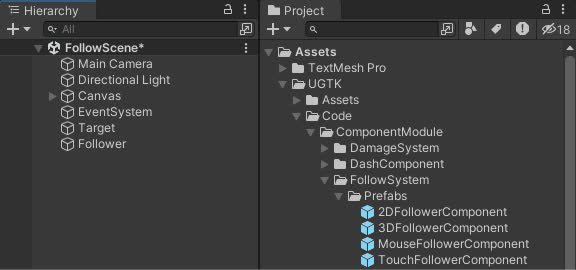
Follow System
Implements follow behaviors for game objects, supporting 2D and 3D targets, as well as mouse and touch input
Completed
Ping Pong Movement Component
Provides a flexible system for move between points
Completed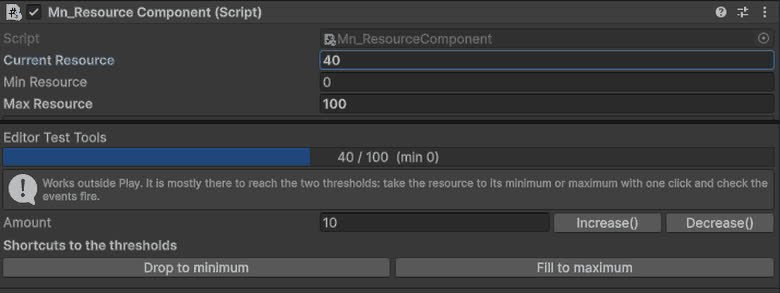
Resource Component
Component for managing object resources such as health, energy, mana or custom values, with support for runtime updates, limits and system integrations.
Completed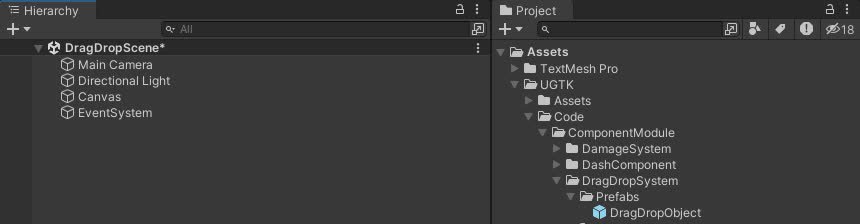
DragDrop System
Drag and Drop System for UI uses a state machine for smooth interactions and includes drag events, state transitions, and pooling.
Completed