 UGTKengine within an engine
UGTK / Systems / Component Module / DragDrop System Completed

Drag and Drop System
Summary
The Drag and Drop System is designed to manage the drag and drop functionality for UI elements. It leverages a state machine to handle various drag states, ensuring smooth and efficient interactions. The system includes components for managing drag events, state transitions, and object pooling to optimize performance.
Content
Modules Dependencies
The Drag and Drop System requires the following dependencies:
- GenericComponent: Provides the base classes and structure for all components.
- FollowSystem: Implements follow behaviors for game objects, supporting 2D and 3D targets, as well as mouse and touch input
- StateMachine: The State Machine manages state transitions, defining states and conditions for control over state changes
- CollisionSystem: The Collision System manages 2D/3D collision events and detects mouse and touch interactions, allowing customizable behavior.
Ensure that these dependencies are correctly imported and configured in your project.
Carried inside the prefabs. These modules are not referenced by the assembly definition - the components are simply already attached to the prefabs this module ships. Remove one of them from the project and the prefab keeps its layout and loses that behaviour, with nothing in the console to say so.
| Module | Component, and the prefab carrying it |
|---|---|
UtilitySystems/ActivationSystem |
Mn_GameObjectActivation (in DragDropObject) |
UtilitySystems/EventSystem |
Mn_ZeroParametersController (in DragDropObject) |
UtilitySystems/PoolingSystem |
Mn_Pooler (in DragDropObject) |
Setup
- Add
DragDropObjectPrefab in your scene:
How To Use
- Setup DragDrop
variablesandevents:
-
Wire the two events:
onDragfires while the object is being carried,onDropwhen it is released. Neither carries an argument — where the object landed is something the receiver decides, not something the dragger reports. -
Turn dragging on and off from code with
SetDraggable(bool). An inventory that locks during a cutscene, a card that becomes unplayable, a piece already in its slot: all of them are this call.
Things worth knowing before shipping it:
- The component drives a
Mn_StateMachine, which is what actually holds the idle / dragging / dropped states. If nothing happens when you drag, check that reference first — it is the single most common cause, and there is no error when it is missing. onDropfires wherever the object is released, including over nothing. Deciding whether that counts as a valid drop is the receiver's job: the classic bug is treating every drop as a success and leaving an item floating in the middle of the screen.- A drop released outside the window still ends the drag. Test it — a card dropped off the edge of the screen must come home, not disappear.
InvokeOnDragandInvokeOnDropare public so a test or an inspector can fire the events without a real drag, which on a desktop editor is the only way to exercise a touch-driven flow.
Testing Scene
Technical Info
Scripts:
- Mn_DragDropComponent: Controls the drag and drop functionality for UI elements, managing drag states through the state machine.
© 2026 Marcello De Bonis. All rights reserved
More in Component Module.
all 16 →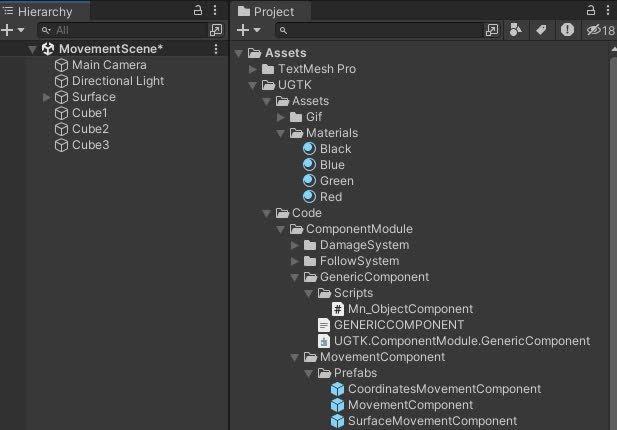
Movement Component
Components for controlling object movement: speed, direction, bounds, and coordinate limits.
Completed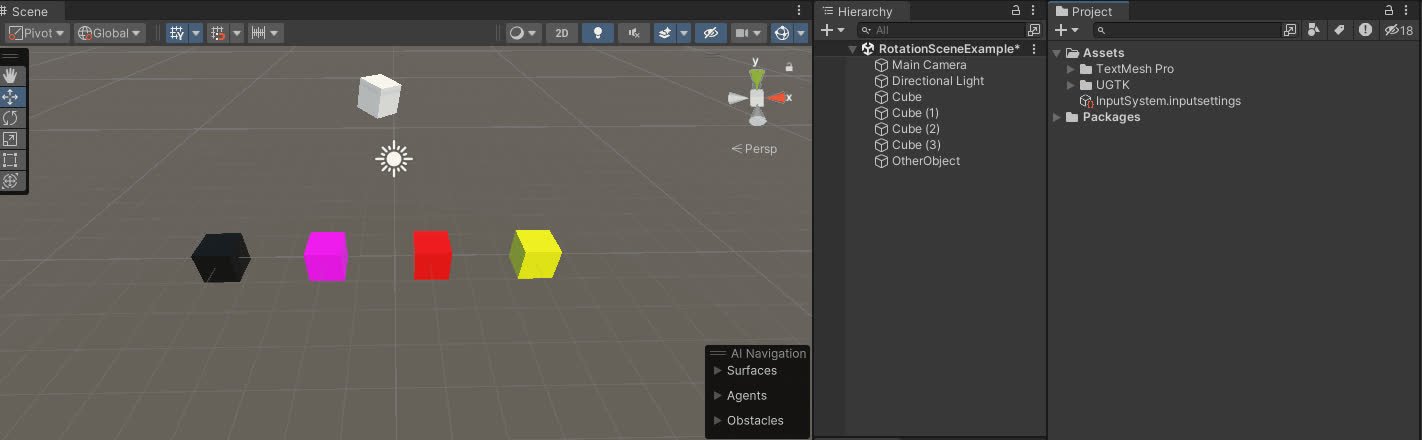
Rotation Component
The Rotation Component allows customizable game object rotation with animation curves, supporting continuous or timed rotations and event triggers.
Completed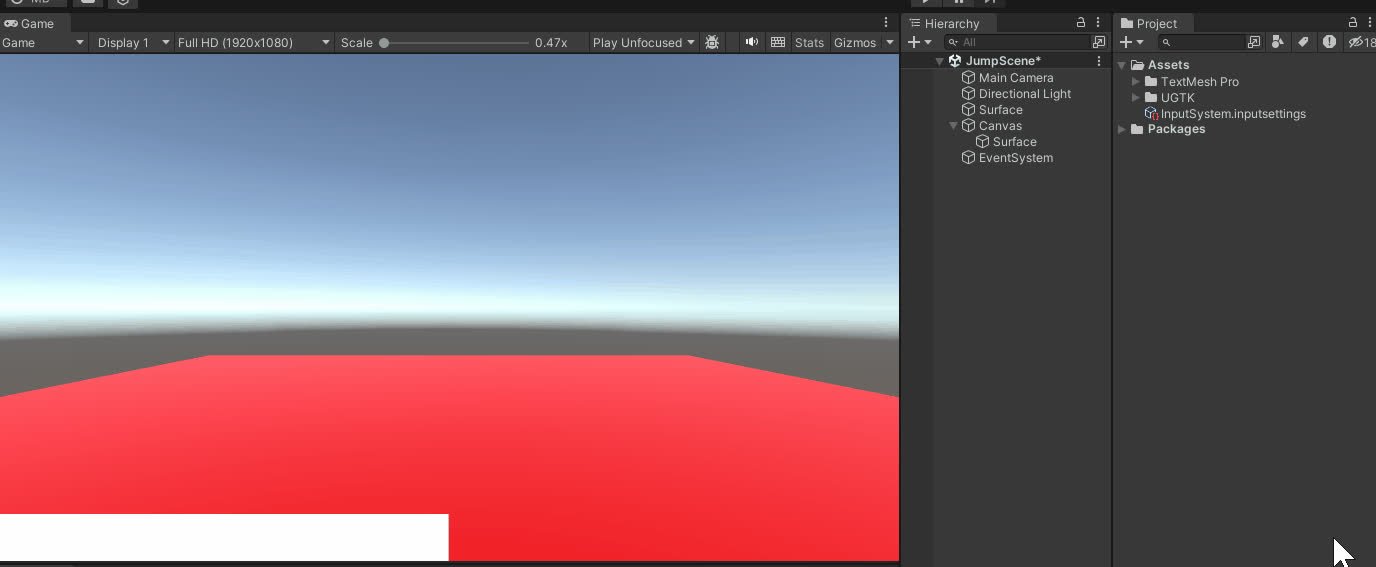
Jump Component
The Jump Component manages advanced jump mechanics, supporting multiple jumps, cooldowns, and dynamic interactions for 2D and 3D environments.
Completed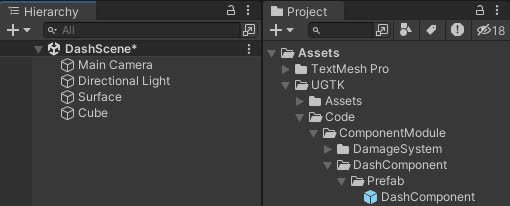
Dash Component
Enables a dash action for characters, temporarily boosting their movement speed.
Completed