 UGTKengine within an engine
UGTK / Systems / Component Module / Snap Component Completed

Snap Component
Summary
The Snap Component is the "let go and it clicks into place" behaviour: a card that settles into its
slot, a piece that locks onto the board, an item that jumps into its inventory cell.
It works in two halves. While the object is being dragged, the component watches which tagged targets it
overlaps and remembers the last one. When you release, TriggerSnap() hands that target to a Follow
component, which animates the object into position — so the snap has the easing and the speed of the
Follow System, instead of teleporting.
Content
Modules Dependencies
- Generic Component: supplies the
Owner. - Follow System: performs the actual snap movement. The 2D snap uses
Mn_2DFollowComponent(UI space), the 3D one usesMn_3DFollowComponent(world space).
Carried inside the prefabs. These modules are not referenced by the assembly definition - the components are simply already attached to the prefabs this module ships. Remove one of them from the project and the prefab keeps its layout and loses that behaviour, with nothing in the console to say so.
| Module | Component, and the prefab carrying it |
|---|---|
UtilitySystems/CollisionSystem |
Mn_Collider2DEvents (in 2DSnapPrefab), Mn_Collider3DEvents (in 3DSnapPrefab) |
Setup
Drop 2DSnapPrefab or 3DSnapPrefab as a child of the object that has to snap — 2D for UI on a
canvas, 3D for objects in the world:
Then, in the inspector:
- Assign the Follow Component reference (the prefabs already come wired).
- Fill the Tags list with the tags of the valid snap targets.
- Forward the collider callbacks of the dragged object to
HandleCollisionEnterandHandleCollisionExit— the component does not carry its own collider.
How To Use
// from OnTriggerEnter2D / OnTriggerExit2D of the dragged object
void OnTriggerEnter2D(Collider2D other) => snap.HandleCollisionEnter(other);
void OnTriggerExit2D (Collider2D other) => snap.HandleCollisionExit(other);

// on release
snap.TriggerSnap();

// when the movement is over — wire it to the Follow component's OnStopMoving
snap.TriggerOnSnapSucceeded();
Events, all wirable from the inspector:
| Event | Raised when |
|---|---|
onCollisionEnterWithTag(GameObject) |
a target with one of the listed tags is entered: highlight the slot |
onCollisionExitWithTag(GameObject) |
that target is left |
onSnapTriggerSucceeded(GameObject) |
the snap movement completed |
onSnapTriggerFailed |
TriggerSnap was called with no valid target: play the "return to hand" animation |
Good to know:
- The component does not detect collisions by itself. It has no collider and no
OnTriggerEnter: you forward the events. It is deliberate — it lets the dragged object keep one collider and route it wherever it wants — but it means that forgetting the forwarding produces a component that silently never snaps. - The follow object is deactivated on
Awakeand reactivated only during the snap, so a released object does not keep chasing the slot. Deactivating it by hand while a snap is running stops the movement halfway. - The target is stored on enter, not on release. Overlapping two valid slots keeps the first one
matched by the tag list, in the order the tags are listed — not the closest one. For "snap to the
nearest", pick the target yourself and call
SetTargeton the Follow component. - The exit only clears the highlight:
HandleCollisionExitraises its event but the stored target stays, so releasing just outside a slot still snaps into it. That is usually the forgiving behaviour you want; if you need a strict one, callSetTarget(null)in the exit handler. - A missing Follow reference logs an error on
Awakeand every later call throws, since nothing null-checks it after that. - 2D means UI:
Mn_2DSnapComponenttargetsRectTransformandCollider2D. For a 2D game with world sprites use the 3D variant, which works onTransform.
Testing Scene
Open SnapScene in the module's Scene/ folder. It holds a 2D pair inside the Canvas and a
3D pair in the world; only the 2D one is in shot of the demo camera.
What to do, in order:
- Enter Play Mode and select
2DSnapComponent. In Editor Test Tools, putNewPositionin Snap target and press Set target, then Trigger Snap: the white square lands on the red one. - Press Trigger Snap on its own, with the target cleared. Nothing moves, and
onSnapTriggerFailedfires - that is the component working, not failing. - Let something collide with the snap instead. That is where a target normally comes from:
HandleCollisionEntersets it, and the button in the inspector exists only so the snap can be tried without staging a collision first.
Step 2 is the one worth understanding. A snap with no target has nowhere to go, so it says so through an event rather than guessing. Wire that event to whatever should happen when a piece is released in the wrong place.
The movement itself is instant here because the follow component ships with Instant Follow on. Turn it off and the same trigger glides the piece over, which is the setting to use when the snap should read as a magnet rather than a teleport.
Technical Info
| Path | Content |
|---|---|
Scripts/Runtime/Mn_SnapComponent.cs |
Generic base Mn_SnapComponent<T,T1,T2>: tag list, follow lifecycle, TriggerSnap, TriggerOnSnapSucceeded and the four events |
Scripts/Runtime/Mn_2DSnapComponent.cs |
UI implementation (Mn_2DFollowComponent, RectTransform, Collider2D) |
Scripts/Runtime/Mn_3DSnapComponent.cs |
World implementation (Mn_3DFollowComponent, Transform, Collider) |
Scripts/Editor/* |
Custom inspectors for the two variants |
Prefabs/2DSnapPrefab.prefab, Prefabs/3DSnapPrefab.prefab |
Ready-made compositions with the Follow component already wired |
Scene/SnapScene.unity |
Test scene |
© 2026 Marcello De Bonis. All rights reserved
More in Component Module.
all 16 →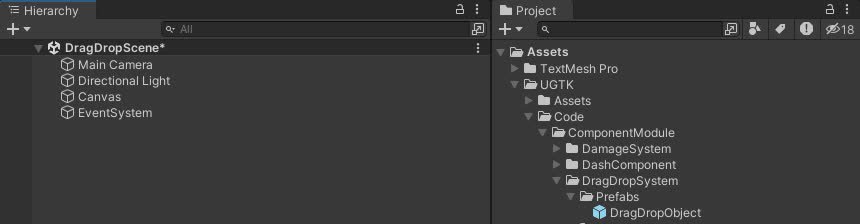
DragDrop System
Drag and Drop System for UI uses a state machine for smooth interactions and includes drag events, state transitions, and pooling.
Completed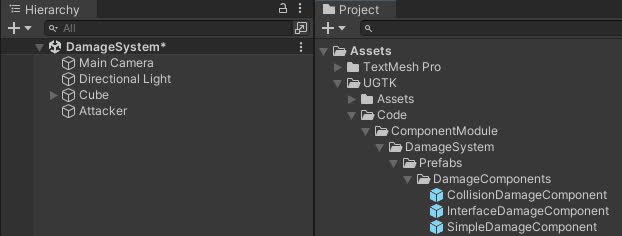
Damage System
The Damage System manages game object damage, offering advanced functions for applying damage, healing, controlling vulnerability, and event management.
Completed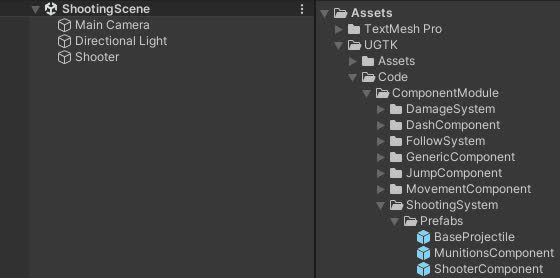
Shooting System
The Shooting System manages shooting mechanics, ammo handling, reloading, and projectile management using efficient pooling for performance.
Completed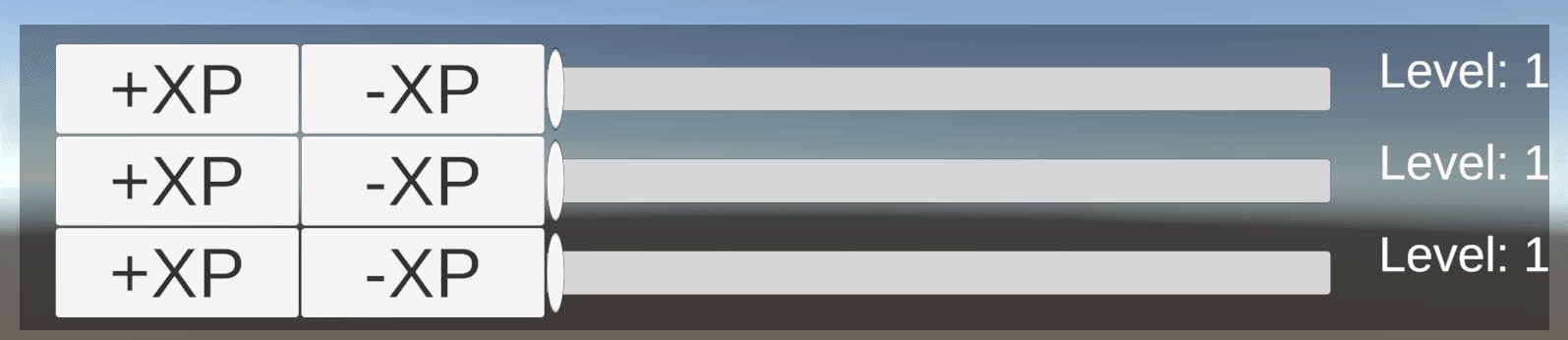
Level System
Level system for managing player levels and experience points, with differenct type of progression.
Completed