 UGTKengine within an engine
UGTK / Systems / Component Module / Dash Component Completed

Dash System
Summary
The Dash System enables a dash action for characters, temporarily increasing their movement speed.
Content
Modules Dependencies
The Dash System module requires the following dependencies:
- GenericComponent: Ensures components have a MonoBehaviour owner, enabling interaction with parent objects
- MovementComponent: Components for controlling object movement: speed, direction, bounds, and coordinate limits.
Ensure that these dependencies are correctly imported and configured in your project.
Setup
- Add
DashComponent Prefabto your game object:
How To Use
- Set
direction,dashSpeed,dashDurationanddashCooldownof yourDash Component:
Testing Scene
Open DashScene in the module's Scene/ folder: one cube on a floor, with the dash
component attached as a child.
What to do, in order:
- Enter Play Mode and press Trigger Dash. Outside Play Mode the button is disabled: the dash runs as a coroutine, and coroutines do not run with the editor stopped.
- Turn on Debug Mode and dash again. The console prints the speed going up, the dash starting, the speed returning to zero and the cooldown beginning - which is the whole life of a dash in four lines.
- Press the button twice in quick succession, then dash into a wall.
Step 3 is where a dash usually breaks. A second dash starting before the first has finished can leave the movement state stuck, which is what the cooldown is there to prevent; and a dash that moves the transform directly - as this one does - can push a character through a collider, so the demo is the place to find out how far yours travels per dash before a level does it for you.
Technical Info
The following are the main scripts and workflow of the Dash System. Refer to the UML section for the detailed structure.
Scripts:
- Mn_DashComponent: Component enabling a dash action for characters, temporarily increasing their movement speed.
© 2026 Marcello De Bonis. All rights reserved
More in Component Module.
all 16 →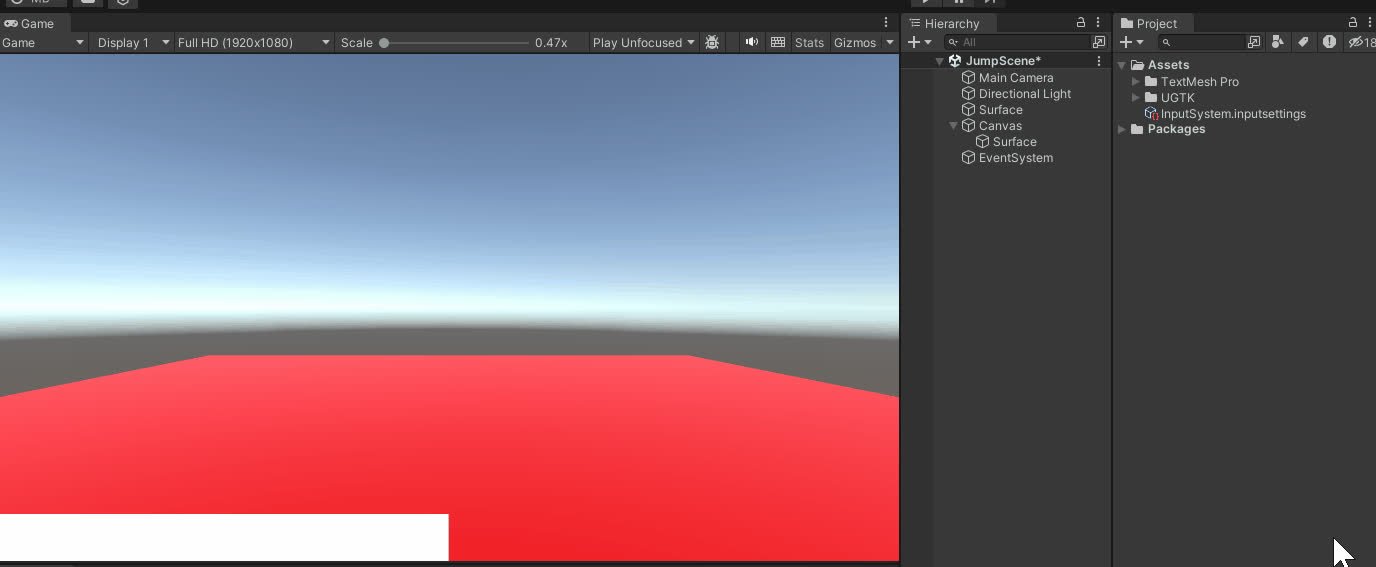
Jump Component
The Jump Component manages advanced jump mechanics, supporting multiple jumps, cooldowns, and dynamic interactions for 2D and 3D environments.
Completed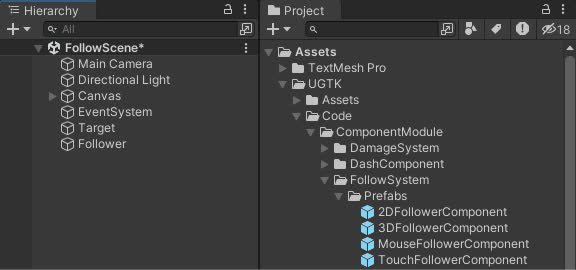
Follow System
Implements follow behaviors for game objects, supporting 2D and 3D targets, as well as mouse and touch input
Completed
Ping Pong Movement Component
Provides a flexible system for move between points
Completed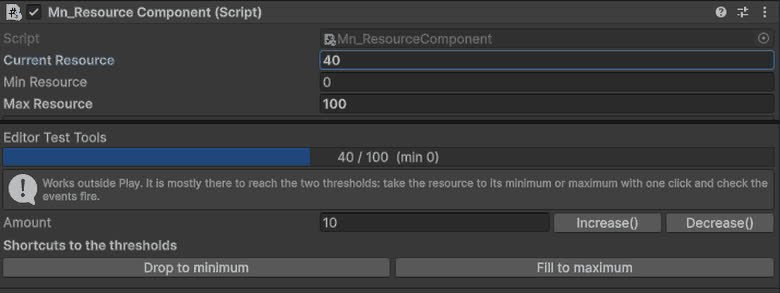
Resource Component
Component for managing object resources such as health, energy, mana or custom values, with support for runtime updates, limits and system integrations.
Completed