 UGTKengine within an engine
UGTK / Systems / Component Module / Resource Component Completed

Resource Component
Summary
The Resource Component provides a flexible system for managing gameplay resources such as health, mana, stamina, currencies, or any other custom values. It allows for precise control over resource behavior, supporting runtime updates, limits, and integrations with other gameplay systems.
Content
Modules Dependencies
The Resource Component module requires the following dependencies:
- Text Updater System: Utility for dynamically updating UI text elements in Unity using TextMeshPro.
- Unity Text Mesh Pro
Ensure that these dependencies are correctly imported and configured in your project.
Setup
To set up the Resource Component, follow these steps:
Resource Component Setup
Add the script Mn_ResourceComponent as component to your object of choice:
- Alternatively, use the ResourceText prefab (with TextUpdater) by dragging it in your canvans in the hierarchy:
How To Use
Parameters avaible in the inspector:
- Current Value: The current amount of the resource.
- Min Value: The minimum value the resource can reach.
- Max Value: The maximum value the resource can reach.
- Events: Optional UnityEvents triggered when the value changes, reaches zero, or reaches the maximum.
Public methods that are avaible to use:
- SetCurrentResource(float): Sets the current resource value directly and invokes the change event.
- SetMinResource(float): Sets the minimum allowed resource value.
- SetMaxResource(float): Sets the maximum allowed resource value.
- Increase(float): Increases the current resource by the specified amount.
resourceComponent.Increase(10); - Decrease(float): Decreases the current resource by the specified amount.
resourceComponent.Decrease(-10);
Testing Scene
Open ResourceComponentScene in the module's Debug/ folder.
What to do, in order:
Select Canvas > ResourceText > ResourceComponent and use the Editor Test Tools block, with the editor stopped:
- Press Increase() and Decrease() and watch the bar and the
x / yreadout move. - Press Fill to maximum, then Drop to minimum: the two threshold events fire with one click each.
- Set Max Resource to
0so it is no longer above Min Resource, and try again.
Step 2 exists because the two threshold events are the ones nobody reaches on purpose during normal play, and they are exactly the ones a death screen or a full-ammo sound hangs off. Step 3 shows the configuration the component cannot make sense of - the bar has no travel and the two events fire unpredictably - and the inspector says so instead of leaving you to guess.
Technical Info
The following are the main scripts and workflow of the Rotation Component. Refer to the UML section for the detailed structure.
Scripts:
- Mn_ResourceComponent: Main component for managing a generic gameplay resource value.
© 2026 Marcello De Bonis. All rights reserved
More in Component Module.
all 16 →
Damage System
The Damage System manages game object damage, offering advanced functions for applying damage, healing, controlling vulnerability, and event management.
Completed
Shooting System
The Shooting System manages shooting mechanics, ammo handling, reloading, and projectile management using efficient pooling for performance.
Completed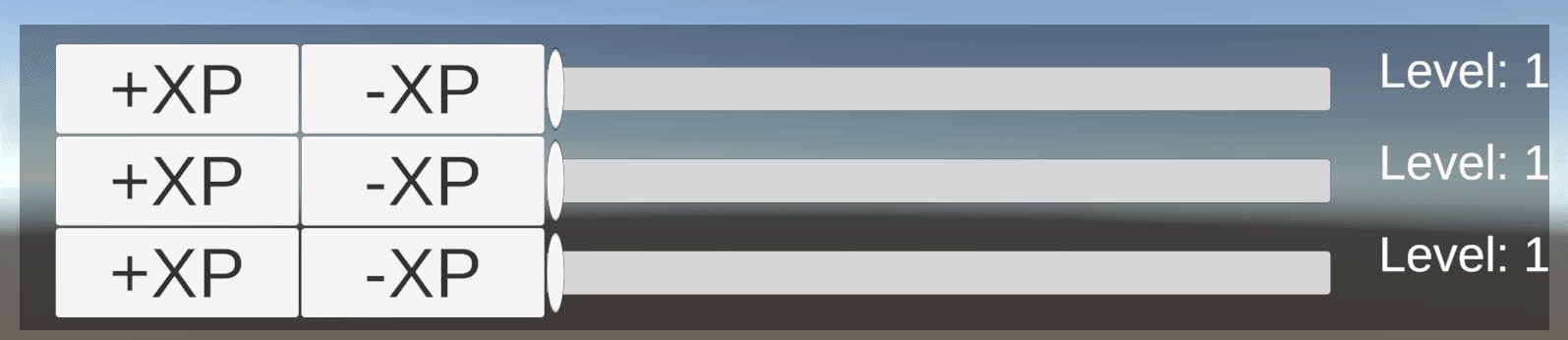
Level System
Level system for managing player levels and experience points, with differenct type of progression.
Completed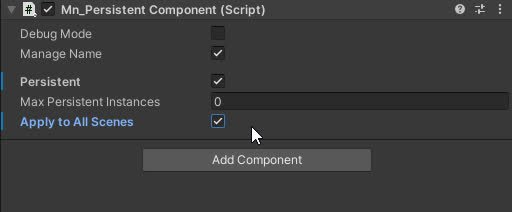
Persistent Component
The Persistent component that allow a gameObject to have one or multiple component with same owner name
Completed