 UGTKengine within an engine
UGTK / Systems / Component Module / Movement Component Completed

Movement Component
Summary
The Movement Component moves an object in a direction at a speed, and raises events when it starts and
stops moving. On top of it two variants add a boundary: one clamped to explicit min/max coordinates, one
clamped to the bounds of a Collider.
It is the base every other movement in the Component Module builds on — Follow, PingPong, Dash — so the speed, the direction and the start/stop events are the same everywhere.
Content
Modules Dependencies
- Generic Component: supplies the
Owner, the object that actually moves. - Pause System: the component implements
IPausable, so a global pause stops it and restores its speed on resume.
Setup
Add the MovementComponent prefab as a child of the object to move:
Configure speed and direction:
For a bounded movement use one of the two limited prefabs instead —
CoordinatesMovementComponent (Mn_CoordinatesMovementComponent) or
SurfaceMovementComponent (Mn_SurfaceMovementComponent):
Configure the limits — the six coordinates, or the collider that defines the allowed area:
How To Use
movementComponent.SetSpeed(10f);
float speed = movementComponent.GetSpeed();
movementComponent.SetDirection(Vector3.right);
movementComponent.IncreaseSpeed(5f);
movementComponent.DecreaseSpeed(3f);
Events, all wirable from the inspector:
| Event | Raised when |
|---|---|
OnSpeedChange(float) |
the speed changes, with the new value |
OnDirectionChange(Vector3) |
the direction changes, with the new vector |
OnStartMoving |
the object goes from still to moving |
OnStopMoving |
the object comes to a stop |
Good to know:
- It moves the
Owner, that is the parent. Putting the component on the object itself moves the auto-generated parent instead, and nothing appears to happen. - The direction is not normalized.
Move()doesposition += direction * speed * deltaTime, so a direction of(2, 0, 0)travels at twice the speed you set. Assign unit vectors unless you mean it. - A zero direction means "still", not "stopped": the component keeps running and
OnStopMovingfires, but it is still ticking every frame. Disable it if you need it to cost nothing. - Movement is frame-rate independent (
Time.deltaTime) but not physics-based: it writes the Transform directly, so it goes through colliders. Use a Rigidbody if you need collisions. - Pause restores the speed on resume: if you change the speed while paused, the value saved at pause time wins when you resume.
Limits
| Variant | Bound by | Use it for |
|---|---|---|
Mn_CoordinatesMovementComponent |
six values: min/max on X, Y and Z | a rectangular play area, a rail, a camera clamp |
Mn_SurfaceMovementComponent |
the bounds of a Collider |
an arbitrary area you can draw and move in the scene |
Both clamp after the movement, every frame, so the object stops flush against the limit.
Mn_SurfaceMovementComponentclamps to the collider's bounding box, not to its actual shape: with a sphere or a mesh collider the allowed area is the box that contains it, not the silhouette. A missing collider logs an error every frame.
Testing Scene
Open Debug/MovementScene.unity and press Play: the objects move, and the limited ones stop at their
boundary. Speed and direction can be changed in Play Mode to see the events fire.
Technical Info
| Path | Content |
|---|---|
Scripts/Mn_MovementComponent.cs |
The base: speed, direction, Move(), the four events and the IPausable implementation |
Scripts/LimitedMovements/Mn_LimitedMovementComponent.cs |
Abstract base that applies a limit after each move |
Scripts/LimitedMovements/Mn_CoordinatesMovementComponent.cs |
Clamp on explicit min/max X, Y, Z |
Scripts/LimitedMovements/Mn_SurfaceMovementComponent.cs |
Clamp on a collider's bounds, plus SetMovementBoundsCollider |
Prefabs/*.prefab |
The three ready-made components |
Debug/MovementScene.unity |
Test scene |
© 2026 Marcello De Bonis. All rights reserved
More in Component Module.
all 16 →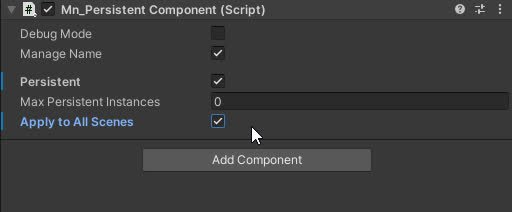
Persistent Component
The Persistent component that allow a gameObject to have one or multiple component with same owner name
Completed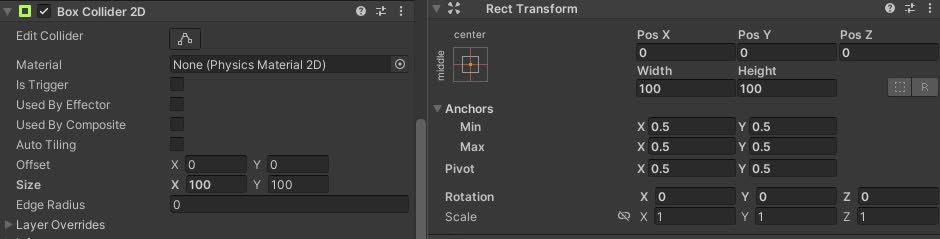
Collider AutoResize Component
Automatically resizes 2D box or capsule colliders on the owner to match the RectTransform size of a referenced UI element, both in play mode and in editor.
Completed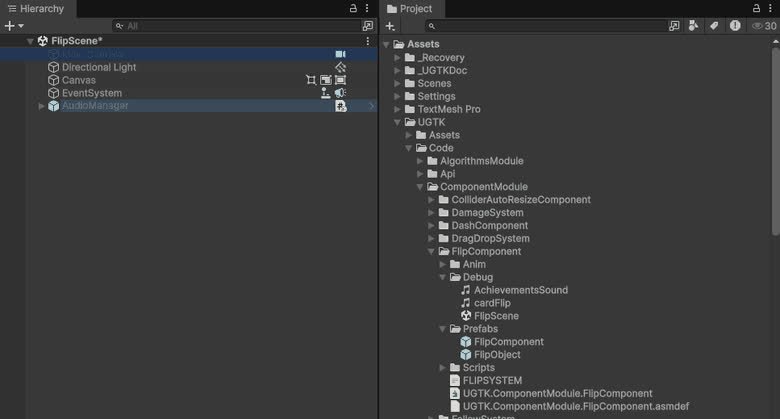
Flip Component
Component for flipping sprites or objects along axes, useful for 2D character facing or UI mirroring.
Completed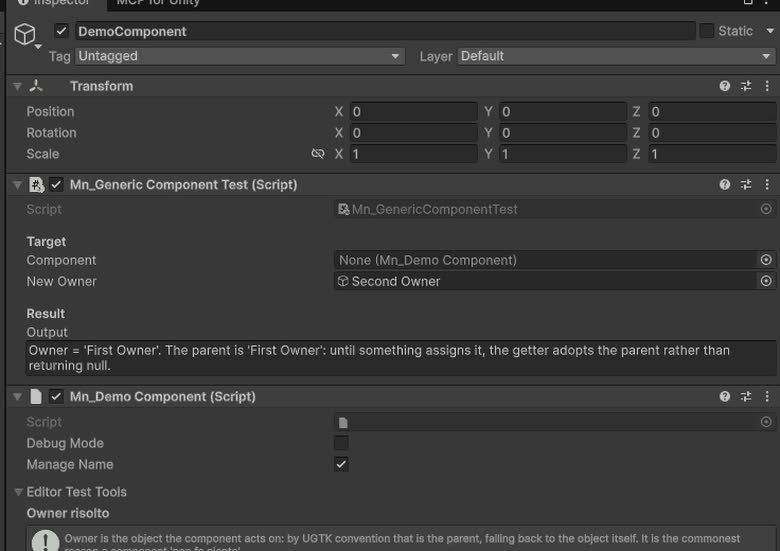
Generic Component
Provides the base classes and structure for all components.
Completed