 UGTKengine within an engine
UGTK / Systems / Component Module / Generic Component Completed

Generic Component
Summary
Mn_UGTKComponent is the abstract base class every UGTK "component" derives from. It gives a component
one thing the engine does not: a guaranteed owner, that is the GameObject the component acts upon.
The idea is that a component lives on its own child GameObject, hanging under the object it modifies —
a Damage object under the enemy, a Follow object under the camera. That way a single actor can carry
several components without them fighting over the same GameObject, and each of them can be enabled,
disabled or removed on its own.
Content
Modules Dependencies
None. A single abstract class with no UGTK reference. It is a dependency of several other modules (Damage System, Follow System, PingPong Movement) rather than the other way around.
Setup
There is nothing to add to a scene and no prefab, so there is no GIF: the class is only useful as a base to derive from.
public class Mn_MyComponent : Mn_UGTKComponent
{
    protected override void Awake()
    {
        base.Awake();          // do not forget this: it is what resolves the owner
        Debug.Log($"My owner is {Owner.name}");
    }
}
How To Use
Owner is the whole API. Reading it returns the parent GameObject, resolving it on first access;
assigning it reparents this component under the new owner:
myComponent.Owner = someEnemy;   // the component's GameObject becomes a child of someEnemy
GameObject target = myComponent.Owner;
Two serialized options:
- Debug Mode — logs what the base class does. Off by default.
- Manage Name (on by default) — the GameObject is renamed after the component's type, with the
Mn_prefix stripped: aMn_HealthComponentends up on a GameObject calledHealthComponent.
Good to know:
- A component with no parent creates one. If the GameObject is at the root of the scene,
Ownerbuilds anAutoGeneratedParentat the same position and parents the component to it, rather than failing. It keeps the invariant true, but it also means an unexpected object shows up in the Hierarchy: if you seeAutoGeneratedParent, a component was placed at the root by mistake. Manage Nameoverwrites the name you typed. It runs inOnValidate, so renaming the object by hand in the inspector is undone as soon as anything revalidates. Turn the flag off on the objects you want to name yourself.- Assigning
Ownermoves the GameObject in the hierarchy, it does not merely record a reference. Anything holding on to the old parent's child list must be refreshed. - Always call
base.Awake()when you overrideAwake, otherwise the owner is never resolved and the first read ofOwnerdoes it at an unpredictable time.
Testing Scene
Open Debug/GenericComponentScene.unity. Two empty objects, First Owner and Second Owner,
and under the first one a third carrying Mn_GenericComponentTest together with
Mn_DemoComponent — the smallest possible concrete subclass, which adds nothing at all, so
everything the scene shows comes from Mn_UGTKComponent itself. Both methods are on the context
menu: right-click the header in the Inspector, no play mode.
- Read Owner — returns
First Owner. Nothing ever assigned it: the getter adopts the current parent rather than returning null. Code that checksif (component.Owner == null)before assigning will therefore never take that branch. - Assign Owner — the output reports the parent going from
First OwnertoSecond Owner. Assigning the property does not only store a reference: it reparents the GameObject. Worth knowing before assigning it inAwakeon an object whose position matters. - Read Owner again — now
Second Owner, from the field this time rather than from the parent. - Rename The Object — the object becomes
Renamed By Hand. With Manage Name on, the component puts its own type name back the next time Unity validates it: touch any field of the component and the name returns toDemoComponent. Turn Manage Name off if you want your own names to stick.
One thing the scene cannot show but which follows from the same design: the owner is stored in a private field that is not serialised. It survives while the editor is running, and comes back null after a domain reload — at which point the getter silently adopts the parent again. If the owner is genuinely something other than the parent, assign it in code every time rather than once.
Technical Info
| Path | Content |
|---|---|
Scripts/Runtime/Mn_UGTKComponent.cs |
The abstract class: Owner (get resolves, set reparents), ChangeOwner, the Awake that resolves the owner, and the OnValidate that manages the name |
© 2026 Marcello De Bonis. All rights reserved
More in Component Module.
all 16 →
Ping Pong Movement Component
Provides a flexible system for move between points
Completed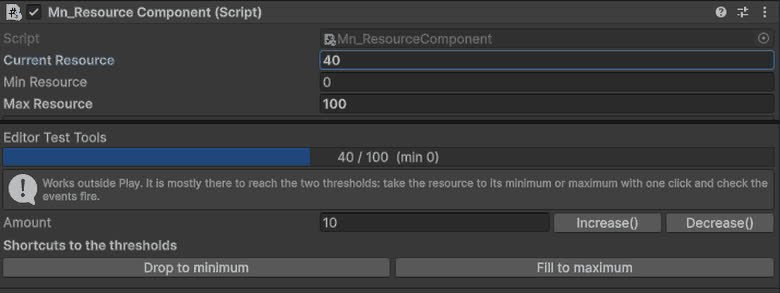
Resource Component
Component for managing object resources such as health, energy, mana or custom values, with support for runtime updates, limits and system integrations.
Completed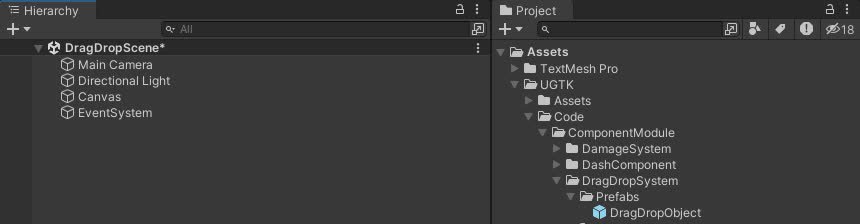
DragDrop System
Drag and Drop System for UI uses a state machine for smooth interactions and includes drag events, state transitions, and pooling.
Completed
Snap Component
The Snap Component System snaps the object to the last collided object upon TriggerSnap, using specific tag collisions.
Completed