 UGTKengine within an engine
UGTK / Systems / Ui Module / Fade Controller System Completed

Fade Controller System
Summary
The Fade Controller System cross-fades two groups of parent GameObjects by animating the alpha of every color component found in their children (Images, TMP texts, SpriteRenderers, Lights...), applied via reflection with no per-component setup. It plays sequenced fade-out-then-fade-in transitions in both directions, optionally toggling parent activation, with UnityEvents at each phase.
It also ships a Screen Fade (dip to black): a full-screen overlay that darkens the screen, holds, then lightens it back — driven by the bundled Animator (ScreenFade.controller, ToBlack clip) or by a pure-code coroutine.
Note: to fade TextMeshPro text per character, prefer the
<fade>/{fadein}/{#fade}tags of TextAnimatorUGTK. Keep this system for whole screens, groups and non-text objects.
Content
Modules Dependencies
This module has no UGTK dependencies.
Setup
To set up the Fade Controller System, follow these steps:
Add the ScreenFade prefab as the last child of your Canvas (full-stretch black Image with Raycast Target off, so it never blocks clicks):
Add the FadeController prefab to your scene (or add the Mn_FadeParentController component to any GameObject):
How To Use
Cross-fade between two groups (Mn_FadeParentController):
- Populate
Fade In Parents(the group that ends up visible) andFade Out Parents(the group that ends up hidden) by dragging the parent GameObjects from the Hierarchy, then setFade DurationandManage Parent Activation:
- Run the sequenced transition with
FadeInFirstThenFadeOutSecond()or the inverseFadeOutFirstThenFadeInSecond()(the inspector buttons call them; note that each sequence first fades out one group, then fades in the other). In Play Mode the transition is animated; in Edit Mode the buttons apply the final state instantly, which is handy to pre-set the scene:
- Hook the per-phase UnityEvents (
OnFirstFadeStart/End,OnSecondFadeStart/End, theirInversecounterparts and the two...Completeevents) to chain logic, and useInit()/SetAlphaInstant(list, alpha, activate)from code to set a group's state immediately.ActiveAllFadeOutParents()/DeactiveAllFadeOutParents()toggle the hidden group's activation.
Screen Fade — dip to black (Mn_ScreenFade):
- Play the fade: call
Play()(or click ▶ Play Fade in the inspector, Play Mode only): the screen darkens (1s), holds (0.5s), lightens back (1s). ■ Stop & Clear aborts and clears the overlay:
- Choose the mode: with
Use AnimatorON the bundledScreenFade.controllerdrives the fade (triggerFade, clipsIdle/ToBlack); OFF runs a pure-code coroutine with the configurableDarken/Hold/Lightendurations — no Animator needed:
- Wire the events:
onDarkenedfires when the screen is fully black — the right moment to swap scene/UI behind the fade — plusonFadeStarted/onFadeCompleted. EnablePlay On Enableto fade automatically when the object activates;IsFadingtells you whether a fade is running.
Testing Scene
Open Debug/FadeControllerScene.unity and press Play: the ScreenFade instance has Play On Enable active, so the scene starts with the dip-to-black; then select FadeController and use its inspector buttons to cross-fade between Element2 and Element1:
Technical Info
The following are the main scripts of the Fade Controller System:
Scripts:
- Mn_FadeParentController: runs coroutine fade routines that lerp alpha over
fadeDuration, applying it via reflection to anycolorfield/property in each parent's children, optionally activating/deactivating parents at the right moment and firing the phase events.SetAlphaInstantis code-only (itsList<GameObject>parameter cannot be picked from UnityEvent dropdowns). - Mn_ScreenFade: full-screen dip-to-black overlay (
[RequireComponent(Image)], menuUGTK/UI/Screen Fade (dip to black)). Animator mode triggers the bundled controller and derives the events by watching the Image alpha; code mode lerps the alpha with the three durations. Ships asPrefabs/ScreenFade.prefab+Animations/(controller,Idle,ToBlack: alpha 0→1 in 1s, hold 0.5s, back to 0 in 1s). - Mn_FadeParentController_Editor: custom inspector with the two sequence buttons (instant state in Edit Mode, animated in Play Mode).
- Mn_ScreenFade_Editor: custom inspector with ▶ Play Fade and ■ Stop & Clear buttons (enabled in Play Mode, with an info box otherwise).
© 2026 Marcello De Bonis. All rights reserved
More in Ui Module.
all 34 →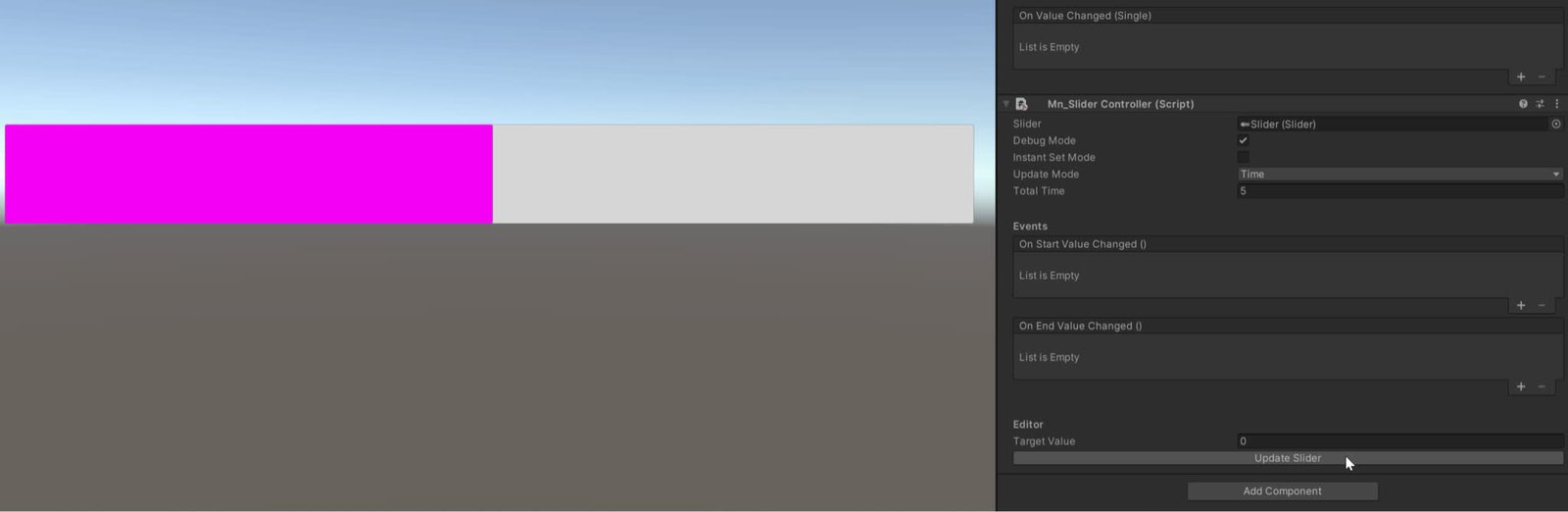
Slider System
Manages to change the value of the slider with animation
Completed
Coroutine Timer Slider System
Timer slider components (linear and circular) driven by coroutines with events on completion.
Completed
Screen Chooser System
Manages switching between multiple UI screens or panels with simple API.
Completed
Blur System
UI blur effects controller for backgrounds and panels.
Completed