 UGTKengine within an engine
UGTK / Systems / Ui Module / Coroutine Timer Slider System Completed

Coroutine Timer Slider System
Summary
The Coroutine Timer Slider System is a progress bar that fills itself over a duration: give it a number
of seconds and it drives a Slider from 0 to 1, writes the percentage in a label, and calls you back when
it is done.
It is the "hold to confirm", the "opening in 3 seconds", the loading bar of a fake wait — anywhere you need visible, interruptible progress without writing the coroutine yourself.
Content
Modules Dependencies
None inside UGTK. It uses Unity UI (Slider) and TextMeshPro.
Setup
Drop the CourutineTimerSlider prefab under your canvas — it already carries the slider and the
percentage label wired to the component.
Adding the component by hand works too, as long as you assign both references: the Slider and the
TMP_Text.
The two references are the whole setup, and both are mandatory: with either missing the coroutine
logs an error and exits without invoking the callback. The prefab in Prefabs/ already has the
slider and the label in place, which is why starting from it is the shorter route.
How To Use
timerSlider.StartTimer(5f, () => Debug.Log("Done!"));
timerSlider.StartTimer(3f);              // callback optional
StartTimer shows the slider and the label, fills over duration seconds writing the percentage each
frame, snaps to exactly 100% at the end and then invokes the callback.
Good to know:
- Calling
StartTimeragain restarts it, stopping the running one first. That is what makes it safe on a button that can be tapped twice — but it also means you cannot run two timers on the same component. Use one component per bar. - Both references are mandatory. A missing
SliderorTMP_Textlogs an error and the coroutine exits immediately: the callback is never invoked, so anything waiting on it waits forever. Check the console if a timer seems to hang. - It uses
Time.deltaTime, so it stops withTime.timeScale = 0. A progress bar in a pause menu will freeze — drive it yourself with unscaled time if that matters. - The bar is shown but never hidden. At 100% it stays on screen at full: hide it in your
onCompleteif it should disappear. - There is no cancel. To interrupt, disable the GameObject (which kills the coroutine) — and note the callback will not fire.
- The slider's own Min/Max are ignored: the component writes a normalized 0..1 value, so leave the slider at its defaults.
Testing Scene
Open Debug/CourutineTimerSliderScene.unity. A Canvas holds the CourutineTimerSlider prefab
with Mn_CourutineTimerSlider wired to its own slider and to the TMP label inside the fill;
TimerSliderTest carries Mn_CourutineTimerSliderTest. Both need Play Mode: the fill is a
coroutine, and coroutines do not run with the editor stopped.
Press Play, then either use the 1s / 3s / 10s buttons in the component's own inspector, or
right-click Mn_CourutineTimerSliderTest and pick from its context menu:
- Start Timer — the bar fills over Duration seconds and the label counts up to 100%. The callback logs when it arrives.
- Start Twice — starts a timer and immediately starts a second, shorter one. Only the second
callback ever arrives:
StartTimerstops the running coroutine before starting a new one, so anything waiting on the first is waiting forever. Worth knowing before wiring a "next level" callback to it. - Freeze Time Scale mid-fill — the bar stops where it is. The coroutine runs on
Time.deltaTime, so a pause menu that setsTime.timeScale = 0freezes it too. Restore Time Scale and it carries on.
One thing that fails silently: with either the Timer Slider or the Percentage Text reference missing, the coroutine logs an error and exits without invoking the callback. Whatever was waiting on it waits forever, and there is nothing on screen to suggest why.
Technical Info
| Path | Content |
|---|---|
Scripts/Mn_CourutineTimerSlider.cs |
The component: StartTimer(float, Action) and the internal coroutine that advances the slider and the percentage label |
Prefabs/CourutineTimerSlider.prefab |
Slider and label already wired |
© 2026 Marcello De Bonis. All rights reserved
More in Ui Module.
all 34 →
Click Effect Button
UI button press feedback: hides shadow/outline and shifts RectTransform by a fixed offset on press.
Completed
Jelly System
Continuous idle squash/stretch (jelly) animation for UI or world transforms.
Completed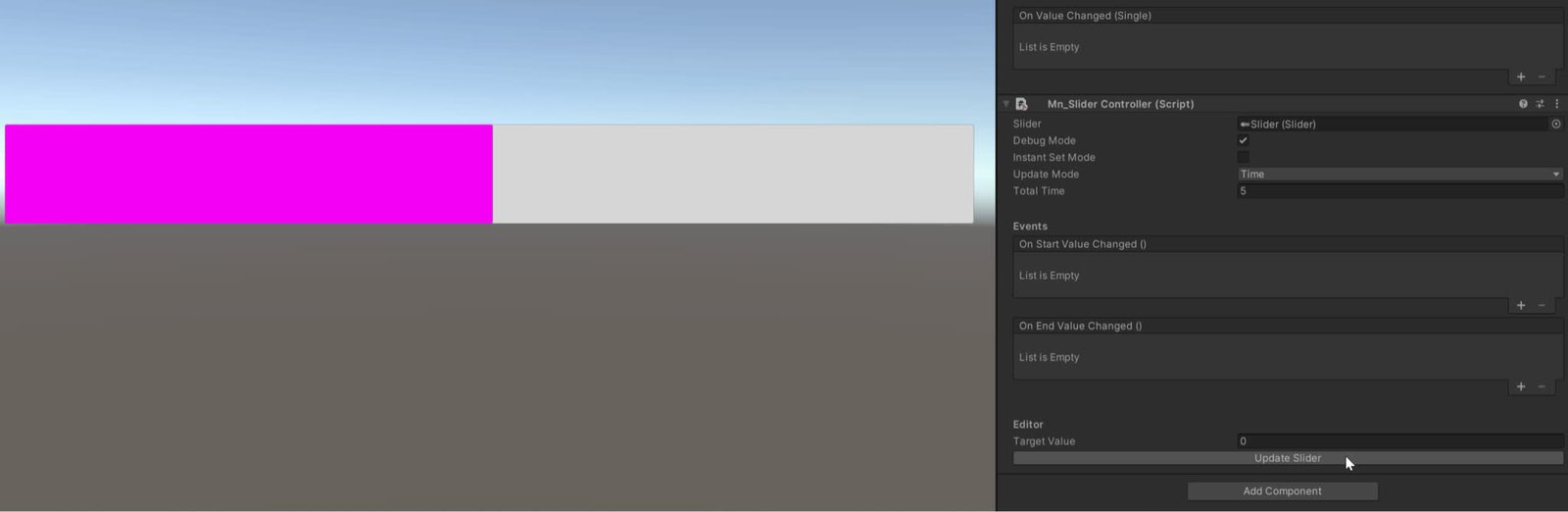
Slider System
Manages to change the value of the slider with animation
Completed
Screen Chooser System
Manages switching between multiple UI screens or panels with simple API.
Completed