 UGTKengine within an engine
UGTK / Systems / Utility Systems / UGTK Instantiator Completed

UGTK Instantiator
Summary
Editor tooling that adds all UGTK prefabs to the scene through GameObject > UGTK > ... (and GameObject/UI) menu entries, and automatically prompts to import the TextMesh Pro Essential Resources that UGTK requires.
Content
Modules Dependencies
- TextMesh Pro: UGTK uses TMP for UI text;
UGTKTextMeshProSetupchecks for and imports the TMP Essential Resources. - The menu items instantiate prefabs from across the whole UGTK package (API, GameplaySystems, UtilitySystems, UI, Components, DataSystems, DesignPatterns, Mobile). The concrete prefabs must exist under a
/Prefabs/folder in the project.
Setup
This is an editor-only utility (#if UNITY_EDITOR): it requires no scene setup, it just adds the
menu entries. On the first editor session it may show a dialog offering to import the TMP Essential
Resources.
How To Use
Use the GameObject > UGTK > ... menu (also mirrored under GameObject > UI > ... for UI prefabs) to drop any UGTK prefab into the current scene. If a GameObject is selected/right-clicked, the new instance is parented under it at local zero; otherwise it is placed at world origin. Each instantiation is registered with Undo and the new object is selected.
The TMP setup runs automatically: on the first session, if the TMP package is present but its Essential Resources (default style sheet) are missing, a dialog offers "Import now / Later / Don't ask again"; choosing import runs Window/TextMeshPro/Import TMP Essential Resources.
Good to know:
- Prefabs are resolved by NAME, not by path.
AddPrefabToScenesearches the whole project for a prefab with that exact file name under any/Prefabs/folder and takes the first match. Two prefabs with the same name in different modules — or a copy of a UGTK prefab in your ownPrefabs/folder — and the menu can instantiate the wrong one. Keep prefab names unique. - Renaming a prefab breaks its menu entry silently: the search finds nothing and the item does nothing. If a menu entry seems dead, check that the prefab still has its original name.
- There are 216 menu entries, and the UI ones are mirrored under
GameObject/UI, so the same prefab can be reached from two places — they call the very same code. - Parenting: with a GameObject selected (or right-clicked in the Hierarchy) the new instance is parented under it at local zero; otherwise it lands at world origin. Every instantiation is registered with Undo and the new object is selected.
Testing Scene
This is an editor tool: there is nothing to play. Test it from the GameObject > UGTK menu.
What to do, in order:
- Create one of each entry in an empty scene.
- Create one with an object already selected, and check where it is parented.
- Create one inside a prefab stage.
Step 2 is the behaviour to pin down: menu creation normally parents to the selection, which is convenient until it silently puts a manager inside a UI panel.
The recording is the module itself: everything it does is add a branch to GameObject > UGTK, sorted the way the package is - API, Components, DataSystems, DesignPatterns, GamePlay, Mobile, UtilitySystems, UI - down to a single entry that drops the prefab into the scene, already configured.
Two things to know before you use it in earnest:
- Menu creation parents the new object to whatever is selected. That is convenient until it silently puts a manager inside a UI panel, which is step 2 in the list above.
- Inside a prefab stage it creates into the prefab, not into the scene.
Technical Info
- UGTKInstantiator: Static editor class exposing the large set of
[MenuItem("GameObject/UGTK/...")]entries; each calls the internalAddPrefabToScenehelper, which finds the named prefab under a/Prefabs/path, instantiates it, parents/positions it, and registers Undo. - UGTKTextMeshProSetup:
[InitializeOnLoad]editor class that, once per session, uses reflection to detect missing TMP Essential Resources and prompts the user to import them (respecting a "Don't ask again" preference).
© 2026 Marcello De Bonis. All rights reserved
More in Utility Systems.
all 34 →
Web Param System
Reads and exposes query-string parameters (e.g. from WebGL builds) to drive in-game behaviour.
Completed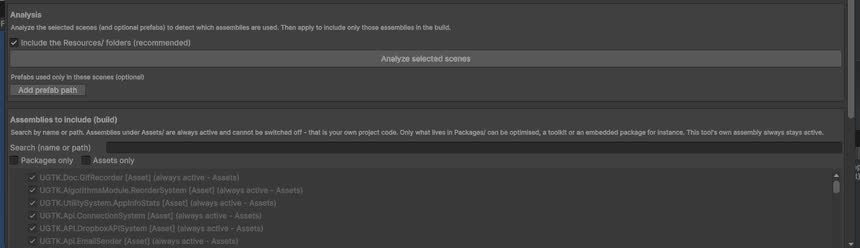
UGTK Assembly Manager
Centralizes references to UGTK assemblies and modules, easing setup and dependency tracking.
Completed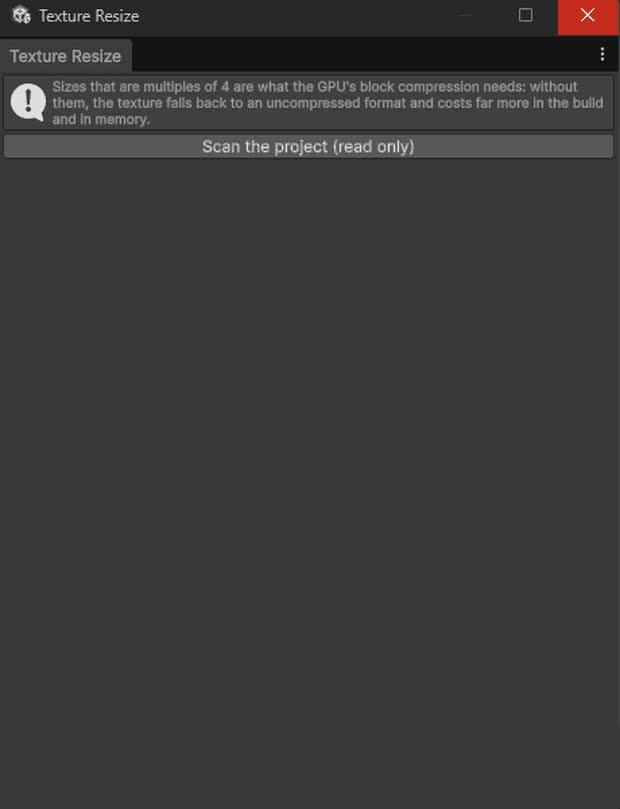
Texture Resizer System
Resizes textures at runtime or in editor, useful for optimization and dynamic thumbnails.
Completed
Desktop Window Controls
Quit, full-screen toggle and minimize for desktop builds.
Completed