 UGTKengine within an engine
UGTK / Systems / Utility Systems / Counter System Completed

Counter System
Summary
The Counter System is a runtime integer counter (Mn_Counter) with clamping, a target value
and per-threshold callbacks. It exposes CurrentValue = startFrom + counter (clamped to maxValue)
and fires UnityEvents on increase, decrease, target reached, and when specific thresholds are hit.
Content
Modules Dependencies
- Dictionary System: the optional per-threshold callbacks use
S_Dictionary<int, UnityEvent<int>>.
Setup
Drop the Counter prefab into the scene — a GameObject with Mn_Counter ready to configure:
Or add the component to any GameObject. Configure startFrom, targetValue and maxValue in the
Inspector; optionally add threshold entries. The custom inspector adds buttons to
increment/decrement/reset and shows the live runtime value.
How To Use
counter.IncrementCounter();      // +1 (clamped to maxValue)
counter.IncrementCounter(5);     // +5
counter.DecrementCounter();      // -1 (clamped to startFrom)
counter.ResetCounter();          // back to startFrom
counter.SetToMaxInstant();       // jump to maxValue
counter.SetMaxValue(20);         // change the clamp
counter.SetTargetValue(15);      // change the target
int v = counter.CurrentValue;    // read the exposed value
Wire OnIncreased(counter, currentValue), OnDecreased(counter, currentValue) and
OnReachedTarget(currentValue) in the Inspector. The threshold dictionary fires its event
once each time CurrentValue lands exactly on a key (re-armed when you leave that value).
Good to know:
CurrentValueisstartFrom + counter, clamped.startFromis an offset, not just the initial value: changing it shifts every value the counter reports. ReadCounterfor the raw count andCurrentValuefor the exposed one.- Thresholds fire on the exact value. A jump that steps over a threshold —
IncrementCounter(5)across a key, orSetToMaxInstant()— does not fire it. Increment by one when you need the intermediate events. maxValuebelowstartFromcollapses the range: the clamp keepsCurrentValueatstartFromand the counter looks stuck.- Editor buttons and events:
invokeEventsInEditMode(off by default) decides whether the inspector buttons raise the UnityEvents outside Play Mode. Leave it off to avoid firing game logic while you are just testing the numbers.
Testing Scene
Open Debug/CounterScene.unity and press Play: use the inspector buttons to increment and decrement
and watch the live value, the target event and the thresholds fire.
Technical Info
| Path | Content |
|---|---|
Scripts/Runtime/Mn_Counter.cs |
The component: public API, clamping invariants, target/threshold event logic |
Scripts/Editor/Mn_Counter_Editor.cs |
Custom inspector: action buttons and read-only runtime value |
Prefabs/Counter.prefab |
GameObject with the component |
Debug/CounterScene.unity |
Test scene |
© 2026 Marcello De Bonis. All rights reserved
More in Utility Systems.
all 34 →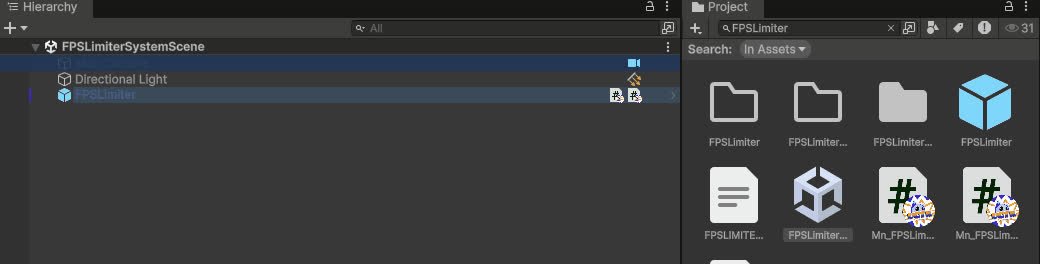
FPS Limiter System
Caps the frame rate from a component: target FPS, VSync and physics tick rate handled together.
Completed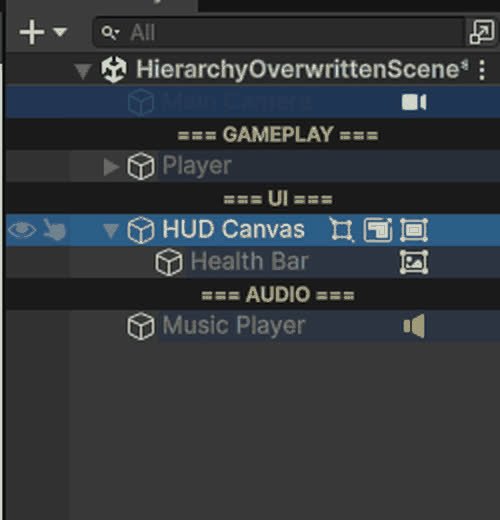
Hierarchy Overwritten
Editor-only Hierarchy overlays: row colours, name rules, Tag/Layer and component badges, separators, visibility and lock toggles.
Completed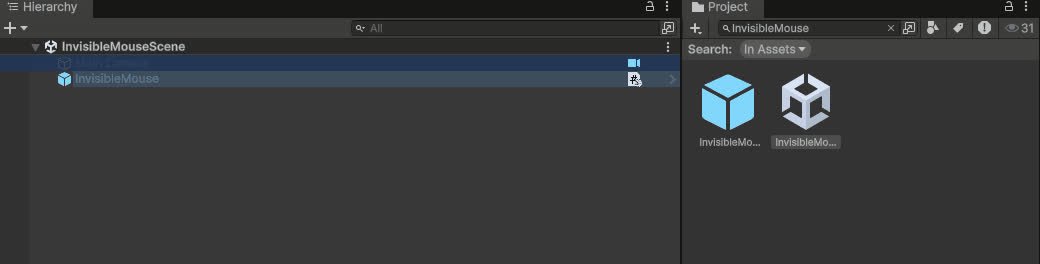
Invisibile Mouse System
Keeps the cursor permanently hidden on Editor, Standalone and WebGL (with its own `.jslib` for the browser canvas).
Completed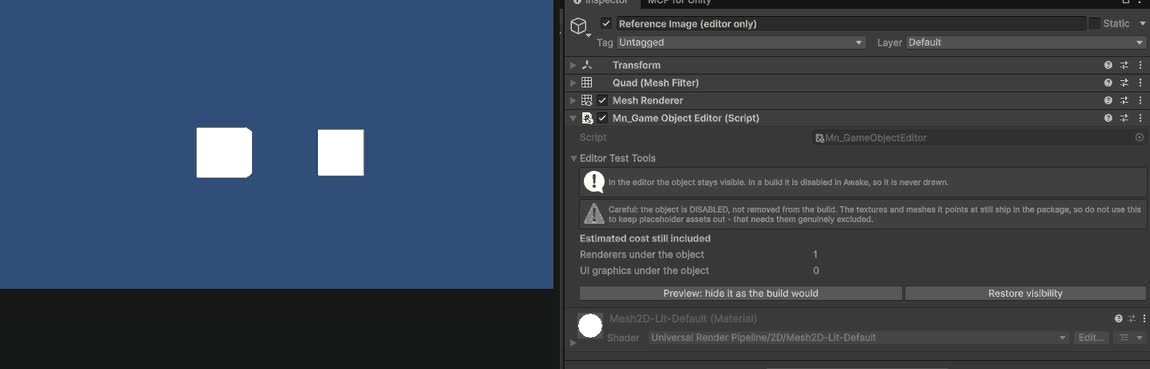
GameObject Editor System
Editor tools for inspecting and batch-editing GameObjects in complex scenes.
Completed