 UGTKengine within an engine
UGTK / Systems / Utility Systems / Range System Completed

Range System
Summary
An extension of the Counter system: it classifies the counter's CurrentValue into a list of non-overlapping inclusive bands and invokes the UnityEvent<int> of the first matching band, passing the value. Overlaps are auto-corrected in the editor.
Content
Modules Dependencies
- UtilitySystems / Counter (
UGTK.UtilitySystems.Counter):Mn_Rangederives fromMn_Counterand reuses itsCurrentValue,MaxValue,ShouldInvokeCounterEventsandOnCurrentValueChangedhook.
Setup
Drop the Range prefab into the scene — a GameObject with Mn_Range (counter + bands) ready to
configure:
How To Use
- Add
Mn_Rangeto a GameObject (it is aMn_Counter, so it has all counter fields plus the range bands). - Fill the ranges list; each
S_Rangehasmin,maxand anonMatched(UnityEvent<int>). Bands are treated as inclusive and must not overlap. - Configure behaviour:
- verifyRangeWhenCounterChanges (default true): every time
CurrentValuechanges,VerifyRange()runs automatically. - axisVisualMin: the lower end of the numeric axis drawn by the custom editor (independent from counter clamping);
AxisVisualMaxmirrorsMaxValue. - Call
VerifyRange()(or let the counter change trigger it): it normalizes each band (min ≤ max), and invokes theonMatchedof the first band that containsCurrentValue, then returns. If any two bands overlap it logs an error and does nothing.
In the Editor, OnValidate normalizes bands, pushes overlapping bands forward to keep them exclusive, and enforces axisVisualMin / MaxValue bounds from the first/last band.
Good to know:
- Only the FIRST matching band fires.
VerifyRange()returns after the first hit, so bands are meant to partition the axis, not to layer on top of each other. - Overlapping bands abort the whole check. If two bands overlap at runtime the component logs an
error and invokes nothing — no fallback event. The editor pushes bands apart on
OnValidate, but a list built from code has to be kept exclusive by hand. - A value outside every band fires nothing: there is no "default" event. Cover the whole axis if you always need a reaction.
- Since
Mn_Rangeis aMn_Counter, everything in the Counter System applies here too — including the fact that jumps skip the counter's own thresholds.
Testing Scene
Open Debug/RangeScene.unity and press Play: increment the counter from the inspector and watch the
band events fire as the value crosses from one range to the next.
Technical Info
- Mn_Range:
Mn_Countersubclass. Holds aList<S_Range>, classifiesCurrentValueinVerifyRange(), overridesOnCurrentValueChangedto auto-verify, and resolves band overlaps inOnValidate. - S_Range: serializable struct
{ int min; int max; RangeMatchedUnityEvent onMatched; }— an inclusive band with its listener. - RangeMatchedUnityEvent:
UnityEvent<int>payload passed the matched value.
© 2026 Marcello De Bonis. All rights reserved
More in Utility Systems.
all 34 →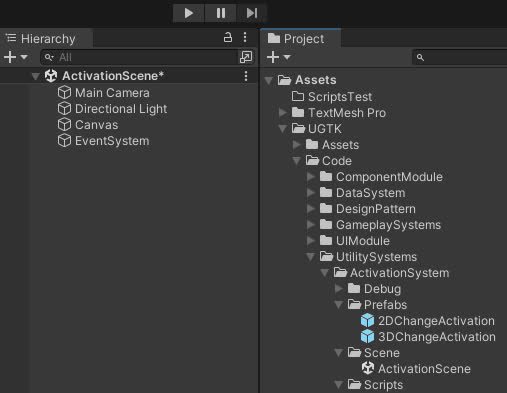
Activation System
The Activation System controls GameObject states, enabling activation, deactivation, and toggling for dynamic gameplay scenarios.
Completed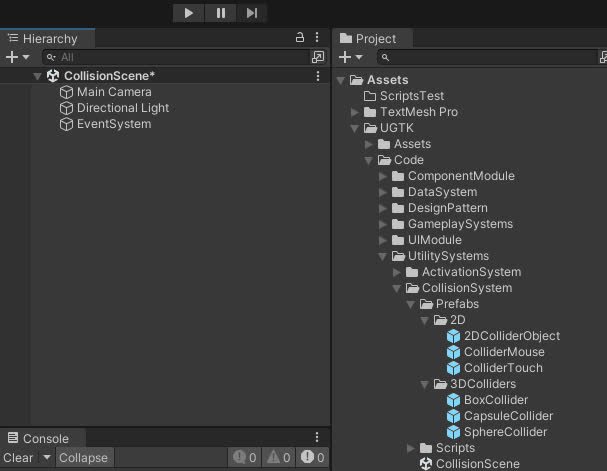
Collision System
Manages 2D/3D collisions and detects mouse and touch interactions with customizable behavior.
Completed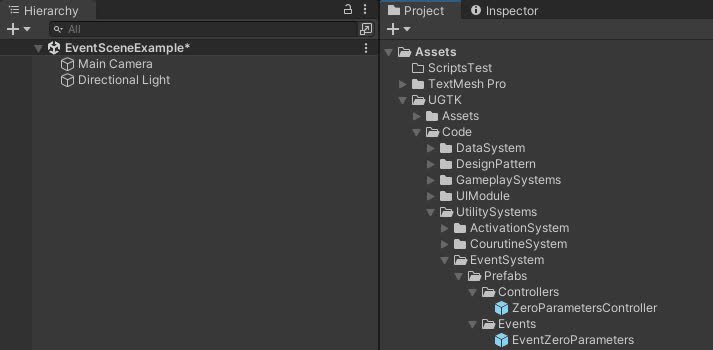
Event System
Flexible system for managing game events, including listener management, event invocation
Completed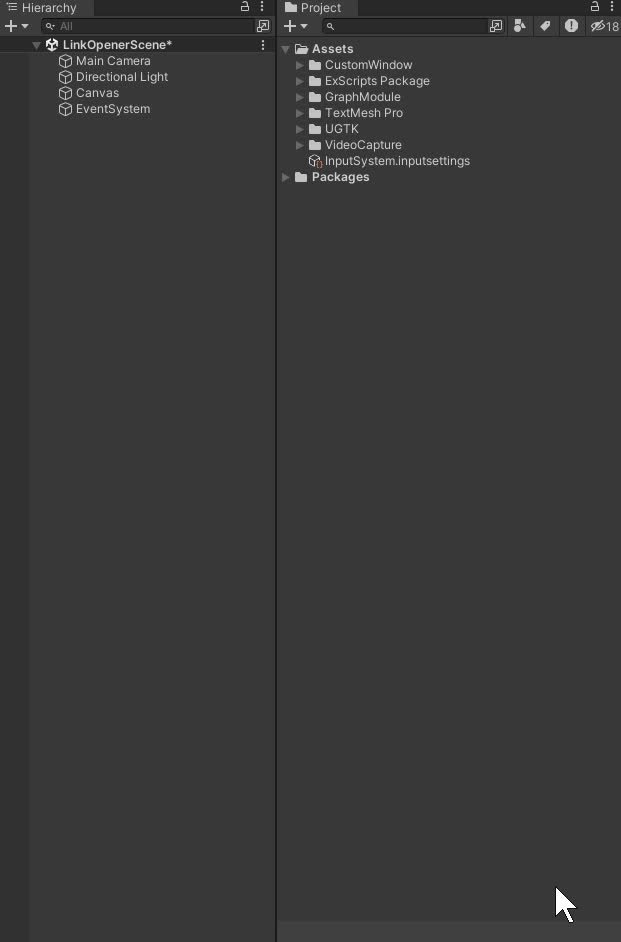
LinkOpener System
The LinkOpenerSystem opens URLs in Unity, supporting both web links and deep links to compatible apps.
Completed