 UGTKengine within an engine
UGTK / Systems / Utility Systems / Activation System Completed

Activation System
Summary
The Activation System within the Unity Games Toolkit (UGTK) manages the activation states of GameObjects. It provides control over GameObject activation, including activate, deactivate, and toggle (change) states. This system is essential for dynamic gameplay scenarios where the state of GameObjects needs to be controlled programmatically.
Content
Modules Dependencies
The Activation System module does not have external dependencies within the UGTK. It can be used independently.
Setup
To set up the Activation System, follow these steps:
2D Change Activation
- Add
2DChangeActivationPrefab in your scenere:
- Define the list of target GameObjects and specify the desired activation type for each.:
3D Change Activation
- Add
3DChangeActivationPrefab in your scenere:
- Define the list of target GameObjects and specify the desired activation type for each.:
How To Use
To use the Activation System, utilize the following methods, called by code:
- Apply Modification:
Call the ApplyModification method to apply the activation changes to the target GameObjects based on their specified activation type.
You can call this funct by code or by buttons or triggering events
mn_GameObjectActivation.ApplyModification();
Testing Scene
To try this system, you can utilize the following examples in the scene ActivationScene:
Technical Info
The following are the main scripts and workflow of the Activation System. Refer to the UML section for the detailed structure.
Scripts:
- EActivationType: Enumeration defining the types of activation changes (Activate, Deactivate, Change).
- Mn_GameObjectActivation: Manages the activation state of GameObjects, handling the logic for activating, deactivating, and toggling activation states.
- S_ChangeActivationObjects: Structure holding a list of GameObjects and the type of activation change to apply.
© 2026 Marcello De Bonis. All rights reserved
More in Utility Systems.
all 34 →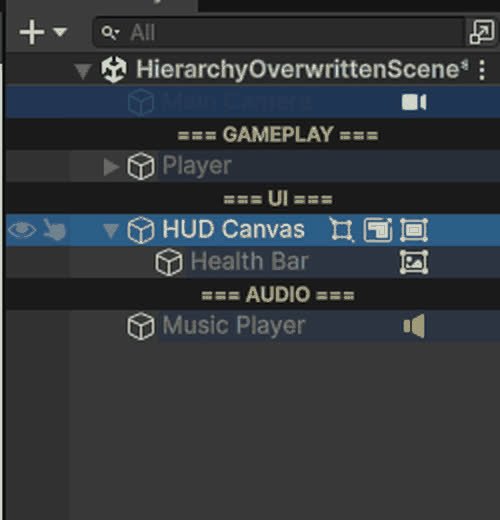
Hierarchy Overwritten
Editor-only Hierarchy overlays: row colours, name rules, Tag/Layer and component badges, separators, visibility and lock toggles.
Completed
Invisibile Mouse System
Keeps the cursor permanently hidden on Editor, Standalone and WebGL (with its own `.jslib` for the browser canvas).
Completed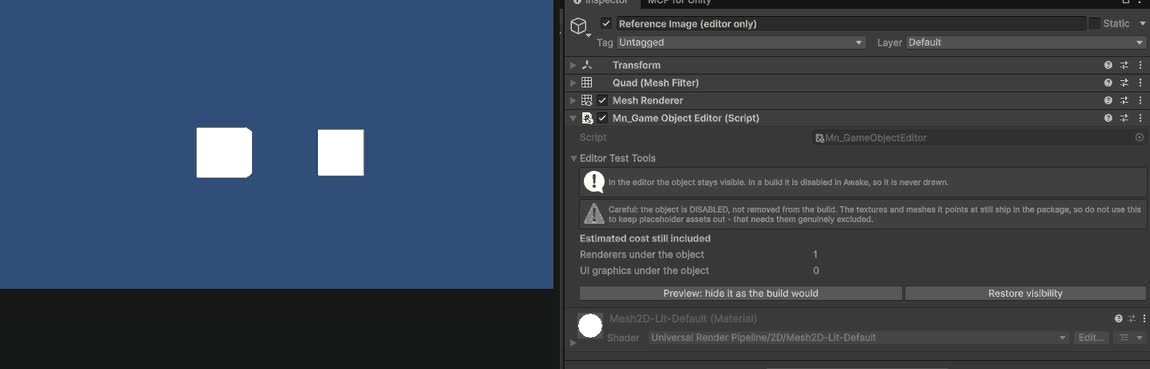
GameObject Editor System
Editor tools for inspecting and batch-editing GameObjects in complex scenes.
Completed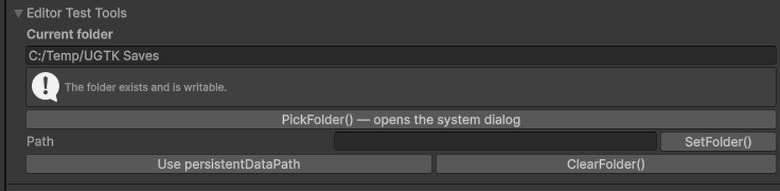
Folder Path System
Centralized management of folder paths used by other systems (saves, logs, exports, etc.).
Completed