 UGTKengine within an engine
UGTK / Systems / Utility Systems / Invisibile Mouse System Completed

Invisibile Mouse System
Summary
One component that keeps the mouse cursor permanently hidden across Editor, Standalone and
WebGL. Cursor.visible = false alone is not enough in practice: a browser, a UI package or another
script can turn the cursor back on at any time, and in WebGL the pointer is drawn by the page, not by
Unity. This component re-applies the hidden state every frame and on every focus/resume, and on WebGL
also sets cursor: none on the canvas through a bundled .jslib plugin.
It is what you want on a totem, a kiosk, an arcade cabinet or any touch-only build.
Content
Modules Dependencies
None on the UGTK side. On WebGL it calls its own bundled plugin,
Plugins/WebGL/UGTK_InvisibileMouseSystemWebGL.jslib, which ships with the module.
Setup
Drop the InvisibleMouse prefab into the scene — an empty GameObject carrying
Mn_InvisibileMouseSystem. There is nothing to wire: from the moment it is enabled, the cursor is
gone.
Or add the component to any GameObject that survives as long as you want the cursor hidden.
How To Use
Two inspector options, and that is the whole configuration:
- Lock Mode When Hidden (
CursorLockMode, defaultNone): the lock state applied together with the hiding.Noneleaves the pointer free (it is simply invisible),Lockedcaptures it at the centre of the window — the usual choice for a first-person camera — andConfinedkeeps it inside the window. - Restore On Disable (default off): when true, disabling the component brings the cursor back (visible, unlocked, and on WebGL the canvas CSS cursor restored). Leave it off when the object is destroyed on a scene change and you do not care; turn it on when you toggle the component to show a menu.
To show the cursor again, disable or remove the component (or its GameObject). There is no
Show() method: the state is re-asserted in Update, so anything that sets Cursor.visible = true
from outside is undone on the next frame.
// hide
invisibleMouse.enabled = true;

// show again (with Restore On Disable turned on)
invisibleMouse.enabled = false;
Good to know:
- It re-applies in
Awake,OnEnable,Update,OnApplicationFocusandOnApplicationPause. TheUpdatecost is two property assignments per frame — negligible, and it is the only way to win against code that fights for the cursor. - In the Editor the Game view still shows the system cursor when the window is not focused: check the real behaviour in a build, not in the editor.
Lockedmode in WebGL requires a user gesture (a click) before the browser grants pointer lock: the cursor hides immediately, the lock arrives at the first click.- The
.jslibcall only exists in a WebGL build (UNITY_WEBGL && !UNITY_EDITOR), so nothing changes in the editor or on other platforms.
Testing Scene
Open Debug/InvisibleMouseScene.unity and press Play: the cursor disappears over the Game view and
stays gone even after clicking away and back.
Technical Info
| Path | Content |
|---|---|
Scripts/Runtime/Mn_InvisibileMouseSystem.cs |
The component: Apply() called from Awake/OnEnable/Update/focus/pause, optional restore in OnDisable, [DllImport("__Internal")] for the WebGL path |
Plugins/WebGL/UGTK_InvisibileMouseSystemWebGL.jslib |
Browser-side plugin: toggles cursor: none on the Unity canvas |
Prefabs/InvisibleMouse.prefab |
Ready-made GameObject with the component |
Debug/InvisibleMouseScene.unity |
Test scene |
© 2026 Marcello De Bonis. All rights reserved
More in Utility Systems.
all 34 →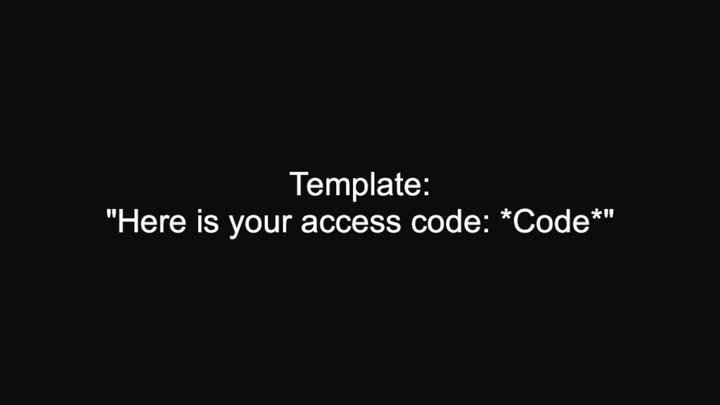
Replace Special Word
Substitutes *tokens* inside a text template with values supplied at runtime.
Completed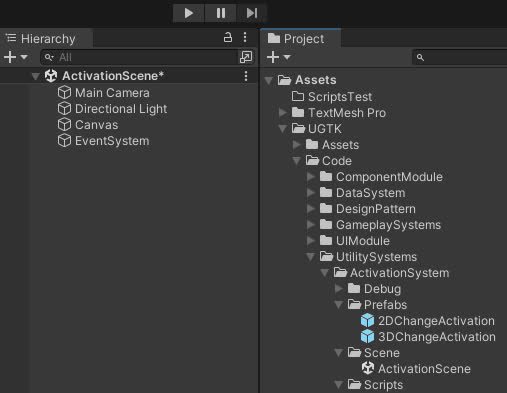
Activation System
The Activation System controls GameObject states, enabling activation, deactivation, and toggling for dynamic gameplay scenarios.
Completed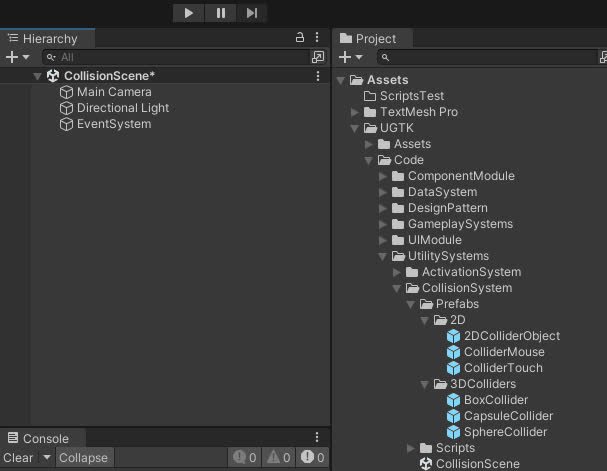
Collision System
Manages 2D/3D collisions and detects mouse and touch interactions with customizable behavior.
Completed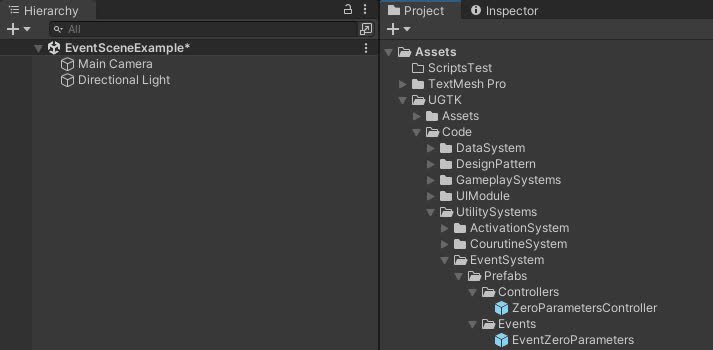
Event System
Flexible system for managing game events, including listener management, event invocation
Completed