 UGTKengine within an engine
UGTK / Systems / Utility Systems / Replace Special Word Completed

Replace Special Word System
Summary
Builds a string from a template containing *token* placeholders, replacing each recognized special word with a runtime value and emitting the result through a UnityEvent. Optional child slots let each token be set from its own GameObject.
Content
Modules Dependencies
This module has no hard UGTK dependencies.
Setup
Add the Mn_ReplaceSpecialWords component to a GameObject and write a Template text using *token* placeholders (the asterisks must touch the word, e.g. *Codice*; spaces inside a token are allowed, spaces next to an asterisk are not). The custom editor auto-detects tokens from the template into the read-only Special Words list and can auto-sync child Mn_SpecialWordSlot GameObjects (toggle via the Editor Automation flags). Wire the onEmittText(string) UnityEvent to whatever consumes the final text.
How To Use
- Set values per token, then emit:
SetReplacement(token, value)(emits if that entry'semitAfterChangeis on),SetReplacementNoEmit(token, value), orClearReplacement(token). BuildText()returns the fully substituted string;EmitText()builds and firesonEmittText.- Read
TemplateText,LastEmitted, andSpecialWords.
    mn_ReplaceSpecialWords.SetReplacement("*Codice*", "1234");
    mn_ReplaceSpecialWords.EmitText();
Each Mn_SpecialWordSlot child is bound to a token; calling its SetValue(string) forwards to the owner's SetReplacement / SetReplacementNoEmit based on its synced emit flag, so a single token can be driven from its own object.
Testing Scene
Open ReplaceSpecialWorldScene in the module's Debug/ folder.
What to do, in order:
- Write a template with a token and let the system replace it.
- Put a space between the asterisk and the word.
- Use a token that the data does not provide.
- Use two tokens next to each other.
Step 2 is the rule people get wrong: the asterisks have to touch the word. *Codice* is a
token, * Codice* is literal text, while spaces inside the word are fine. Step 3 shows what an
unmatched token leaves on screen — which is usually the markup itself.
This system has no visible scene: its demonstration is the inspector. Typing a template
containing *name* and *Code* makes Auto Detect Tokens From Template find both and
create a slot for each, with the token filled in and the value left for you.
Technical Info
- Mn_ReplaceSpecialWords: MonoBehaviour holding the template and the token→value entries (
SpecialWordEntry), performing the string replacement, maintaining a token index, and emitting the built text viaonEmittText. - Mn_SpecialWordSlot: Child component bound to one token and its owner;
SetValueforwards the value to the owner (with or without emit). - Mn_ReplaceSpecialWorldEditor / Mn_SpecialWorldSlotEditor: Custom inspectors that parse tokens from the template, keep the read-only token list in sync, and manage the child slot GameObjects.
© 2026 Marcello De Bonis. All rights reserved
More in Utility Systems.
all 34 →
FPS Limiter System
Caps the frame rate from a component: target FPS, VSync and physics tick rate handled together.
Completed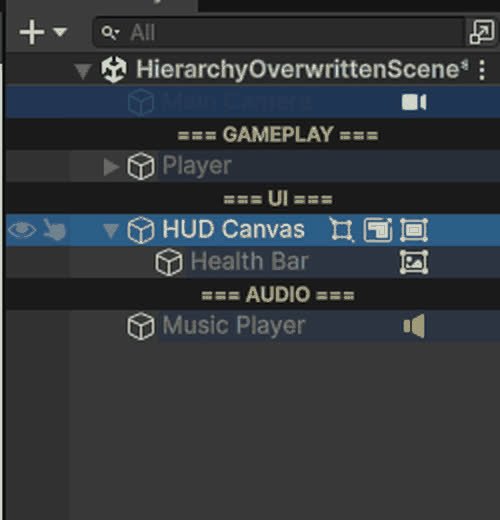
Hierarchy Overwritten
Editor-only Hierarchy overlays: row colours, name rules, Tag/Layer and component badges, separators, visibility and lock toggles.
Completed
Invisibile Mouse System
Keeps the cursor permanently hidden on Editor, Standalone and WebGL (with its own `.jslib` for the browser canvas).
Completed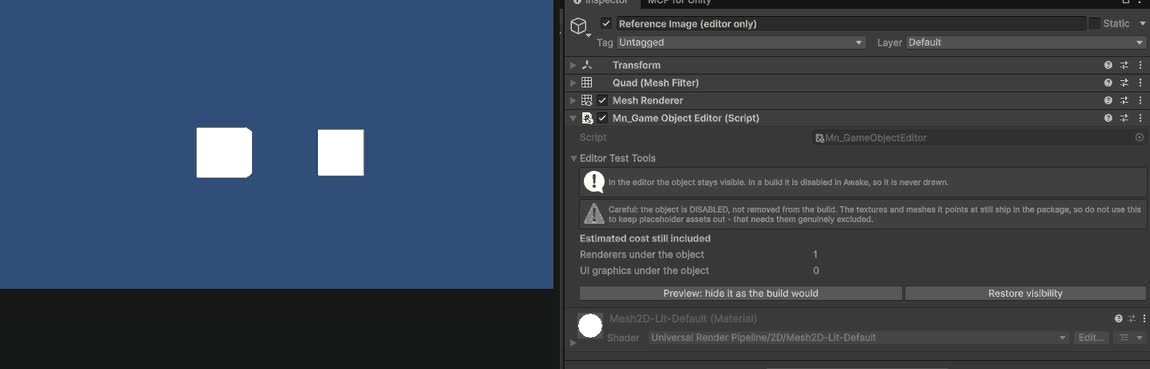
GameObject Editor System
Editor tools for inspecting and batch-editing GameObjects in complex scenes.
Completed