 UGTKengine within an engine
UGTK / Systems / API / ImagePhpManagment Completed

Image Php Managment
Summary
Image Php Managment uploads images to a PHP endpoint and fetches them back. It is the transport layer
behind any "save the player's photo on the server" feature: the photo travels as Base64, so it works
from WebGL too, where there is no file system to post from.
It is built on PostRequest, a small fluent wrapper over UnityWebRequest that the module also ships and
that you can reuse for any form POST of your own.
Content
Modules Dependencies
None. Two plain classes, no MonoBehaviour and no UGTK reference.
Setup
No component and no prefab — there is nothing to place in a scene, so there is no GIF. Configure the two static values once, at startup:
ImagePhpManagment.SetUrl("https://your.server/api/images.php");
ImagePhpManagment.SetSelectedTableName("player_photos");
The PHP side is not shipped here: the endpoint must accept the fields this class posts.
How To Use
The calls are static factories that build a request; the request is then run as a coroutine, which is why you need a MonoBehaviour to start it:
var request = ImagePhpManagment.SendImage(base64Image);
// or SendBatchImages(a, b, c) / FetchImages("id1", "id2")

StartCoroutine(request.PerformRequest((handler, responseCode) =>
{
    if (responseCode != 200) { /* handle the failure */ return; }
    string body = handler.text;
}));
Good to know:
- Base64 costs about a third more bytes than the binary. A full-resolution photo becomes megabytes:
resize it before sending, especially on mobile data.
SendBatchImagesmultiplies the problem — it is a single request carrying every image. - The URL and the table are static: they are shared by the whole application and by every later call. Setting them from two places at once is a race worth avoiding.
- The response code is the second callback argument, and nothing checks it for you: a
500from the server arrives with an empty body and no exception. - The endpoint has no authentication of its own. Anyone who finds it can upload: add a token or a signature on the PHP side.
PostRequestis reusable: derive from it, chainSetUriandAddField<T>, and you have a typed form POST without repeating theUnityWebRequestboilerplate.
Testing Scene
Open Debug/ImagePhpManagmentScene.unity. It holds one object, ImagePhpManagmentTest,
carrying Mn_ImagePhpManagmentTest. Nothing here talks to a server: the three entries on the
component's context menu answer the questions that decide whether an upload will work before one
is attempted. Right-click the header in the Inspector; no play mode.
- Apply Url — with the sample
http://…endpoint the component accepts it and warns: on WebGL a page served over HTTPS cannot call an HTTP endpoint, and the browser blocks the request before it leaves. That failure looks like a dead server, which is why it is worth catching here. Change the field tohttps://…, run it again, and the warning is gone. - Apply Table Name — the table the PHP side writes into. It is a plain string, so a typo here surfaces as an empty table rather than an error.
- Measure Payload — encodes the assigned Image and reports the size of the base64 string.
The sample comes out around 6,800 characters, roughly 0.01 MB. Base64 costs about a third more
than the raw bytes, and a photo straight from a phone camera easily reaches several megabytes of
text — enough for the request to be refused by
post_max_sizeon the server side. Measuring first is cheaper than debugging a 413 afterwards.
The texture assigned to Image needs Read/Write enabled, exactly as in SpriteBase64: without it the encoding throws instead of returning a string.
Technical Info
| Path | Content |
|---|---|
Scripts/ImagePhpManagment.cs |
The three factories (SendImage, SendBatchImages, FetchImages) and the static configuration (SetUrl, SetSelectedTableName) |
Scripts/PostRequest.cs |
Fluent base for a form POST: SetUri, AddField<T>, PerformRequest(Action<DownloadHandler, long>) |
© 2026 Marcello De Bonis. All rights reserved
More in API.
all 8 →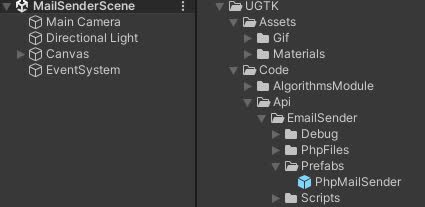
EmailSender
EmailSender is a system that allows you to send emails from your game.
Completed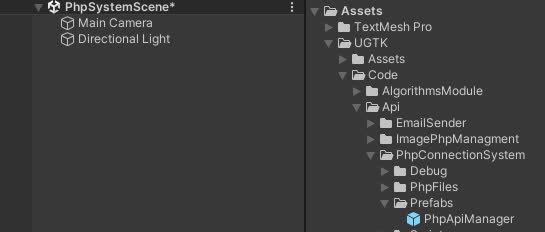
PhpConnectionSystem
PhpConnectionSystem is a system that allows you to connect to a server and send data.
Completed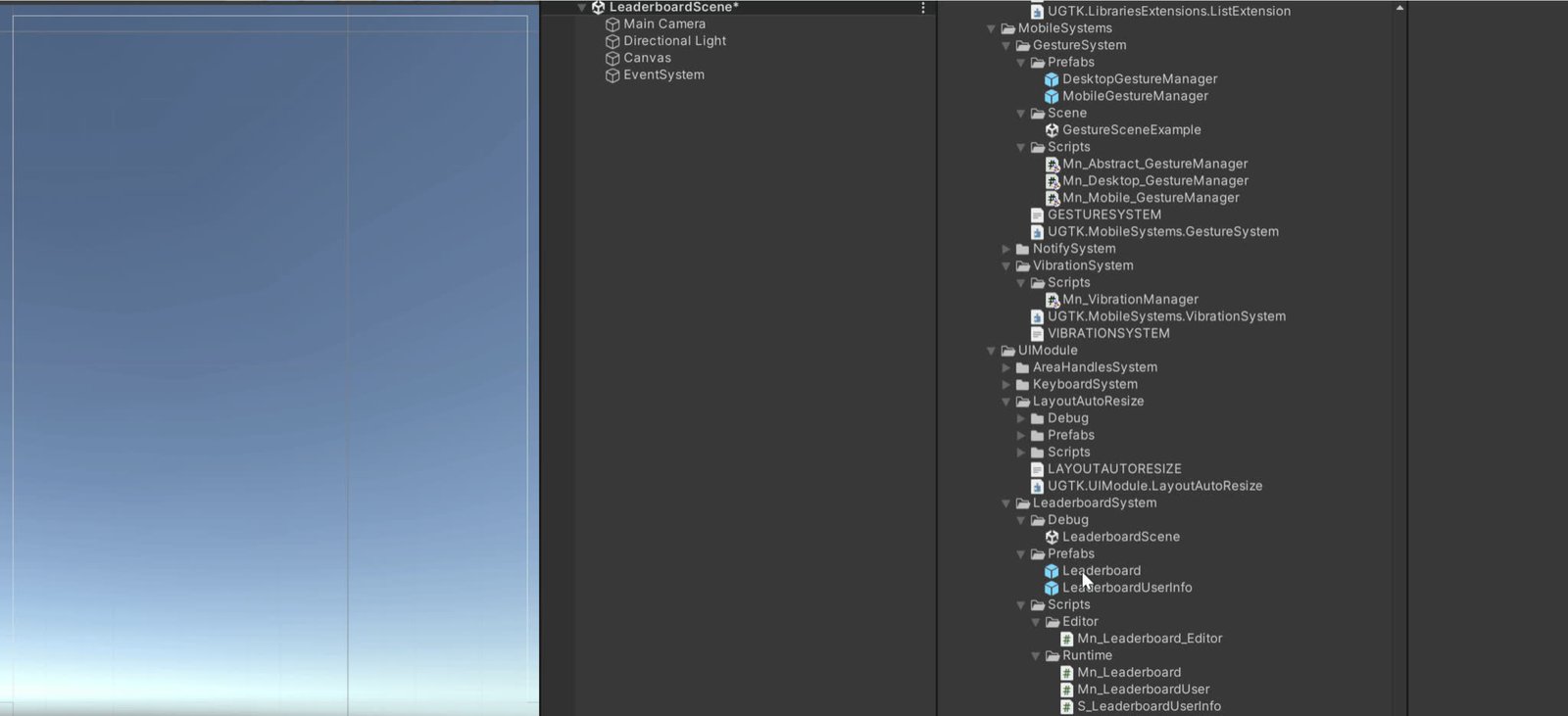
Leaderboard Api System
Server-side leaderboard management for submitting and fetching ranked scores.
Completed
OAuth Email Api
Email sending system using OAuth-based authentication flows.
Completed