 UGTKengine within an engine
UGTK / Systems / API / OAuth Email Api Completed

Email OAuth
Summary
Ships a ready-made EmailOAuth UI prefab and demo scene for an email-based verification flow: the user types a Gmail address, receives a code, and enters it on a code screen. This module contains only the prefab and scene assets, no runtime scripts of its own.
Content
Modules Dependencies
- UGTK.Api.EmailSender -
Mn_PhpMailSendersends the message. - UGTK.UtilitySystem.CodesGenerator -
Mn_Codeproduces the verification code. - UGTK.UtilitySystem.ReplaceSpecialWorld -
Mn_ReplaceSpecialWordandMn_SpecialWorldSlotput the code into the mail body. - UGTK.UtilitySystem.ActivationSystem -
Mn_GameObjectActivationandMn_TimeGameObjectActivationmove between the two screens and expire the code.
The module ships no scripts of its own, which is easy to mistake for having no dependencies. It has
four: those components are already attached inside EmailOAuth.prefab. Remove one of those modules
and the prefab keeps its layout and loses the behaviour, with no error to say so.
Setup
There is nothing to compile: this module is a scene and a prefab. What it needs is the four other UGTK modules whose components are already attached inside the prefab - remove any of them from the project and the prefab loses those components silently, keeping its layout and losing its behaviour.
| Component in the prefab | Comes from |
|---|---|
Mn_PhpMailSender |
Api/EmailSender |
Mn_Code |
UtilitySystems/CodesGenerator |
Mn_ReplaceSpecialWord, Mn_SpecialWorldSlot |
UtilitySystems/ReplaceSpecialWorld |
Mn_GameObjectActivation, Mn_TimeGameObjectActivation |
UtilitySystems/ActivationSystem |
To install:
- Confirm those four modules are present.
- Drag
Prefabs/EmailOAuthonto a Canvas, or openDebug/OAuthEmailScene. - Point
Mn_PhpMailSenderat your mail endpoint and set the sender address there - the prefab ships with placeholders, not with working credentials. - Decide how long a code stays valid: that is the
Mn_TimeGameObjectActivationon the code screen.
This is a UI flow, not an authentication system. The code is generated on the device and checked on the device, so it proves the person can read that mailbox - it does not prove anything to a server, and nothing here should guard something that matters.
How To Use
- Drag the
EmailOAuthprefab (inPrefabs/) into your Canvas, or open the demo scene inDebug/OAuthEmailScene.unity. - The prefab exposes an email input field (
GmailInputField) and aCodeScreenwith a code input field and a "code arrived" text, ready to be hooked to your verification backend.
Testing Scene
Open OAuthEmailScene in the module's Debug/ folder.
What to do, in order:
- Open the scene and follow the sign-in flow to the end.
- Cancel the flow halfway through.
- Complete it, then run it again with the token already stored.
This system contains no scripts of its own: it is a scene and a prefab assembled from the credential and email modules. So what you are testing here is the wiring, and step 2 is the part that is usually wired badly — a cancelled sign-in has to leave the UI in a state the user can retry from, not on a dead screen.
The demo is one screen and one field: the address the message goes to. The recording is it being filled in.
It stops before Confirm, because Confirm sends a real message through a real account. The sender's credentials live on the prefab in this scene, and they arrive empty - this package shipped with a working Gmail app password sitting in that field until it was found and removed, so treat the field as something that leaves your machine the moment you commit it.
Technical Info
This module is asset-only: - EmailOAuth.prefab: the email + verification-code UI (Gmail input field, code screen, code input field, feedback text). - OAuthEmailScene.unity: a minimal demo scene hosting the prefab on a Canvas.
© 2026 Marcello De Bonis. All rights reserved
More in API.
all 8 →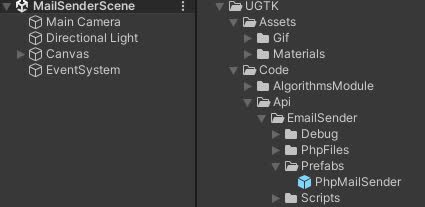
EmailSender
EmailSender is a system that allows you to send emails from your game.
Completed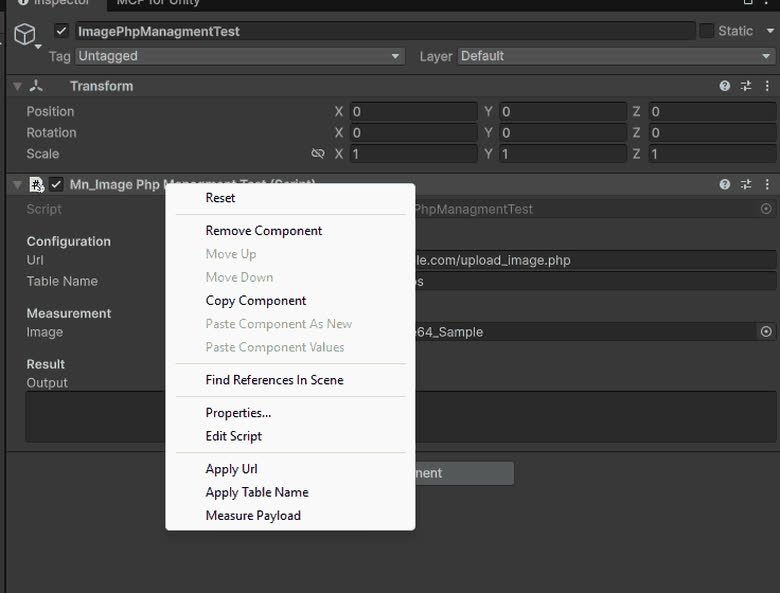
ImagePhpManagment
ImagePhpManagment is a system that allows you to upload images to a server.
Completed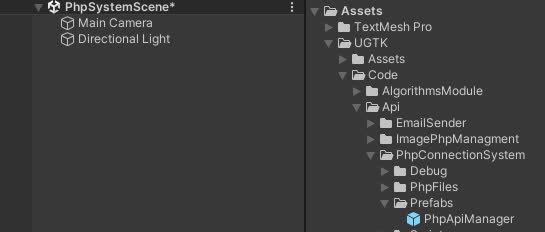
PhpConnectionSystem
PhpConnectionSystem is a system that allows you to connect to a server and send data.
Completed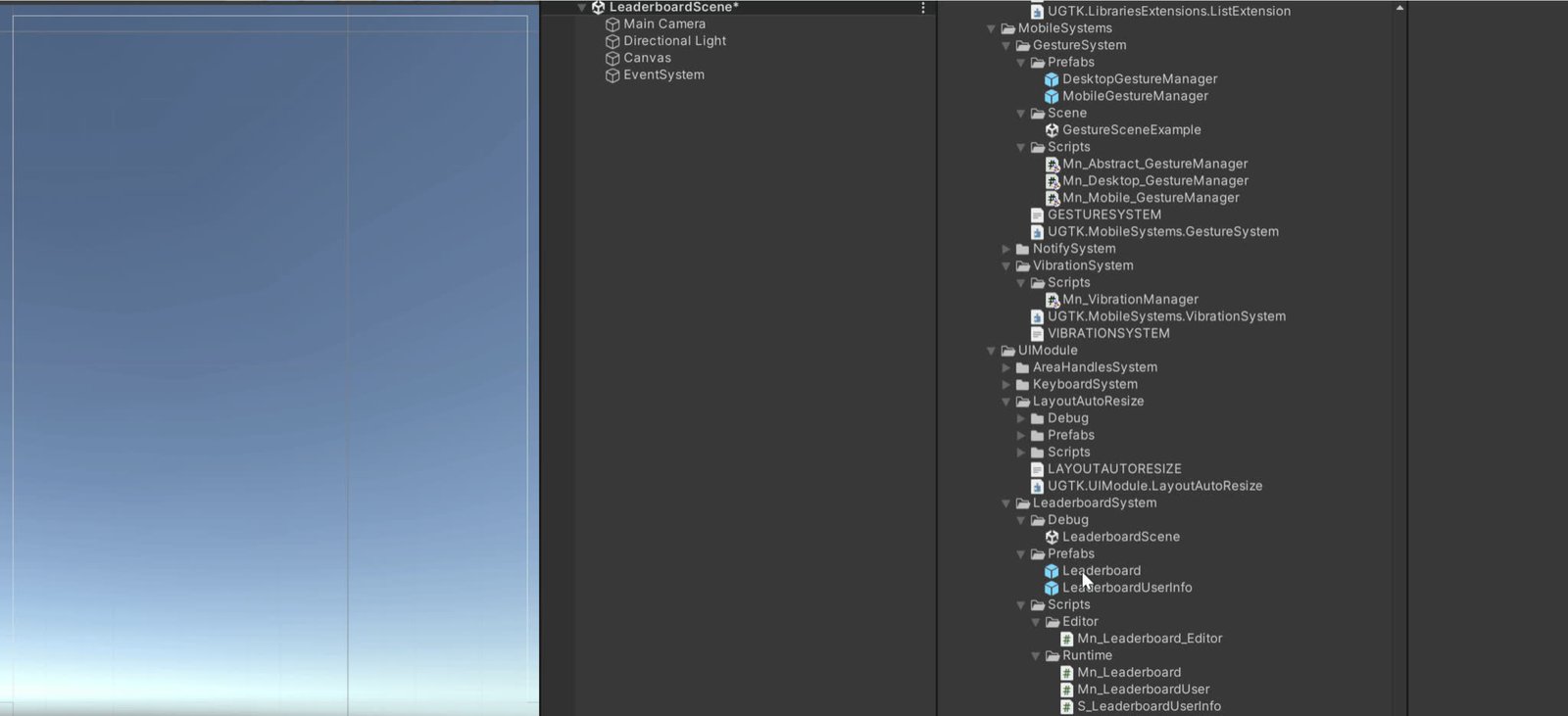
Leaderboard Api System
Server-side leaderboard management for submitting and fetching ranked scores.
Completed