 UGTKengine within an engine
UGTK / Systems / API / PhpConnectionSystem Completed

Php Connection System
Summary
The Php Connection System is the backbone of every server call in UGTK. One manager holds the server
URL; every operation derives from Mn_PhpOperationBase and only has to declare what to send — the
rest (URL resolution, the one-request-at-a-time guard, auto-execute, the repeat loop, the loading screen
and the success/failure/offline events) comes for free.
The practical consequence: moving from a staging server to production means changing one field, not hunting for URLs across the project.
Content
Modules Dependencies
- Singleton:
Mn_PhpManageris a singleton, so any operation can reach it. - Copy Paste System: the URL and table fields carry
[CopyPaste], so long URLs can be pasted into the inspector.
Setup
Add the PhpApiManager prefab to the scene — one per game — and set its Server Url:
From then on every operation only needs the file name (login.php), and the manager builds the full
URL.
How To Use
On any operation component (this module's own, or one of the modules built on it — Email Sender, Leaderboard, Tickets, Leads…):
| Field | What it does |
|---|---|
| Php File Url | file name appended to the server URL, or the whole URL if the next flag is on |
| Use Absolute Url | bypass the manager: useful for a third-party endpoint |
| Table Name | destination table, when the endpoint expects one |
| Auto Execute On Awake | fire the call as soon as the object wakes |
| Loop Operation + Loop Delay Seconds | keep repeating: this is the polling of the toolkit |
| Use Loading Screen | show the shared loading overlay while in flight |
| Debug Mode | log request and response |
Three events tell the three outcomes apart:
OnSuccess(PhpResponse)— the server answered with a success statusOnFailure(PhpResponse)— HTTP error, error status, or an exception while building the formOnNoConnection— no connectivity at all
Good to know:
- Distinguishing
OnNoConnectionfromOnFailureis the point. "You are offline" and "the server refused" need different messages to the player; do not wire them to the same handler. - One request at a time per component.
Execute()returns immediately if a call is in flight, which makes a double-tapped button harmless — but it also means a second, different call on the same component is silently lost. Use separate components for separate operations. Loop Delay Secondsat 0 hammers the server as fast as it answers. Set a real interval.- The URL has no trailing slash handling: the manager joins with
/, so a server URL ending in/produces a double slash. Most servers tolerate it, some do not. - Nothing is authenticated by the system itself. Every endpoint is open to whoever finds it: tokens and rate limits belong on the PHP side.
Auto Execute On Awakeruns beforeStart: anything the response handler touches must already be initialized.
Writing Your Own Operation
public class Mn_MyOperation : Mn_PhpOperationBase
{
    public string playerName;

    protected override WWWForm BuildFormData()
    {
        var form = new WWWForm();
        form.AddField("table", tableName);
        form.AddField("name", playerName);
        return form;                    // throw or return null to fail cleanly
    }

    protected override void ExecuteOperation(WWWForm formData) { /* send it */ }
}
Throwing inside BuildFormData is a supported way to refuse: the exception is caught and reported
through OnFailure with its message, instead of escaping into the console.
Testing Scene
Open PhpSystemScene in the module's Debug/ folder.
What to do, in order:
- Point the operation at your endpoint and press Execute().
- Point it at a URL that returns a 404.
- Point it at a URL that returns HTML instead of the expected payload.
Step 3 is the failure that wastes an afternoon: the request succeeds, the status is 200, and the parse fails on what turns out to be a hosting error page. Read the raw response before blaming the parser.
Then do the test everybody skips: turn the network off and repeat. A request that never answers is the normal condition on mobile, and it is where a game most often ends up stuck on a spinner with no way back.
PhpSystemScene holds one object: the manager, and the manager holds one thing that matters - the
server URL every operation in the package is resolved against. The recording is the pair of
helpers next to it, Copy / Paste / Clear, which is how you move that URL between the
manager and the individual operations without retyping it and getting one character wrong.
There is nothing to run here on purpose: this module has no request of its own. To see one leave
the machine, open any operation that inherits from it - AppInfoStats, Tickets, LeadsGeneration -
turn on Debug Mode and press Execute; the console then prints the URL this manager gave it.
Technical Info
| Path | Content |
|---|---|
Scripts/Mn_PhpManager.cs |
The singleton holding the server URL, with GetPhpFileUrl |
Scripts/Mn_PhpOperationBase.cs |
The base: URL mode, auto/loop, loading screen, in-flight guard, the three events, Execute and the two abstract members |
Scripts/PhpResponse.cs |
The status + message answer every endpoint returns |
Scripts/Editor/Mn_PhpOperationBaseEditor.cs |
Shared inspector with the Execute button, reusable by derived inspectors |
Prefabs/PhpApiManager.prefab |
The ready-made manager |
© 2026 Marcello De Bonis. All rights reserved
More in API.
all 8 →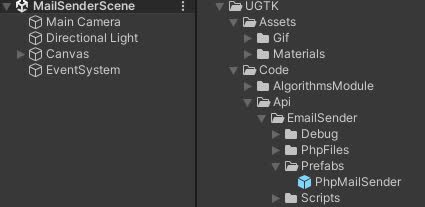
EmailSender
EmailSender is a system that allows you to send emails from your game.
Completed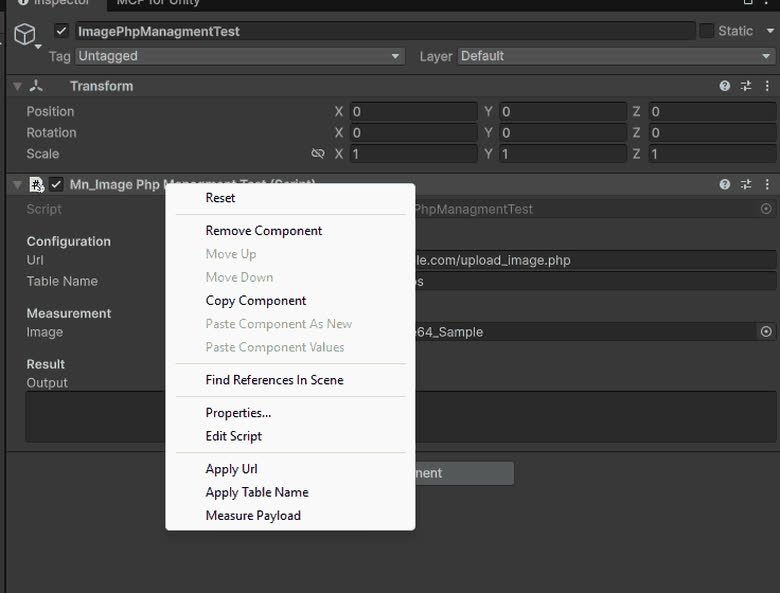
ImagePhpManagment
ImagePhpManagment is a system that allows you to upload images to a server.
Completed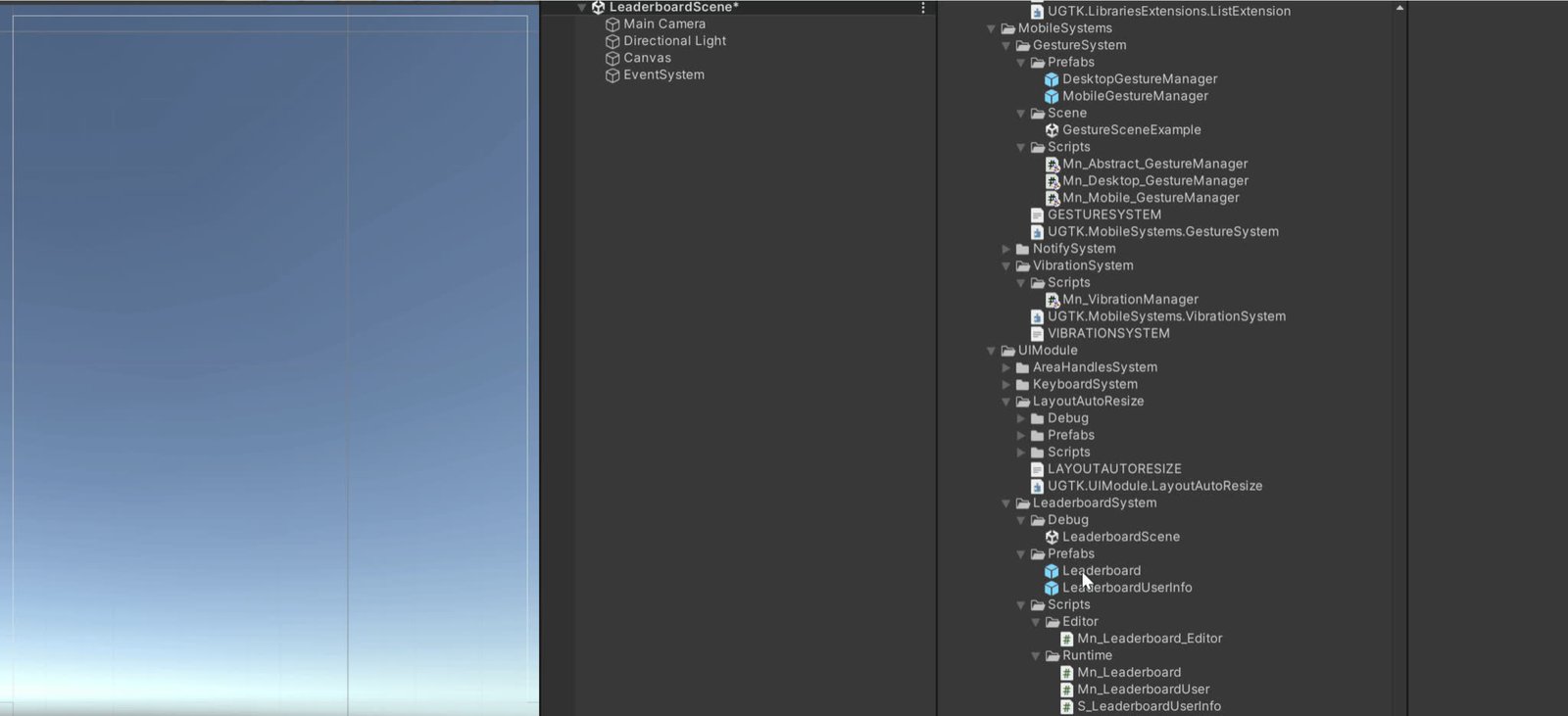
Leaderboard Api System
Server-side leaderboard management for submitting and fetching ranked scores.
Completed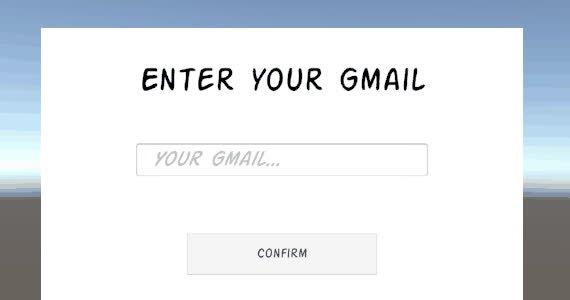
OAuth Email Api
Email sending system using OAuth-based authentication flows.
Completed