 UGTKengine within an engine
UGTK / Toolkit / Utility Systems / Video View System Completed

Video View System
Summary
A VideoPlayer companion that, on WebGL, downloads (or reuses a cached) remote video through a .jslib plugin and plays it back from a Blob URL; in Editor/Standalone it falls back to direct URL streaming. It exposes UnityEvents for the cache, ready, play-started and error stages.
Content
Modules Dependencies
This module has no hard UGTK dependencies. It uses Unity's UnityEngine.Video and its own bundled plugin Plugins/WebGL/Mn_WebGLVideoCache.jslib.
Setup
Drop the Video prefab into the scene — a VideoPlayer with Mn_WebGLVideoPrefetcher
already attached:
How To Use
- Put a Unity
VideoPlayeron a GameObject and addMn_WebGLVideoPrefetcher(aVideoprefab is provided). Without aVideoPlayerthe component logs an error and disables itself. - Set the source: either the sourceUrl field (HTTP/HTTPS) or leave it empty to use
VideoPlayer.url.SetSourceUrl(string)sets it at runtime. - On
Start(or by callingBegin()) the cache → prepare → play cycle runs: - WebGL build: calls
WebGLVideoCache_DownloadOrGet(url, goName); the plugin calls backOnWebGLVideoBlobReady(blobUrl)(firesOnVideoCached), which prepares the player from the Blob;OnWebGLVideoBlobErrorreports failures. - Editor/Standalone: sets
VideoSource.Urland callsPrepare()directly. - On
prepareCompletedit firesOnVideoReadyand auto-Play();startedfiresOnPlayStarted. Any failure firesOnError(string)and logs it. - On WebGL,
ClearPersistentCacheForUrl()clears the persistent Cache-Storage entry for the resolved URL (use when you replace the server file).OnDestroyreleases the plugin reference to the original URL.
The player is configured conservatively for WebGL: playOnAwake = false, waitForFirstFrame = true, skipOnDrop = true.
Good to know:
- The whole point is WebGL. In the editor and in a standalone build the component just streams the URL, so a bug in the caching path will only show up in the browser: test the real build.
- A remote video needs CORS. The plugin fetches the file with JavaScript: without the right
Access-Control-Allow-Originheader on the server the download fails and you getOnError— streaming the same URL directly might still have worked, which makes it confusing. - The cache is persistent (Cache Storage). Replacing the file on the server without changing its
name leaves returning players on the old video: call
ClearPersistentCacheForUrl()or version the URL. - Browsers block audible autoplay.
Play()right after prepare works muted; with audio it needs a user gesture first. - No
VideoPlayersibling = the component logs an error and disables itself — it does not throw.
Testing Scene
Open VideoViewScene in the module's Debug/ folder.
What to do, in order:
- Play a video from a local file.
- Play one from a URL.
- Simulate the browser's failure callback from the inspector.
- Replace the file on the server and play again without clearing the cache.
Step 3 exists because the error path needs a URL that fails in the right way, which in practice
means it never gets tested. Step 4 shows the persistent cache doing its job too well: viewers keep
seeing the old video until ClearPersistentCacheForUrl is called.
The recording is the demo playing its bundled clip: press Play and the picture runs. The display in the scene is deliberately small, so what the recording shows is that frames are arriving - the only thing worth checking in the editor, since the interesting failures all belong to the browser and appear in steps 2 to 4 below.
Technical Info
- Mn_WebGLVideoPrefetcher:
MonoBehaviour(requires a siblingVideoPlayer). Resolves the source URL, drives cache/prepare/play, wiresVideoPlayerevents, and exposesOnVideoCached/OnVideoReady/OnPlayStarted/OnErrorUnityEvents plusBegin,SetSourceUrl,ClearPersistentCacheForUrl. WebGL native calls go through[DllImport("__Internal")]intoMn_WebGLVideoCache.jslib.
© 2026 Marcello De Bonis. All rights reserved
More in Utility Systems.
all 34 →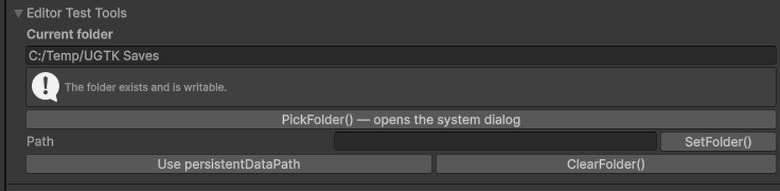
Folder Path System
Centralized management of folder paths used by other systems (saves, logs, exports, etc.).
Completed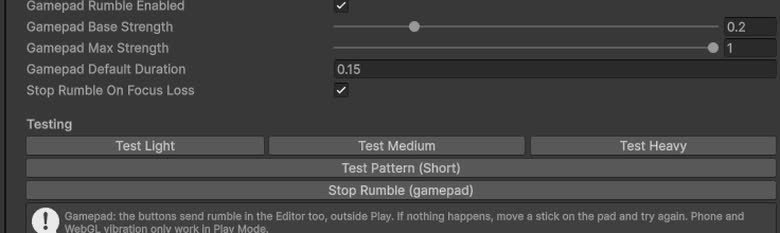
Vibration System (Utility)
Utility wrapper to trigger vibration/haptic feedback from non-mobile-specific contexts.
Completed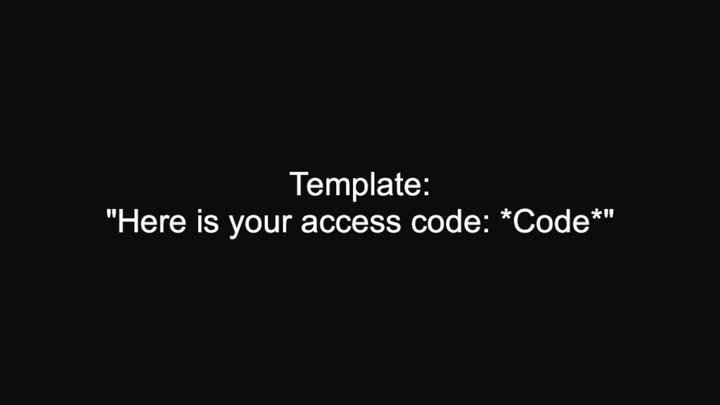
Replace Special Word
Substitutes *tokens* inside a text template with values supplied at runtime.
Completed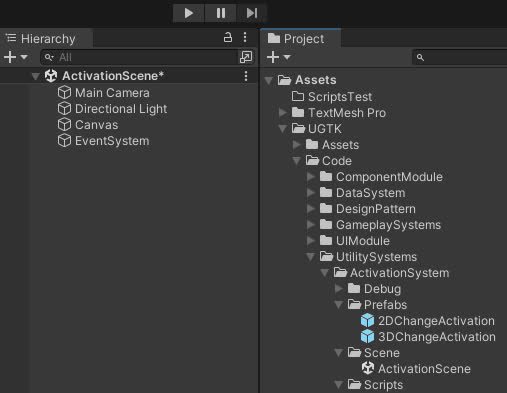
Activation System
The Activation System controls GameObject states, enabling activation, deactivation, and toggling for dynamic gameplay scenarios.
Completed