 UGTKengine within an engine
UGTK / Systems / Ui Module / TMP CapsLock System Completed

TMP Caps Lock
Summary
Three small components that force the letter casing of a TextMeshPro label or input field, so the casing rule lives on the object instead of being sprinkled through the code that writes the text:
Mn_TMPCapsOn— everything UPPERCASE;Mn_TMPCapsOff— everything lowercase;TMPMn__FirstLetterUppercase— Capitalizes the first non-space letter, on a label or on an input field, optionally live while the player types (caret and selection preserved).
They all work in Play Mode and in the editor, so what you see while designing is what ships.
Content
Modules Dependencies
None on the UGTK side. It requires TextMesh Pro (TMPro).
Setup
Drop one of the three prefabs under a Canvas — Text_Caps_On, Text_Caps_Off or
Text First Letter Upper Case, each a TMP label with the matching component already attached:
Or add the component you need to a GameObject that already has a TMP_Text — it also works when the
text is the child of a TMP_InputField.
How To Use
Mn_TMPCapsOn / Mn_TMPCapsOff
Attach and forget: the label is kept ToUpperInvariant() / ToLowerInvariant() in LateUpdate, so
whatever writes the text — a localization system, a typewriter, a score counter — the casing holds.
They use the invariant culture: no Turkish dotted/dotless
isurprise, and no locale-dependent behaviour between editor and device.
TMPMn__FirstLetterUppercase
Capitalizes the first non-whitespace character and leaves the rest of the string alone — the right rule for a player name, a city, a free-text answer.
- On a
TMP_Textit applies to the label content. - On a
TMP_InputFieldit hooksonValueChanged/onEndEdit: with Apply While Typing on the first letter is capitalized as you type, otherwise only when the field loses focus. Either way the caret and the selection are restored, so the cursor does not jump while typing. - Trim Leading Whitespace: strips the leading spaces before deciding which letter is "first".
- Run In Edit Mode For TMP Text toggles whether the transform is applied outside Play Mode
(
Run In Edit Mode For TMPon the Caps On/Off components).
Note the class name: the script file is
Mn_TMPFirstLetterUppercase.csbut the class inside isTMPMn__FirstLetterUppercase— use that name inGetComponent<>().
capsComponent.ApplyNow(); // force the transform from code or from the inspector
Good to know:
- The text is really rewritten, not just displayed differently: reading
textback gives you the transformed string. If you need the original, keep it yourself. - One casing component per object. Stacking Caps On and Caps Off on the same label makes them fight every frame.
Mn_TMPCapsOn/Mn_TMPCapsOffwork inLateUpdate, so they win over anything that writes the text inUpdate— which is the point, but also means they cost a string comparison per frame per label. On a list of hundreds of labels, prefer transforming the source string once.
Testing Scene
Open Debug/TMPCapsLock.unity: the three cases sit side by side — a forced-uppercase label, a
forced-lowercase one, and an input field that capitalizes the first letter while you type.
Technical Info
| Path | Content |
|---|---|
Scripts/Mn_TMPCapsOn.cs |
Forces ToUpperInvariant() on the TMP label |
Scripts/Mn_TMPCapsOff.cs |
Forces ToLowerInvariant() on the TMP label |
Scripts/Mn_TMPFirstLetterUppercase.cs |
TMPMn__FirstLetterUppercase: capitalizes the first non-space character on TMP_Text or TMP_InputField, wiring onValueChanged / onEndEdit and restoring caret and selection |
Prefabs/Text_Caps_On.prefab |
TMP label, uppercase |
Prefabs/Text_Caps_Off.prefab |
TMP label, lowercase |
Prefabs/Text First Letter Upper Case.prefab |
TMP label with first-letter capitalization |
Debug/TMPCapsLock.unity |
Test scene with the three cases |
© 2026 Marcello De Bonis. All rights reserved
More in Ui Module.
all 34 →
Resolution System
Changes the player's resolution and reports what the platform actually applied.
Completed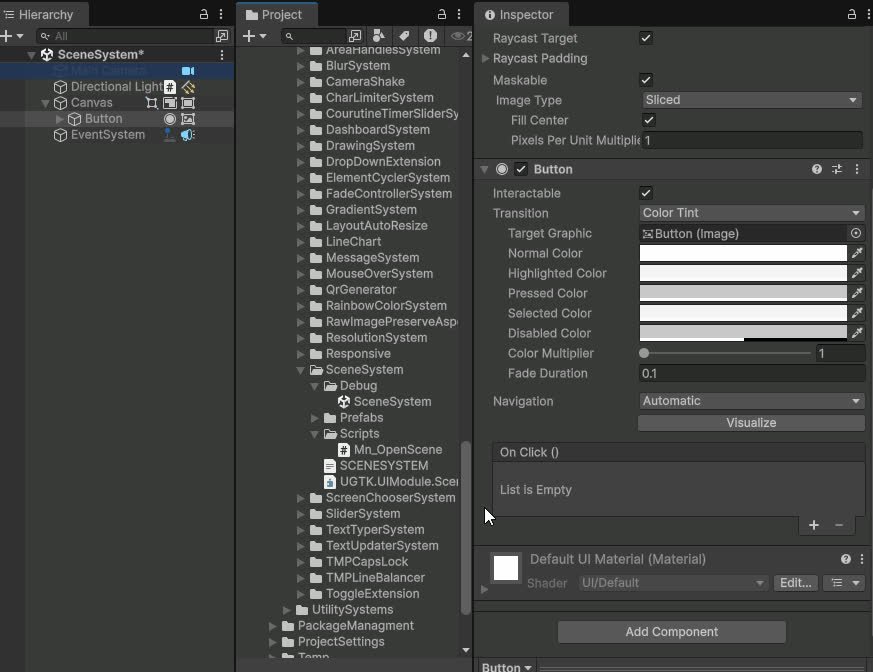
Scene System
Loads a scene from a UnityEvent, with an edit-time check that it is in the Build Settings.
Completed
Dashboard System
Modular dashboard UI for displaying tables, KPIs and widgets bound to data sources.
Completed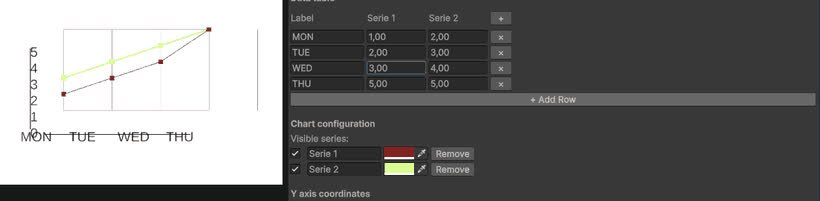
Line Chart System
Configurable line chart component for plotting values over time or categories.
Completed