 UGTKengine within an engine
UGTK / Systems / Utility Systems / Codes Generator Completed

Codes Generator System
Summary
The Codes Generator System builds a random access code of configurable length and charset
(numeric / alphabetic / alphanumeric), keeps it, and validates what the player types against it —
firing UnityEvents on generation, match and mismatch. It is the building block for ticket codes,
lobby PINs, redeem codes and "type the code you see on the other screen" flows.
Content
Modules Dependencies
None. A single MonoBehaviour with its custom inspector: no UGTK reference.
Setup
The module ships no prefab and no scene: add Mn_Code to any GameObject
(Add Component ▸ Mn_Code) and configure it in the inspector:
- Code Length (min 1, default 4): how many characters the code has.
- Charset Mode:
NumericOnly(default),AlphabeticOnly,Alphanumeric. - Events:
onCodeGenerated(string),onCodeMatch,onCodeMismatch.
How To Use
mnCode.GenerateCode();               // builds a new code, fires onCodeGenerated(code)
mnCode.WriteCode(inputField.text);   // stores what the player typed (no comparison yet)
mnCode.CheckCode();                  // compares -> onCodeMatch or onCodeMismatch

string current = mnCode.GetCode();   // the code in memory
mnCode.SetCharsetMode(Mn_Code.E_CodeCharsetMode.Alphanumeric);
mnCode.IncreaseCodeLength();         // +1
mnCode.DecreaseCodeLength();         // -1, never below 1
The typical wiring needs no code at all: put WriteCode on the InputField's On Value Changed,
CheckCode on the confirm Button's On Click, and let onCodeMatch / onCodeMismatch drive the
UI. onCodeGenerated carries the string, so it can be plugged straight into a
TextMeshProUGUI.text or into the
QR Generator.
The charset excludes ambiguous characters: digits are 123456789 (no 0) and letters are
ABCDEFGHIJKLMNPQRSTUVWXYZ minus O. A code read aloud or off a screen can never be confused
between zero and letter O — and there are no lowercase letters, so codes are shown and typed in
uppercase.
Good to know:
- The comparison is exact and case-sensitive (
inputCode == code): put the InputField in Character Validation ▸ Uppercase, or uppercase the string beforeWriteCode. CheckCode()before anyGenerateCode()logs a warning and firesonCodeMismatch: there is no separate "no code yet" event, so a UI that only listens to mismatch will show "wrong code".WriteCodedoes not compare: nothing happens untilCheckCode()is called.- Randomness comes from
System.Random, seeded per call, and is not cryptographic. Fine for tickets and lobby PINs; for anything that guards value, generate the code on the server. - The generated code is serialized on the component, so a code produced with the editor button survives domain reloads and is saved with the scene — handy for a fixed demo code, dangerous if you expected it to be secret.
Inspector Controls
The custom inspector adds an Editor Controls block: 🎟 Generate Code (works on the whole
multi-selection, with Undo support) and 📋 Copy Code, which copies the current code to the system
clipboard, plus a read-only Current Code preview that shows <none> until the first generation.
Testing Scene
This module ships no scene of its own, and does not need one: add Mn_Code to any object
and its Editor Controls block works with the editor stopped.
What to do, in order:
- Press Generate Code a few times and watch Current Code. Look for repeats.
- Raise Code Length and generate again: with Numeric Only and four digits there are ten thousand possible codes, with twelve there are a thousand billion.
- Generate a much larger batch from the same alphabet and length.
- Change Charset Mode and shorten the length until collisions appear.
Step 4 is worth doing once, deliberately: the collision rate depends on alphabet size and length, and finding the threshold on purpose is far better than discovering it when two players are handed the same code.
Technical Info
| Path | Content |
|---|---|
Scripts/Runtime/Mn_Code.cs |
The component: configuration, BuildRandomCode, stored input, validation and the three UnityEvents. Declares E_CodeCharsetMode |
Scripts/Editor/Mn_CodeGenerator_Editor.cs |
Custom inspector: Generate / Copy buttons and the current-code preview |
Mn_Code API: GenerateCode(), WriteCode(string), CheckCode(), GetCode(),
SetCharsetMode(E_CodeCharsetMode), IncreaseCodeLength(), DecreaseCodeLength().
E_CodeCharsetMode: NumericOnly / AlphabeticOnly / Alphanumeric.
© 2026 Marcello De Bonis. All rights reserved
More in Utility Systems.
all 34 →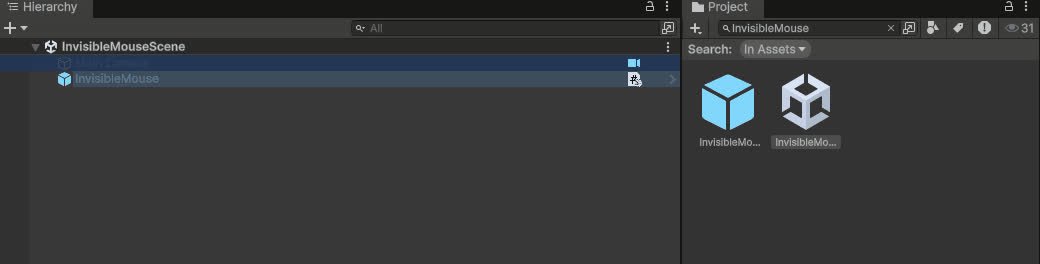
Invisibile Mouse System
Keeps the cursor permanently hidden on Editor, Standalone and WebGL (with its own `.jslib` for the browser canvas).
Completed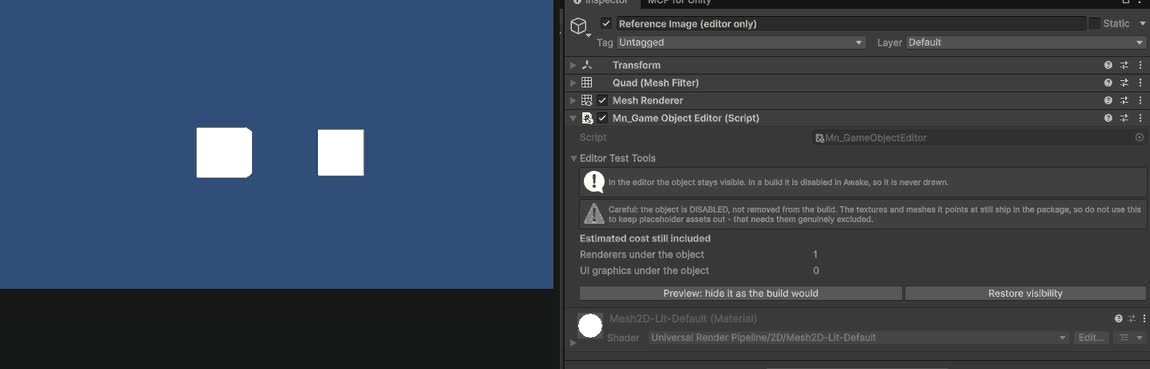
GameObject Editor System
Editor tools for inspecting and batch-editing GameObjects in complex scenes.
Completed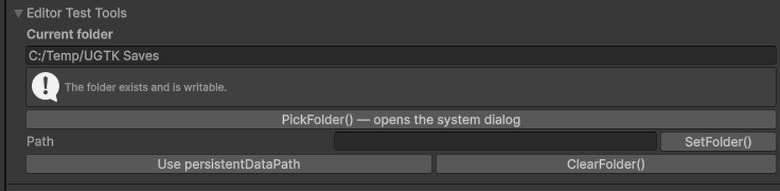
Folder Path System
Centralized management of folder paths used by other systems (saves, logs, exports, etc.).
Completed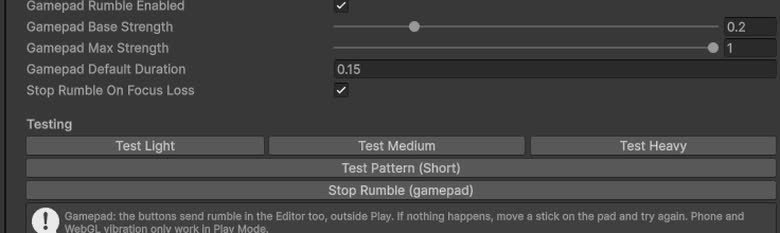
Vibration System (Utility)
Utility wrapper to trigger vibration/haptic feedback from non-mobile-specific contexts.
Completed