 UGTKengine within an engine
UGTK / Toolkit / API / WebSockets System Completed

WebSockets System
Summary
Real-time multiplayer connectivity over WebSockets: an abstract Mn_Socket connects to a configurable server, with Mn_Host opening matches and Mn_Client joining them, plus a dashboard UI listing available matches (ideal for QR-based short match IDs).
Content
Modules Dependencies
This module depends on the following UGTK module:
- Dashboard System: Mn_GameDashboard/Mn_Game extend Mn_Dashboard/Mn_DashboardElementHolder.
It also relies on the third-party NativeWebSocket library and Newtonsoft.Json for the socket transport and message parsing.
Carried inside the prefabs. These modules are not referenced by the assembly definition - the components are simply already attached to the prefabs this module ships. Remove one of them from the project and the prefab keeps its layout and loses that behaviour, with nothing in the console to say so.
| Module | Component, and the prefab carrying it |
|---|---|
LibrariesExtensions/GameObjectExtension |
Mn_GameObjectDestroyer (in ClientScreenTemplate), Mn_GameObjectDestroyer (in HostScreenTemplate) |
UIModule/DashboardSystem |
Mn_DashboardStringList (in HostScreenTemplate), Mn_StringHolder (in DashboardPlayerId) |
UIModule/LayoutAutoResize |
Mn_HorizontalAutoResize (in HostScreenTemplate), Mn_VerticalAutoResize (in ClientScreenTemplate) |
UIModule/TextUpdaterSystem |
Mn_TextUpdater (in ClientScreenTemplate), Mn_TextUpdater (in HostScreenTemplate) |
UtilitySystems/PoolingSystem |
Mn_Pooler (in ClientScreenTemplate) |
Setup
Everything is configured through a SO_SocketInfo asset rather than in the prefabs, so that one
build can be pointed at a different server without touching a scene. Create one, fill in the address
and the port, and hand it to both sides.
- On the machine that runs the shared screen, drop the
Hostprefab in and give it theSO_SocketInfo. - On the device that joins, use the
Clientprefab with the same asset. HostScreenTemplateandClientScreenTemplateare the starting layouts for each side;DashboardGameElementandDashboardPlayerIdare the rows the dashboard clones per open game and per connected player.
Both prefabs derive from Mn_Socket, which holds the connect, disconnect and message plumbing.
Mn_Host also keeps a HostMatchInfo describing the current match, and Mn_GameDashboard lists
what is open.
Two things to know before the first test. The transport is
NativeWebSocket, shipped under ThirdParty/ - in
WebGL builds it becomes the browser's own WebSocket, which means an https:// page can only talk
to a wss:// server, never to ws://. And messages are JSON through Unity.Newtonsoft.Json, so
a type that will not round-trip through it will not cross the wire.
How To Use
- Create a
SO_SocketInfoasset and set the WebSocket URL (devlinkNoProduction, e.g.ws://localhost:8080, orlinkProductionwith theproductionflag). - Add
Mn_Host(host side) orMn_Client(player side) and assign theSO_SocketInfo. Hosts can auto-generate a short Base62matchIdon connect (good for QR); clients join withConnectByDashboard(matchId). - Subscribe to the socket UnityEvents (
OnSocketOpen,OnSocketClosed,OnEventDispatch, etc.) and the match-list events; available matches auto-refresh viahost.list_matches. - Add
Mn_GameDashboardand bind it to aMn_Host/Mn_Clientto display the current matches asMn_Gamerows.
Testing Scene
Open WebSocketScene in the module's Debug/ folder.
What to do, in order:
- Press Connect() and watch the connection events.
- Stop the server while connected.
- Restart it and see whether the client comes back on its own.
- Connect two clients with the same player id.
Step 2 is the whole reason this module is hard: a socket that dies is not an error you asked for, it just goes quiet. What the game does in the following ten seconds is the difference between a reconnect and a frozen lobby.
WebSocketScene is a rehearsal room: a Host panel on the left with Create Game / Close Game
and a live count of connected players, and as many Client panels on the right as you press
+ for. Each client gets its own player id, so one editor can play several people - which is
the only practical way to try a room filling up without a second machine.
Each panel's title carries the socket's state, so the demo can be read without the console:
Mn_Socket.ConnectionStatus is the one line behind it - disconnected, connecting...,
connected, or error: ... - bound to the title with an Mn_TextUpdater. Bind it into your own
UI the same way; a socket has no appearance of its own, and until something renders that string a
working connection and a refused one look identical.
Failures are no longer quiet either. An error, a close that arrives before the socket ever opened,
and an attempt that gets no answer at all within ten seconds each reach the console regardless of
debugMode, naming the address they were trying. That last case is the one that used to waste an
afternoon: a firewall that drops the connection answers nothing, so the attempt simply hung.
Technical Info
- Mn_Socket: abstract base managing the
NativeWebSocketconnection, match id generation, available-match polling and event dispatch (OnEventDispatch,OnRawJson,OnSocketOpen/Closed/Error). - Mn_Host: host-side socket that opens matches and exposes the downloaded match/game-row lists.
- Mn_Client: client-side socket that joins/leaves matches (
player.join_match/player.leave_match). - Mn_GameDashboard:
Mn_Dashboard<S_GameRow>showing the match list from a host or client. - Mn_Game:
Mn_DashboardElementHolder<S_GameRow>UI row with a Connect button. - SO_SocketInfo: ScriptableObject holding the dev/production WebSocket URLs (
GetLink()). - S_GameRow / S_SubEvent: data structs for match rows and sub-event routing.
© 2026 Marcello De Bonis. All rights reserved
Depends on 6
Used by 2
Measured from the repository: code references (asmdef) plus prefab and asset GUIDs. Importing this module alone brings in 14 modules in total.
More in API.
all 8 →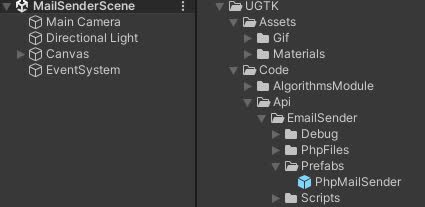
EmailSender
EmailSender is a system that allows you to send emails from your game.
Completed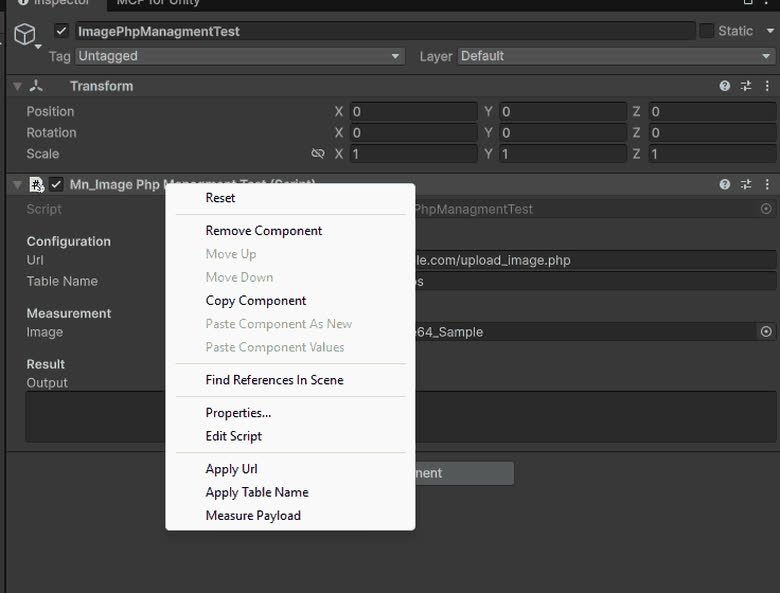
ImagePhpManagment
ImagePhpManagment is a system that allows you to upload images to a server.
Completed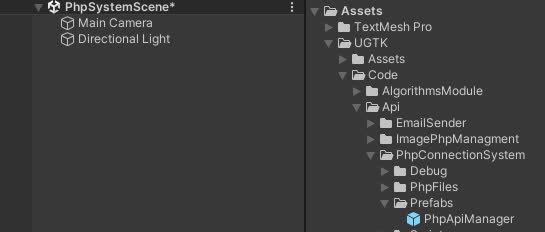
PhpConnectionSystem
PhpConnectionSystem is a system that allows you to connect to a server and send data.
Completed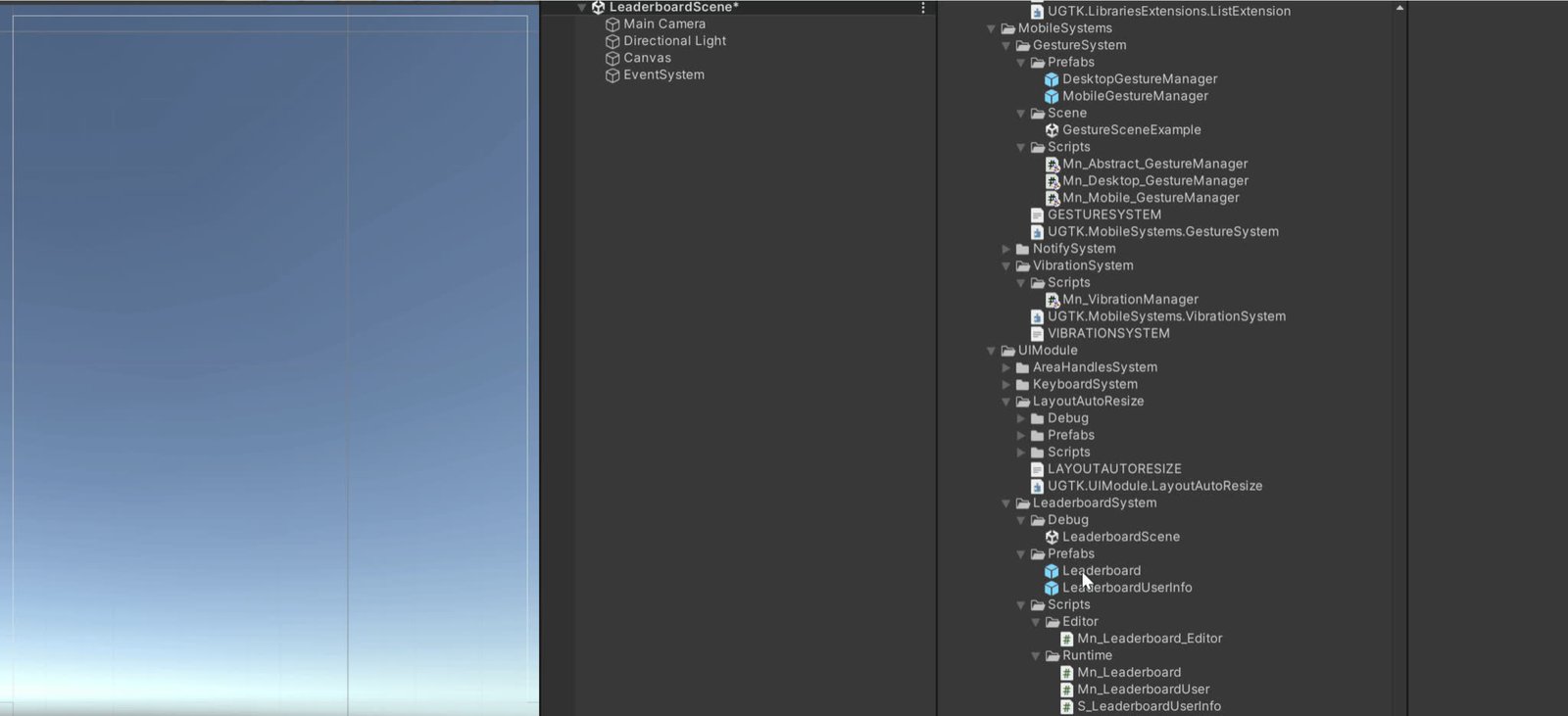
Leaderboard Api System
Server-side leaderboard management for submitting and fetching ranked scores.
Completed