 UGTKengine within an engine
UGTK / Systems / Ui Module / Text Updater System Completed

Text Updater System
Summary
The TextUpdaterSystem is a utility for dynamically updating UI text elements in Unity using TextMeshPro. It allows for real-time reflection of variable values from specified MonoBehaviour components, supporting both public and non-public fields and properties.
Content
Modules Dependencies
The TextUpdaterSystem module requires the following dependencies:
- TextMeshPro: Unity package for advanced text rendering.
Ensure that these dependencies are correctly imported and configured in your project.
Setup
To set up the TextUpdaterSystem, follow these steps:
- Add the
TextTupdaterto your scene:
- Configure the TextUpdater:
- Assign the target
MonoBehaviourthat contains the variable you want to monitor. - Specify the
variableNamethat corresponds to the field or property within the target MonoBehaviour. - Optionally, add a
prefixto the displayed text. - Optionally, add a
suffixto the displayed text.
Testing Scene
Good to know:
- The binding is by reflection, on a string name. Renaming the field or property in the script does not produce a compile error: the label just stops updating. Grep for the variable name before renaming, or accept that this is the trade-off for a code-free binding.
- It reads non-public members too, so a
privatefield with[SerializeField]works — and so does a private you did not mean to expose. - Format your numbers with
Number Format. Left empty, the value goes through a plainToString()and afloatprints every decimal it carries — a latency of419.4894shows up as419,4894 ms. Set the field to a standard .NET numeric format and the label reads properly:
| Number Format | 419.4894 becomes |
|---|---|
| (empty) | 419,4894 |
F0 |
419 |
F2 |
419,49 |
N0 |
419 with thousands separators on larger values |
0.## |
419,49, and a whole number stays whole |
It applies to numeric types only — a string or a bool is untouched — and a malformed format falls
back to ToString() rather than throwing.
- Use Invariant Culture forces the decimal point instead of the device's separator. Turn it on for
a value that must look identical everywhere (a version, an id, a debug readout); leave it off for a
number the player reads, so it follows their locale.
- prefix and suffix are plain concatenation: remember the leading space in a suffix like
" ms".
Technical Info
The following are the main scripts and workflow of the TextUpdaterSystem:
Scripts:
- Mn_TextUpdater: Core script that handles the reflection of variable values and updates the TextMeshProUGUI component with the current value.
- InitializeReflection: Sets up reflection to access the specified field or property.
- ValidateFieldOrProperty: Checks if the specified field or property exists and logs an error if not found.
- UpdateTextComponent: Retrieves the current value of the specified field or property and updates the text accordingly.
© 2026 Marcello De Bonis. All rights reserved
More in Ui Module.
all 34 →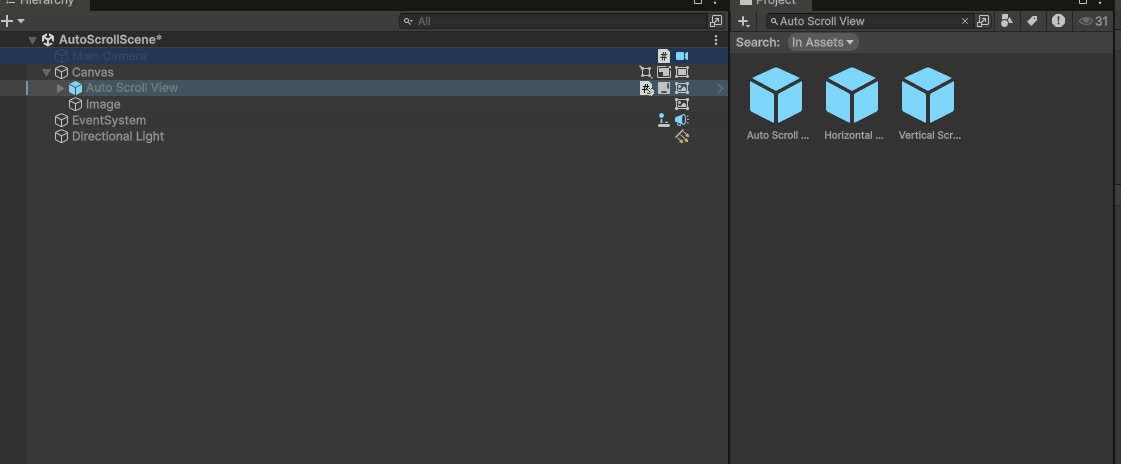
Auto Scroll System
Automatically scrolls a ScrollRect at a constant speed with pauses at each edge (ping-pong / loop / once), on either axis, reacting to Layout AutoResize list changes. Used for leaderboards.
Completed
TextAnimatorUGTK
Per-character TextMeshPro animation from one component: persistent/appearance/disappearance tags, 35+ built-in effects, modifiers (=,*,+,flags), per-effect stagger, typewriter with inline actions & events, accessibility. A Text Animator-class system, inspector-driven.
Completed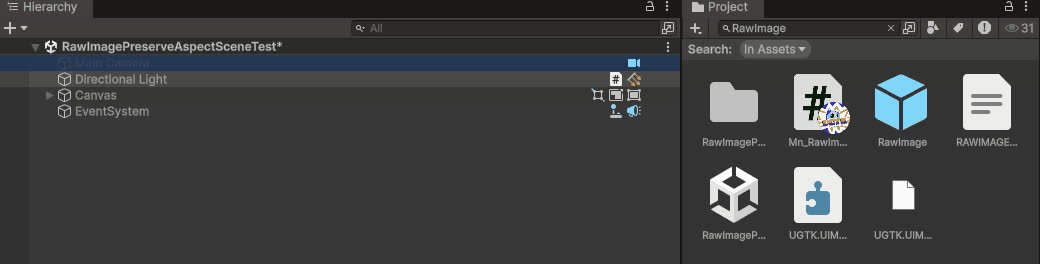
Raw Image Preserve Aspect
Ensures `RawImage` content keeps its aspect ratio when resized.
Completed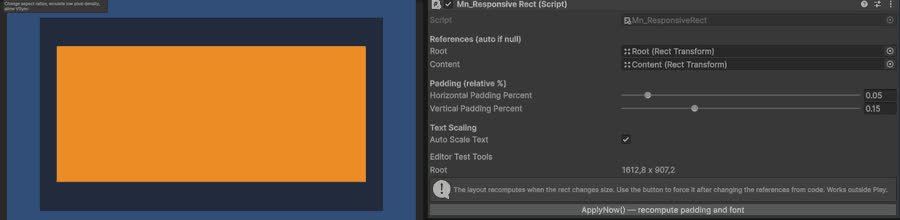
Responsive Layout System
Responsive layout helpers to adapt UI to different aspect ratios and resolutions.
Completed