 UGTKengine within an engine
UGTK / Systems / Gameplay Systems / Grid System Completed

Grid System
Summary
The Grid System allow to instanciate and manage gameobject placed in a 2D or 3D grid layout.
Content
Modules Dependencies
None. The assembly definition used to reference UtilitySystems/GraphSystem, but no
source file in this module ever used a type from it: the reference only forced you to
keep a module you were not using. It has been removed.
Setup
Start from one of the two root prefabs rather than building the hierarchy by hand:
2DRootGridfor a grid on a Canvas, withGridCell2D_10_10orGridCell2D_100_100as the cell depending on the size you want.3DRootGridfor a grid in the world, with3DCellGridas the cell.
Set the number of rows and columns and press BuildGrid(). Cells are instantiated from the prefab, so anything you change on the prefab applies to the whole grid.
Decide the cell size before building rather than after: rebuilding discards the cells and creates them again, so anything you attached to a cell by hand is lost.
How To Use
- 2D grid, place component to UI gameobject, set prefab and set grid size.
- 3D grid, place component to gameobject, set prefab and set grid size.
Testing Scene
Open GridScene in the module's Debug/ folder. It holds two grids: 2DRootGrid
under the Canvas, whose cells are UI images, and 3DRootGrid at the root, whose cells are
objects in the world. The GIF is the 2D one, because that is the one the Game view shows.
What to do, in order:
Select Canvas > 2DRootGrid. The scene ships with a 30 x 17 grid of 10 px cells, which is a wall of dots: set Grid Scale to 6 and give yourself a readable size first.
- Change Rows and Columns. With Auto Build On Start on, the grid rebuilds as you type, with the editor stopped - no button to press.
- Use + Row, - Row, + Column, - Column in the Excellence Controls block for the same thing one step at a time.
- Change Padding or Grid Scale and watch the layout redistribute.
- Build a grid far larger than the one on screen.
Step 4 is worth doing once: a grid built as individual objects stops being free somewhere in the hundreds of cells, and it is better to find that threshold now than in a level that ships.
Technical Info
The following are the main scripts and workflow of the Grid System:
Scripts:
- Mn_GridBase: Containts the main feature for managing a grid.
- Mn_BidimensionalGrid: Manage 2D grid, used on UI.
- Mn_TridimensionalGrid: Manage 2D grid.
- AutoResize: Resizes and repositions the grid elements.
- Mn_GridTile: Holder
Mn_GridElement. - Mn_GridElement: Manage the movement of elements in a grid.
© 2026 Marcello De Bonis. All rights reserved
More in Gameplay Systems.
all 18 →
First Person 3D
First-person character controller: movement, look, jump and ground handling, driven from UI or keys.
Completed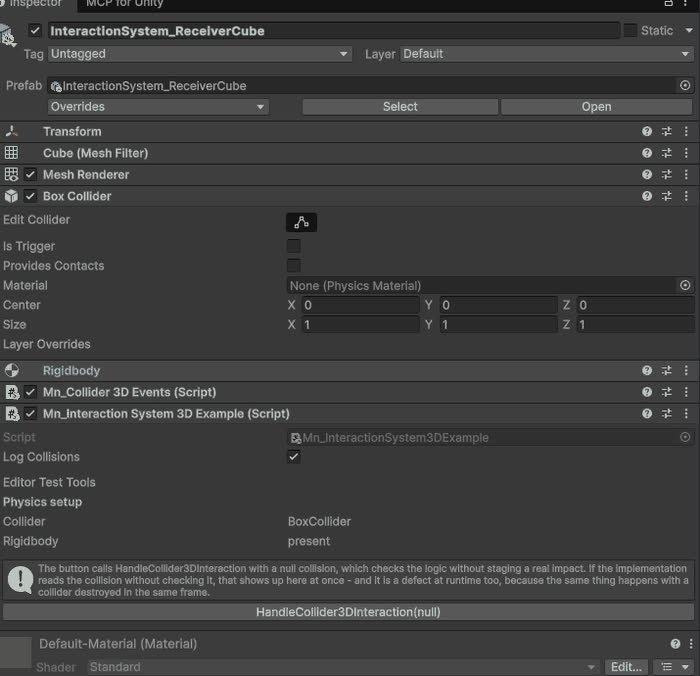
Interaction System
Base for objects that react to a 3D collision, with the physics setup checked in the inspector.
Completed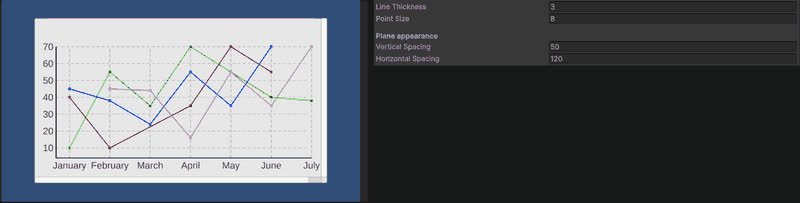
Line Chart (3D)
Line chart rendered in the world rather than on a canvas.
Completed
Audio System
Comprehensive audio management for playback control and volume adjustment.
Completed