 UGTKengine within an engine
UGTK / Systems / Gameplay Systems / Pause System Completed

Pause System
Summary
The Pause System is the single point that pauses and resumes the game. It freezes time, notifies every
object that declared itself pausable, raises two UnityEvents and can react to configurable keys.
The part that makes it convenient: nothing has to register. Implement IPausable on a component and
the manager finds it on its own when the pause happens — no subscribe, no unsubscribe, no leak when the
object is destroyed.
Content
Modules Dependencies
- Singleton: the manager is a singleton, reachable from anywhere as
Mn_PauseManager.Instance. - Interface Founder: finds every
IPausablein the scene, inactive objects included. - Input Compatibility: the pause and resume keys are read through
UGTKInput, so both input backends work.
Setup
Drop the PauseManager prefab into the scene — one per game, it is a singleton:
Then implement IPausable on whatever has to react:
public class Mn_MyEnemy : MonoBehaviour, IPausable
{
    public void OnPause()  { /* stop the coroutines, silence the audio... */ }
    public void OnResume() { /* start again */ }
}
Configure in the inspector the Pause Keys and Resume Keys (two separate lists, so Esc can pause
and both Esc and Enter can resume), and wire onPause / onResume to open and close the menu.
How To Use
Mn_PauseManager.Instance.PauseGame();
Mn_PauseManager.Instance.ResumeGame();
bool paused = Mn_PauseManager.Instance.IsPauseGame();

// runs now if the game is running, otherwise at the next resume
Mn_PauseManager.Instance.WaitActionUntilUnpaused(() => SpawnWave());
Good to know:
- ⚠️ Resume sets
Time.timeScaleback to exactly1. A game that was in slow motion, in a speed-up or in any custom timescale loses it on resume: reapply your factor in theonResumeevent. Time.timeScale = 0does not stop everything.Updatekeeps being called,Time.unscaledDeltaTimekeeps advancing and coroutines onWaitForSecondsRealtimekeep running. That is exactly whyIPausableexists — anything driven by unscaled time must handle its own pause.- The scan happens at pause time: an object spawned while the game is already paused is never told,
and runs as if nothing happened. Check
IsPauseGame()in the spawned object'sStart. - Each pause and resume is a full scene scan for
IPausable, inactive objects included. It is fine for a menu; do not call it every frame. WaitActionUntilUnpausedis the safe way to defer: a scene load or a reward triggered behind the pause menu would otherwise happen with the game frozen.- UI still works while paused, since the EventSystem does not depend on the timescale — but animations
driven by the Animator do not, unless the Animator is set to Unscaled Time. For those, derive from
Mn_PauseAnimator.
Testing Scene
Open Debug/PauseScene.unity and press Play: the configured keys pause and resume the game, and
Mn_PauseObject logs each notification so you can see the manager reaching the objects in the scene.
Technical Info
| Path | Content |
|---|---|
Scripts/Runtime/Mn_PauseManager.cs |
The singleton: PauseGame, ResumeGame, IsPauseGame, WaitActionUntilUnpaused, key polling and the two UnityEvents |
Scripts/Runtime/IPausable.cs |
The interface: OnPause and OnResume |
Scripts/Runtime/Animation/Mn_PauseAnimator.cs |
Base for animations that must keep playing while paused |
Scripts/Editor/Mn_PauseManager_Editor.cs |
Inspector with the live state and the pause/resume buttons |
Prefabs/PauseManager.prefab |
The ready-made manager |
Debug/Mn_PauseObject.cs, Debug/PauseScene.unity |
Sample pausable and test scene |
© 2026 Marcello De Bonis. All rights reserved
More in Gameplay Systems.
all 18 →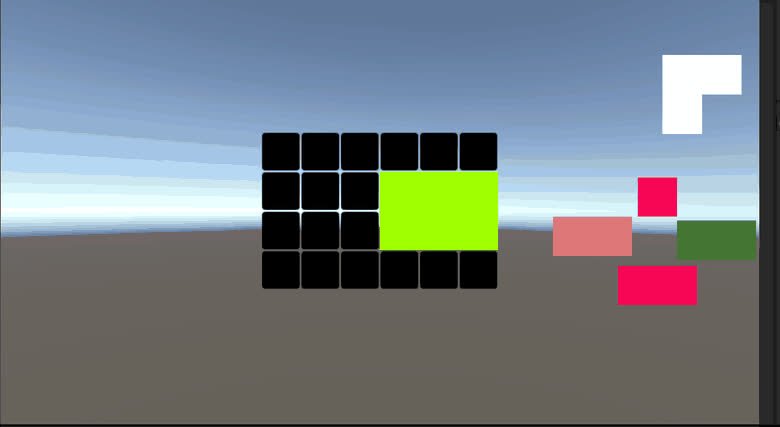
Tangram System
Puzzle system for building Tangram-style boards, checking tile combinations and firing events when shapes are correctly assembled.
Completed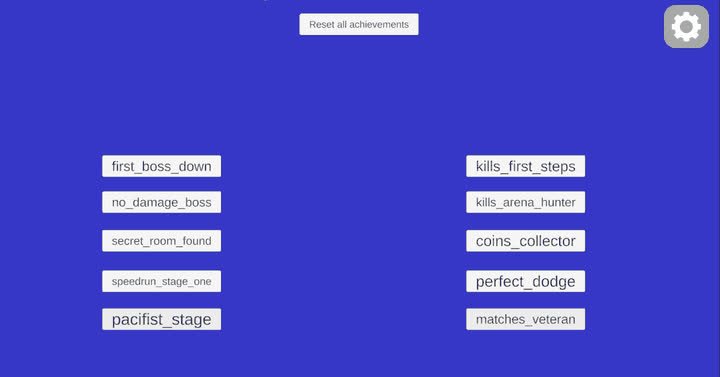
Achievement System
System for defining, tracking and rewarding player achievements and progression goals.
Completed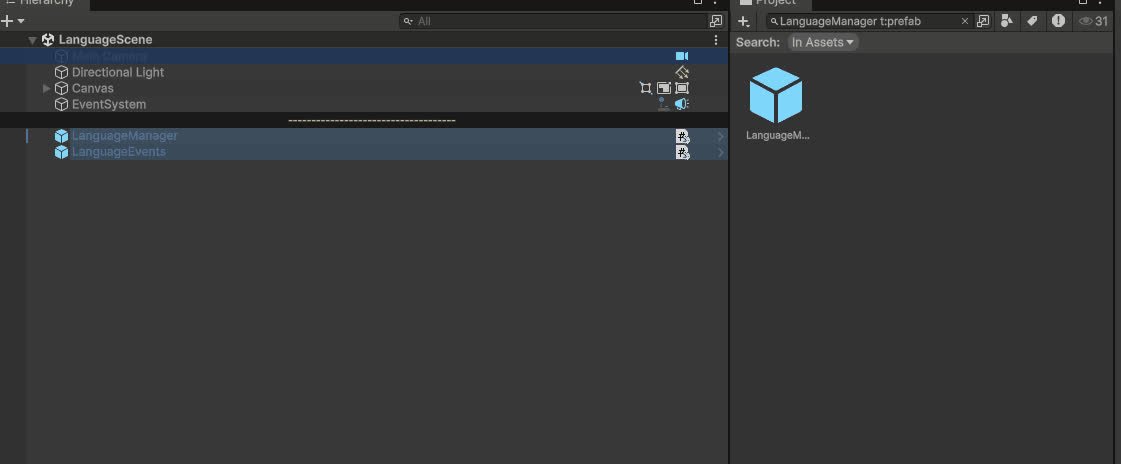
Language System
Global language manager that stores available languages, syncs UI dropdowns and notifies listeners to update localized texts at runtime and in editor.
Completed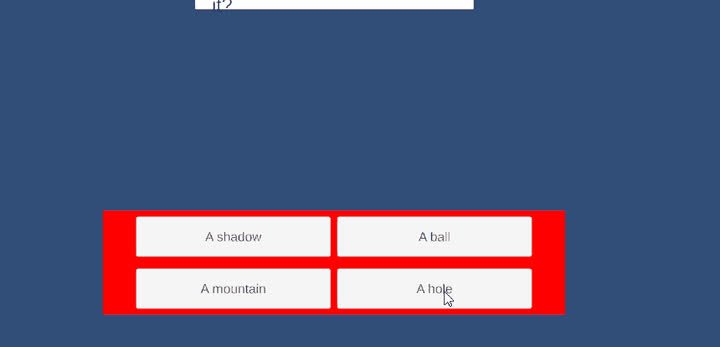
Quiz System
Flexible quiz framework with ScriptableObject quiz databases, controllers and UI managers to run linear or random quizzes and evaluate win/lose conditions.
Completed