 UGTKengine within an engine
UGTK / Systems / Gameplay Systems / Loading System Completed

Loading System
Summary
The Loading System is a singleton loading-screen manager that instantiates a loading prefab under a chosen (or auto-found) Canvas and shows an animated "Loading..." text with a progress slider and percentage. It supports timed loadings, indefinite/visual-only loadings, and multi-step weighted processes.
Content
Modules Dependencies
- Design Pattern / Singleton:
Mn_LoadingManagerderives fromMn_Singleton<Mn_LoadingManager>. - TextMeshPro: the loading and percentage labels use
TMP_Text.
Setup
- Put the
LoadingManagerprefab in every scene that shows a loading screen, or callDontDestroyOnLoadon it yourself.Mn_LoadingManageris aMn_Singleton: there must be exactly one at a time, and it does not survive a scene load on its own. - Use
LoadingPrefabfor the visible part - the screen, the bar, the label - or replace it with your own and keep the same references. - Describe the work as
LoadingProcessentries rather than loading in one call. Each one reports its own progress, and the bar is their sum.
The reason for the third step is worth stating plainly: SceneManager.LoadSceneAsync reports
progress for the scene only, so a bar driven straight from it reaches 90% and freezes there while
everything else - databases, textures, a server round trip - happens with no feedback at all.
Splitting the work into processes is what makes the last tenth of the bar mean something.
How To Use
- Add
Mn_LoadingManagerto a bootstrap GameObject and assignloadingObjectPrefab(must contain aTMP_Text, aSliderand a childTMP_Textnamed "Advanced"). - Leave
autoFindCanvason to auto-pick a Canvas named "Main" (or the first active one), or disable it and assigncanvasRefmanually. - Access it via
Mn_LoadingManager.Instance: StartLoading()/StartLoading(startAction, endAction)runs a timed loading ofdefaultDuration; a negative duration means infinite (text only, no slider).EndLoading()hides the loading UI.SetProcesses(List<LoadingProcess>, onComplete)thenUpdateProcessProgress(current, max)drives a weighted multi-step progress bar (eachLoadingProcesshasstart,end,name).- Enable
autoStartto begin loading automatically onStart.
Testing Scene
Open LoadingScene in the module's Debug/ folder.
What to do, in order:
- Call SetProcesses() with two or three steps, then StartLoading().
- Drive each one with UpdateProcessProgress() and watch the bar.
- Call EndLoading() before the last process has finished.
Step 3 is the case that matters in a real game: loading almost never ends exactly when the bar reaches the end, and a bar that jumps from 60% to gone looks like a crash rather than a finish.
LoadingScene with Test Loading Processes pressed from the manager's inspector. The
loading prefab is inactive until a process starts, which is why the scene looks empty at rest;
the bar then advances through the queued processes rather than through one scene load.
Technical Info
- Mn_LoadingManager: singleton that spawns and controls the loading UI (animated dots text, slider fill coroutine, percentage, process sequencing).
- LoadingProcess: serializable data holding a process
start,end(0-100) andnameused for the weighted progress mode. - Mn_LoadingManager_Editor: custom inspector.
© 2026 Marcello De Bonis. All rights reserved
More in Gameplay Systems.
all 18 →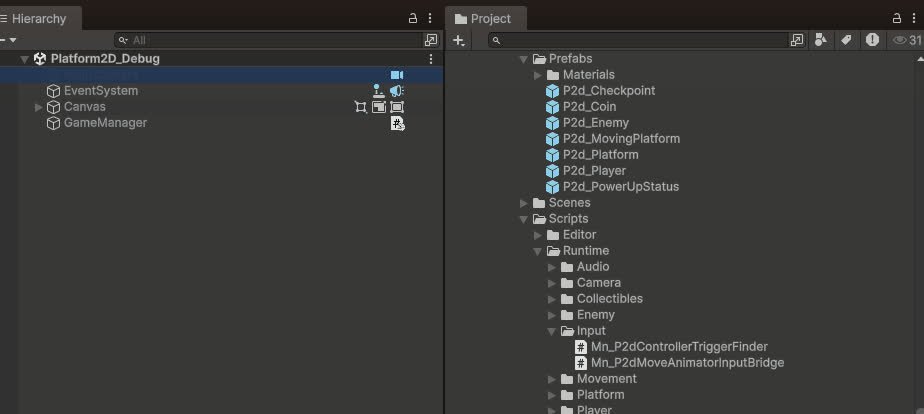
Platform 2D Framework
Ready-to-use 2D platformer framework: player with stats and events, moving platforms, coins, checkpoints, enemies with vision cones, and status power-ups.
Completed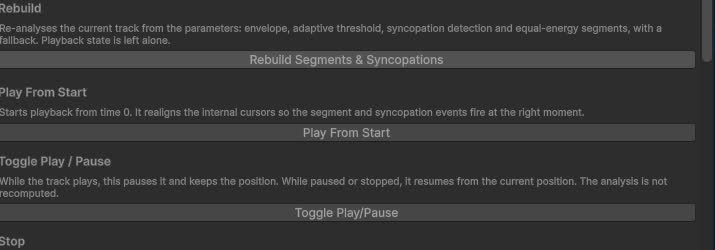
Dynamic Track Audio System
Multi-track music system that blends and switches layers based on gameplay states.
Completed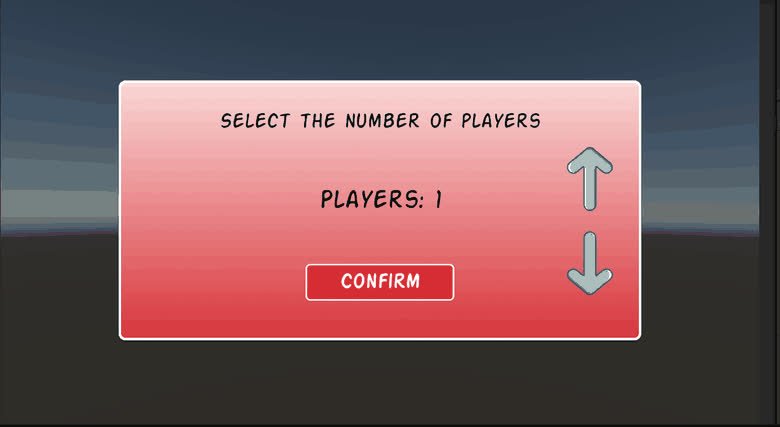
QR Multiplayer System
Local multiplayer helper that generates and reads QR codes to connect player devices.
Completed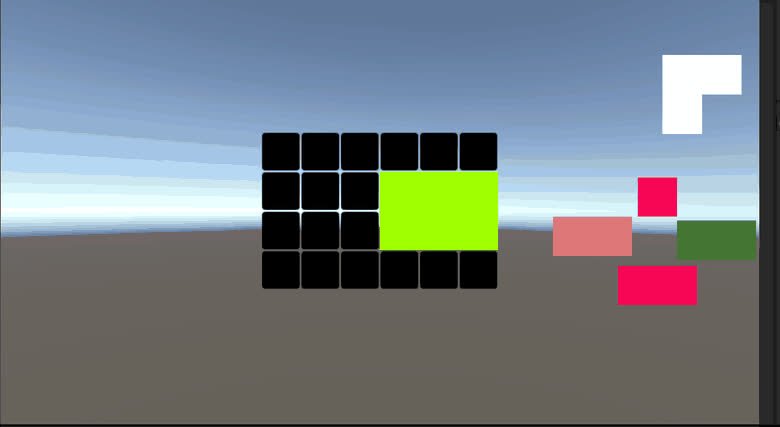
Tangram System
Puzzle system for building Tangram-style boards, checking tile combinations and firing events when shapes are correctly assembled.
Completed