 UGTKengine within an engine
UGTK / Systems / Gameplay Systems / Interaction System Completed

Interaction System
Summary
Small abstract base for objects that react to 3D collision UnityEvents raised by the UGTK CollisionSystem (Mn_Collider3DEvents), wired in the Inspector rather than in code.
Content
Modules Dependencies
- UGTK.UtilitySystem.CollisionSystem — reacts to collision UnityEvents from
Mn_Collider3DEvents(referenced in the asmdef; used via fully-qualified type name).
Setup
Put a Mn_Collider3DEvents (CollisionSystem) on the object that produces collisions, add a subclass of Mn_InteractionSystem3D on the reacting object, then connect the collision event to HandleCollider3DInteraction in the Inspector using dynamic argument mode.
How To Use
The module is one abstract method wide, so the interesting part is not the class — it is the wiring, and the two ways it silently does nothing.
Mn_InteractionSystem3Ddeclares a single entry point,HandleCollider3DInteraction(Collision), and nothing else. NoOnCollisionEnter, noOnTriggerEnter, no subscription in code.Mn_InteractionSystem3DExampleis the sample: it logs the name of whatever it collided with, and can be silenced withlogCollisions.
Deriving from it is the easy half:
public sealed class Mn_DoorInteraction : Mn_InteractionSystem3D
{
    [SerializeField] private Animator door;

    public override void HandleCollider3DInteraction(Collision collision)
    {
        if (collision.gameObject.CompareTag("Player")) door.SetTrigger("Open");
    }
}
The other half is the Inspector. On the object that produces the collisions, put a
Mn_Collider3DEvents from the Collision System,
then drag your reacting object into its onCollisionEnter list and pick
HandleCollider3DInteraction under the dynamic Collision heading, not the static one. Pick the
static entry by mistake and the method still runs — with collision set to whatever you left in the
field, usually null. That is why the sample guards against a null collision instead of trusting it.
The split exists so the filtering lives in one place. Mn_Collider3DEvents decides which collisions
are worth raising — by tag, by layer, by whatever you configure there — and every reacting object
downstream only ever sees the ones that passed. Without it each object re-implements the same tag
check in its own OnCollisionEnter.
Testing Scene
Open InteractionSystemScene in the module's Debug/ folder. It holds two cubes: the actor and
the receiver, which carries Mn_Collider3DEvents wired to Mn_InteractionSystem3DExample.
Select the receiver and everything happens in the Inspector, with no play mode.
What to do, in order:
- Look at Editor Test Tools → Physics setup. It reads back the two things a 3D collision needs: the collider on this object, and a Rigidbody in the pair.
- Press HandleCollider3DInteraction(null). The handler runs with a null collision and the console
prints
[Mn_InteractionSystem3DExample] InteractionSystem_ReceiverCube collision with 'null'.- the sample survives it. An implementation that reads the collision without checking throws here, and it would throw at runtime too, against a collider destroyed in the same frame. - Tick Is Trigger on the Box Collider. A warning appears at once: a trigger raises
OnTriggerEnter, so a collision handler is never called. - Untick it. The warning goes away.
- Remove the Rigidbody from both cubes. A second warning appears: two colliders with no Rigidbody between them never notice each other.
Steps 3 and 5 are the two silent failures. Neither produces an error at runtime - the objects simply pass through each other and nothing happens - which is why the inspector checks both for you.
Technical Info
- Mn_InteractionSystem3D: abstract
MonoBehaviourdefiningHandleCollider3DInteraction(Collision)as the single entry point for filtered 3D collision events. - Mn_InteractionSystem3DExample: sealed sample implementation that logs each collision, demonstrating the Inspector wiring pattern.
© 2026 Marcello De Bonis. All rights reserved
More in Gameplay Systems.
all 18 →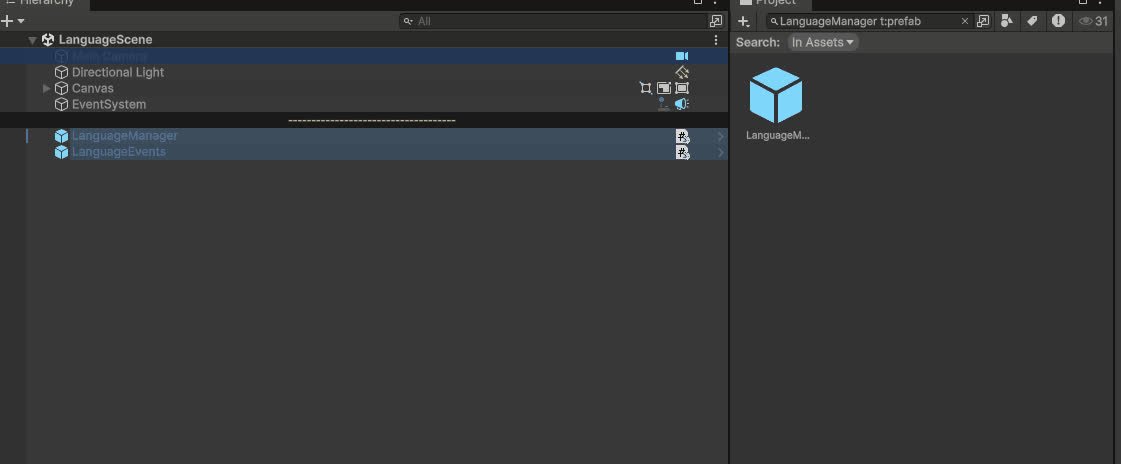
Language System
Global language manager that stores available languages, syncs UI dropdowns and notifies listeners to update localized texts at runtime and in editor.
Completed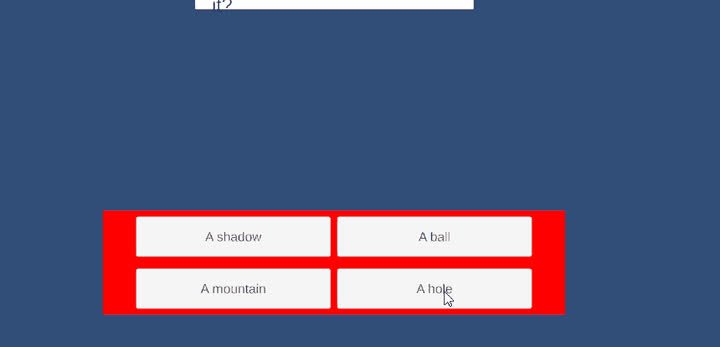
Quiz System
Flexible quiz framework with ScriptableObject quiz databases, controllers and UI managers to run linear or random quizzes and evaluate win/lose conditions.
Completed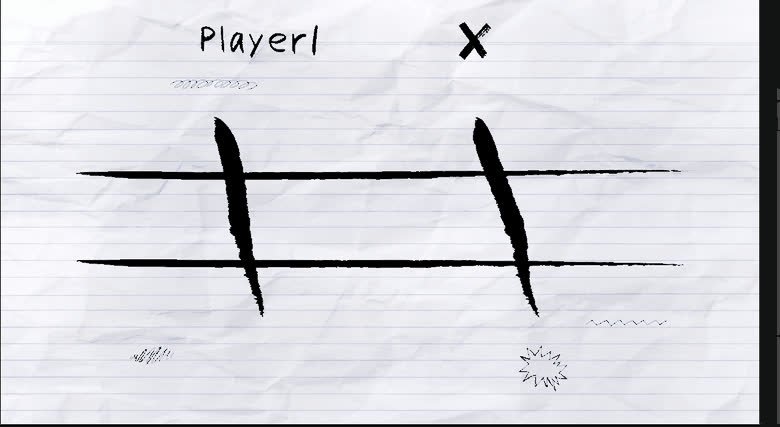
Tris System
Tic-tac-toe in four variants — classic, matriosca, sliding and inception — with an AI opponent whose difficulty is selectable.
Completed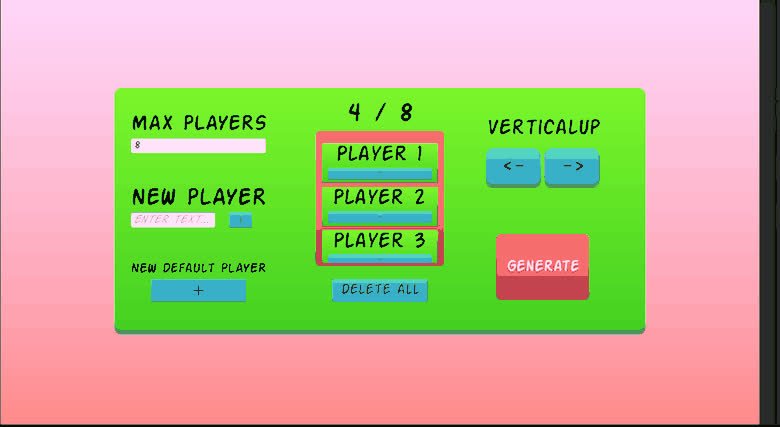
Tournament System
Tournament framework for managing brackets, users and match progression.
Completed