 UGTKengine within an engine
UGTK / Systems / Ui Module / Element Cycler System Completed

Element Cycler System
Summary
The Element Cycler System cycles through a keyed collection of elements (2D sprites or 3D prefabs) with next/previous navigation, selection by index or identifier, and a string event fired on every change.
Content
Modules Dependencies
This module depends on the UGTK DictionarySystem (UGTK.Data.DictionarySystem), used by the SO_ElementsCyclers2D/3D ScriptableObjects to store the keyed element dictionaries.
Setup
Drop the ElementCycler prefab under a Canvas (or CyclerPanel for the version with the
next/previous buttons already wired):
How To Use
- Create an
SO_ElementsCyclers2D(string → Sprite) orSO_ElementsCyclers3D(string → prefab) asset and fill its dictionary. - Add
Mn_ElementCycler2D(assign theelementsasset and a targetImage) orMn_ElementCycler3Dfor prefabs. - Drive it from UI buttons/code with
NextElement(),PreviousElement(),SetElementByIndex(int)orSetElementByIdentifier(string). - Read the current key with
GetCurrentElementIdentifier()and subscribe toonChangeElement(UnityEvent<string>) to react to the active element's key.
Good to know:
- The key, not the index, is what travels.
onChangeElementcarries the identifier string, so a save file or a network message stays valid even if you reorder the dictionary. Do not persist the index. SetElementByIdentifierneeds an exact match: the keys come from the ScriptableObject dictionary, so a typo silently selects nothing.- Navigation wraps around:
NextElement()on the last entry goes back to the first,PreviousElement()on the first goes to the last. It is a carousel, so a "you reached the end" state does not exist — if you need one, compareGetCurrentElementIdentifier()with the last key before calling.SetElementByIndex, on the other hand, does not wrap: an out-of-range index logs a warning and is ignored. - The 3D cycler instantiates prefabs: every change destroys the previous instance and creates a new one — do not hold references to it across a change.
Testing Scene
Open Debug/ElementCyclerScene.unity and press Play: the next/previous buttons run through the
dictionary and the key of the active element is reported.
Technical Info
- Mn_ElementCyclerBase: abstract base handling index state, clamping, navigation and the
onChangeElementnotification; subclasses supply count/key/apply logic. - Mn_ElementCycler2D: applies the sprite for the current key to a UI
Imagefrom anSO_ElementsCyclers2D. - Mn_ElementCycler3D: 3D counterpart driven by an
SO_ElementsCyclers3D. - SO_ElementsCyclers2D / SO_ElementsCyclers3D: ScriptableObjects wrapping the keyed dictionaries of elements.
© 2026 Marcello De Bonis. All rights reserved
More in Ui Module.
all 34 →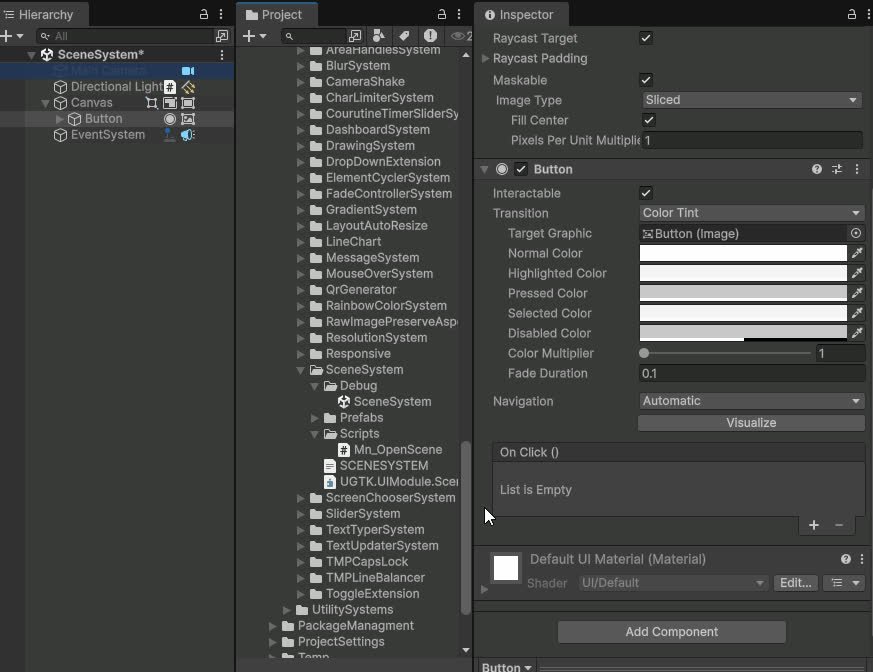
Scene System
Loads a scene from a UnityEvent, with an edit-time check that it is in the Build Settings.
Completed
Dashboard System
Modular dashboard UI for displaying tables, KPIs and widgets bound to data sources.
Completed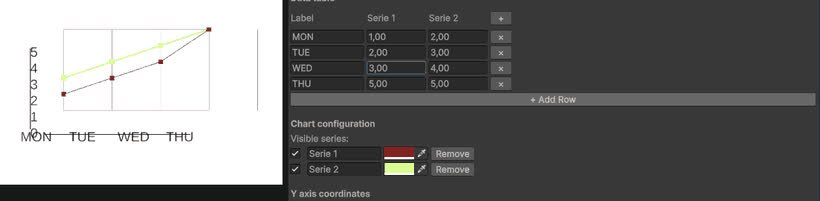
Line Chart System
Configurable line chart component for plotting values over time or categories.
Completed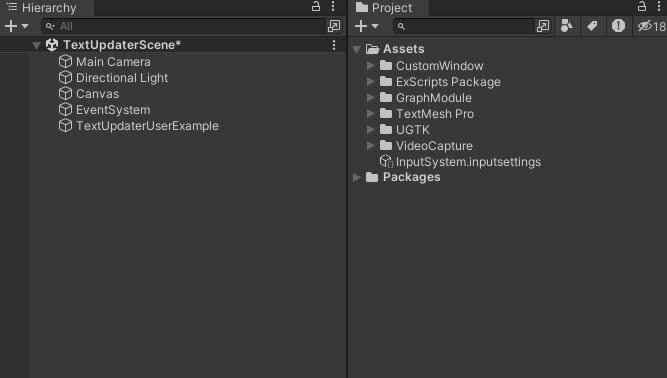
Text Updater System
TextUpdaterSystem dynamically updates Unity UI text with TextMeshPro, reflecting real-time variable values from MonoBehaviour components.
Completed