 UGTKengine within an engine
UGTK / Systems / Ui Module / Dropdown Extension Completed

DropDown Extension
Summary
The DropDown Extension wraps a TMP_Dropdown so it speaks strings instead of indices: it
re-emits the selected option's text on change, selects an option by its label, and repopulates the
whole list from a List<string>. It removes the index bookkeeping that makes dropdowns annoying as
soon as the options come from data instead of being fixed in the inspector.
Content
Modules Dependencies
None on the UGTK side. It requires Unity's TextMeshPro package (TMP_Dropdown).
Setup
Drop the Dropdown prefab under a Canvas — a TMP dropdown with
Mn_UGTKDropDown_Extension already attached:
Or add the component to a GameObject that already has a TMP_Dropdown — it finds the dropdown on
itself in Awake.
How To Use
// selection -> string, wired from the inspector or from code
dropdownExt.onValueChanged.AddListener(label => Debug.Log($"Chosen: {label}"));

dropdownExt.SetChoice("Italiano");                       // select by label (fires onValueChanged)
dropdownExt.FillOptions(new List<string>{ "EN","IT" });  // rebuild the whole list
onValueChanged(string)carries the text of the selected option, so a listener never has to map an index back to a meaning.SetChoice(label)selects the option whose text matches exactly. The comparison is exact and case-sensitive, and when nothing matches nothing happens — no exception, no event, no log. Check your labels if a selection seems to be ignored.FillOptions(labels)clears and refills the dropdown, then selects the first entry without firingonValueChanged(it usesSetValueWithoutNotify). If your UI has to react to that initial selection, callSetChoice(labels[0])afterwards, or raise the event yourself.
Good to know:
- The listener is registered in
Awakeand never removed. That is fine for the usual case (the component and the dropdown live on the same object), but do not destroy just the dropdown and keep this component. - Duplicate labels are ambiguous:
SetChoiceselects the first match. Keep labels unique, or drive the dropdown by index for those cases. - The class has no namespace — it sits in the global one — so no
usingis needed, but the name must stay unique in the project.
Testing Scene
Open Debug/DropdownScene.unity and press Play: pick an option and the component re-emits its label.
Technical Info
| Path | Content |
|---|---|
Scripts/Mn_UGTKDropDown_Extension.cs |
The component: caches the TMP_Dropdown, listens to its onValueChanged, re-emits the option text, SetChoice and FillOptions |
Scripts/Editor/Mn_UGTKDropDown_ExtensionEditor.cs |
Custom inspector |
Prefabs/Dropdown.prefab |
TMP dropdown with the component attached |
Debug/DropdownScene.unity |
Test scene |
API: onValueChanged (UnityEvent<string>), SetChoice(string), FillOptions(IList<string>).
© 2026 Marcello De Bonis. All rights reserved
More in Ui Module.
all 34 →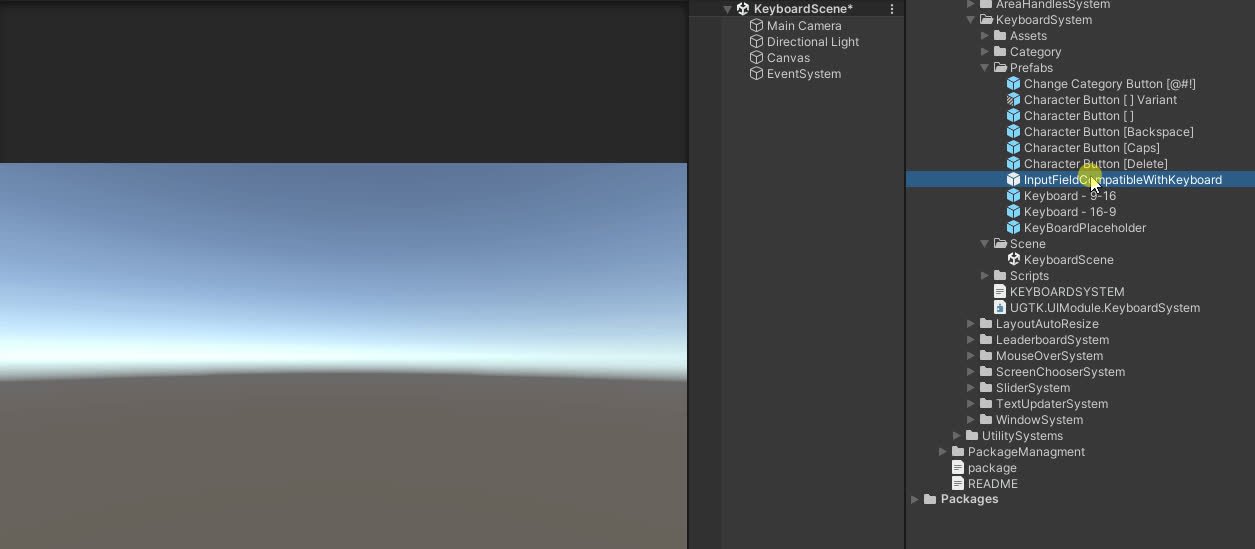
Keyboard System
Keyboard on screen that allow the mouse/touch only to type on a inputfield
Completed
Area Handles System
UI element that can be move and resized in Game
Completed
Message System
Lightweight popup/message UI system with queues and callbacks.
Completed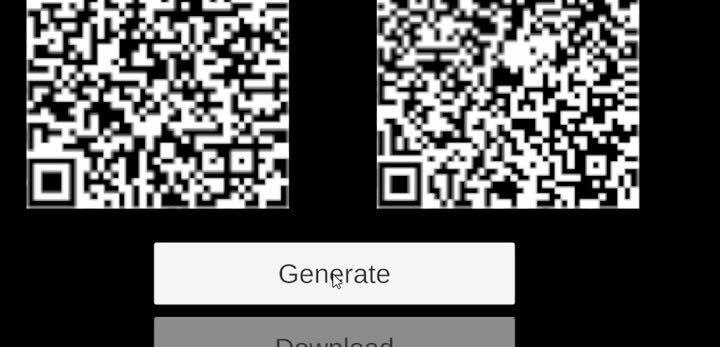
QR Generator
Generates QR codes into UI images for links, invites or session IDs.
Completed