 UGTKengine within an engine
UGTK / Systems / Utility Systems / Timing System Completed

Timing System
Summary
A configurable timer that counts up, down or up-without-limit, exposes hours/minutes/seconds/tenths components (int and zero-padded strings), and fires UnityEvents on start, update, end, at specific thresholds and at repeating intervals. Ready-made UI prefabs bind the running clock to TextMeshPro labels through the TextUpdater System, with no code required.
Content
Modules Dependencies
The Timing System module requires the following dependencies:
- Dictionary System: the threshold and interval events use
S_Dictionary<float, UnityEvent>. - TextUpdater System: used by the UI prefabs to bind the timer fields to TextMeshPro labels by field name.
Ensure that these dependencies are correctly imported and configured in your project.
Setup
To set up the Timing System, follow these steps:
Add the Mn_Timer component to a GameObject (or drop the plain TimeObject prefab):
Or add one of the ready-made UI prefabs under a Canvas: TimeObjectUi_AllSeconds shows the total seconds, TimeObjectUi_Minutes_Seconds shows an MM:SS clock (both auto-start, 60s countdown; the TextUpdater children bind by variableName to allSeconds, minutesStr2, secondsStr2...):
Configure the timer: set the Duration (seconds), pick the Direction (Ascending 0→duration, Descending duration→0, AscendingUnlimited never ends) and enable Trigger On Awake to auto-start. The Time Components fields are read-only mirrors of the running clock:
How To Use
-
Wire the base events:
OnTimerStart,OnTimerUpdate(float)(every frame with the current time) andOnTimerEnd(at the duration bound; never fired inAscendingUnlimited). -
Add
Threshold Events(each fires once when its time value is crossed) andInterval Events(each fires at every multiple of its step, in both counting directions):
- Control it from the inspector or from code — the custom inspector has the
Runtime ControlsPlay / Pause / Stop / Restart buttons (Play Mode only, multi-selection supported):
- Control:
StartTimer(),PauseTimer(),ResumeTimer(),ResetTimer(),RestartTimer(). - Adjust:
SetTime(float)(re-fires the thresholds already crossed),AdvanceTime(float)(accepts negatives for rewind),AddTime(float)/RemoveTime(float)(add/remove time in favour of the counting direction; suppressed events withRaise Events On Add Remove Timeoff),SetDuration(float)(clamps and resets). - Read:
CurrentTime,Hours/Minutes/Seconds/Tenths, the zero-paddedHoursStr2/MinutesStr2/SecondsStr2/TenthsStr,GetFormattedTime()("HH:MM:SS") andGetFormattedTimeWithTenths()("HH:MM:SS:TT").
    mn_Timer.StartTimer();
    timeLabel.text = mn_Timer.GetFormattedTime();
Testing Scene
Open Debug/TimerScene.unity and press Play: the three timers auto-start — the two UI widgets count down from 60 (total seconds on top, MM:SS below) and the plain TimeObject runs logic-only. Select one and use the Runtime Controls to pause/reset/restart it:
Technical Info
The following are the main scripts of the Timing System:
Scripts:
- Mn_Timer: MonoBehaviour driving the timer in
Update, computing the time components (with an epsilon to avoid 59.999→60 display glitches) and dispatching the start/update/end, threshold (edge-crossing, once-only) and interval (every multiple crossed in the frame, both directions) UnityEvents. - E_TimerDirection: enum defining the counting mode (
Ascending/Descending/AscendingUnlimited). - Mn_TimerEditor: custom inspector for
Mn_Timerwith the Runtime Controls section (Play / Pause / Stop / Restart, Play Mode only, Undo-aware).
Prefabs:
- TimeObject: plain GameObject with
Mn_Timer(60s, Descending), no UI. - TimeObjectUi_AllSeconds: UI widget showing the total seconds via a nested TextUpdater bound to
allSeconds. - TimeObjectUi_Minutes_Seconds: UI widget showing
MM:SSvia two TextUpdaters bound tominutesStr2/secondsStr2with a static ":" separator.
© 2026 Marcello De Bonis. All rights reserved
More in Utility Systems.
all 34 →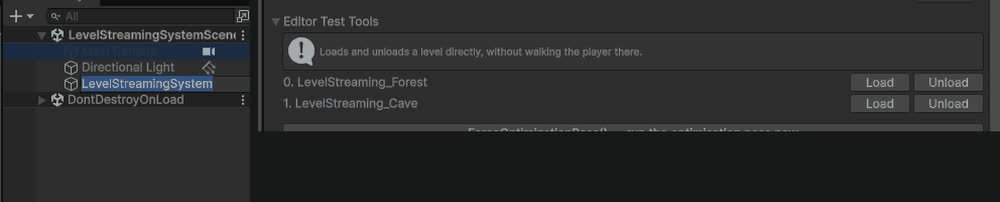
Level Streaming System
Additive async scene load/unload with events on every stage, plus a distance/visibility optimization pass on a list of target objects.
Completed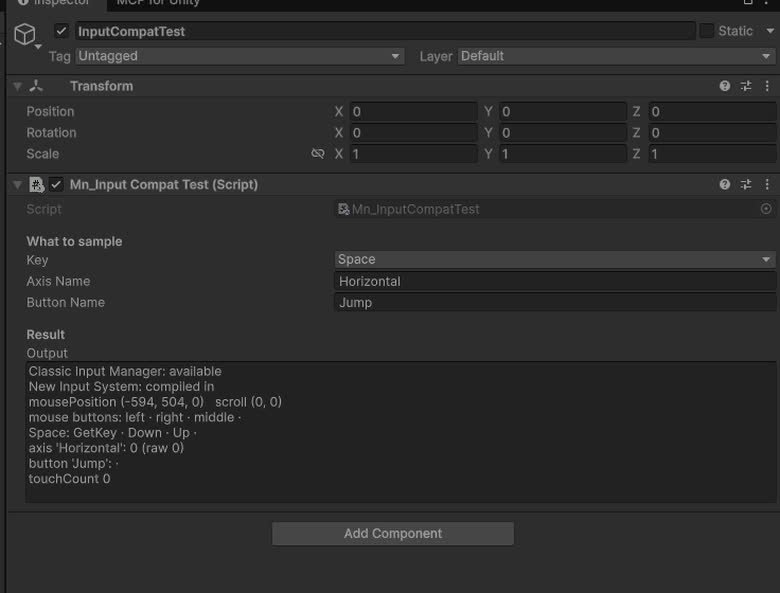
Input Compatibility
`UGTKInput`: drop-in replacement for `UnityEngine.Input` that works with the legacy Input Manager and the new Input System alike.
Completed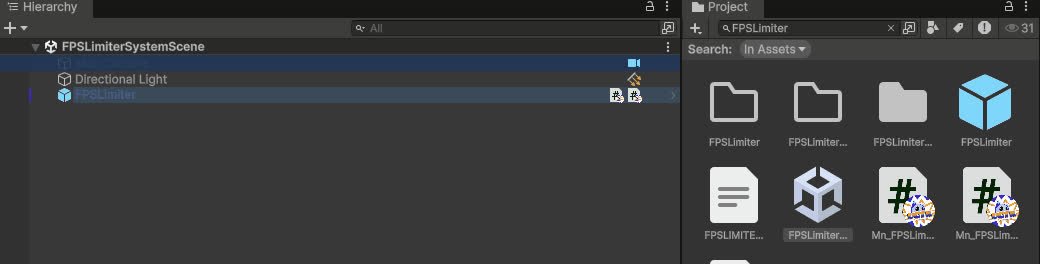
FPS Limiter System
Caps the frame rate from a component: target FPS, VSync and physics tick rate handled together.
Completed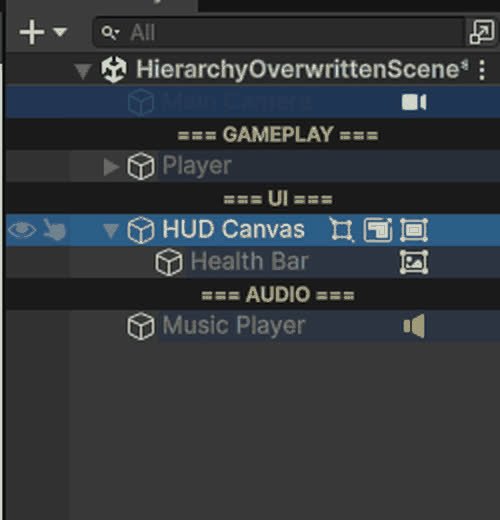
Hierarchy Overwritten
Editor-only Hierarchy overlays: row colours, name rules, Tag/Layer and component badges, separators, visibility and lock toggles.
Completed